

-
Hey Guest. Check out your NeoGAF Wrapped 2025 results here!
You are using an out of date browser. It may not display this or other websites correctly.
You should upgrade or use an alternative browser.
You should upgrade or use an alternative browser.
Show us Your Mobile Homescreen!
- Thread starter Deadly Cyclone
- Start date
- Status
- Not open for further replies.


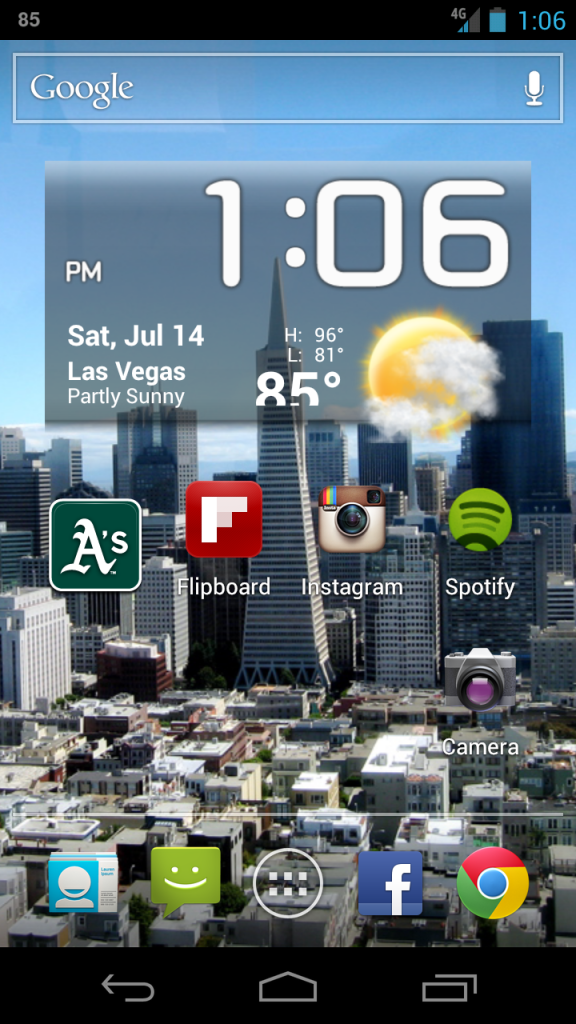


What weather widget is that?
I really like it. Can you tell me what weather a=widget you are using?
Weather Eye.


The Real Abed
Perma-Junior
I hate posting huge images but since I don't know the thumb tag and everyone else is doing it...
I put them in a Quote tag to shrink them. But you get the idea. Nothing special. I love that Hobbit image so much.


Vanillalite
Ask me about the GAF Notebook

BuggyDClown
Member


I debated whether to keep the stars in or not. Haven't decided yet.

Source?
I have used this forever...
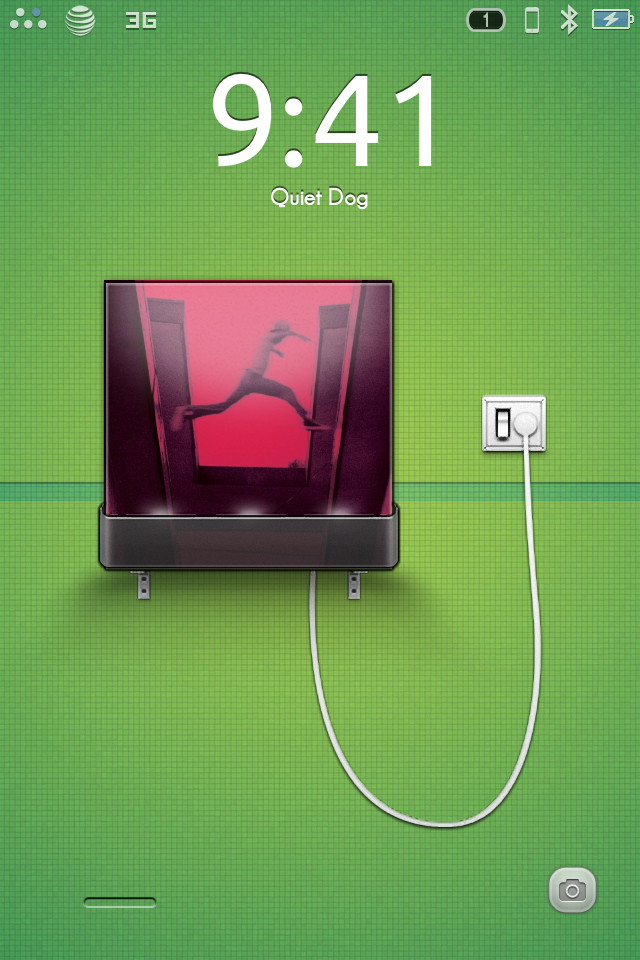
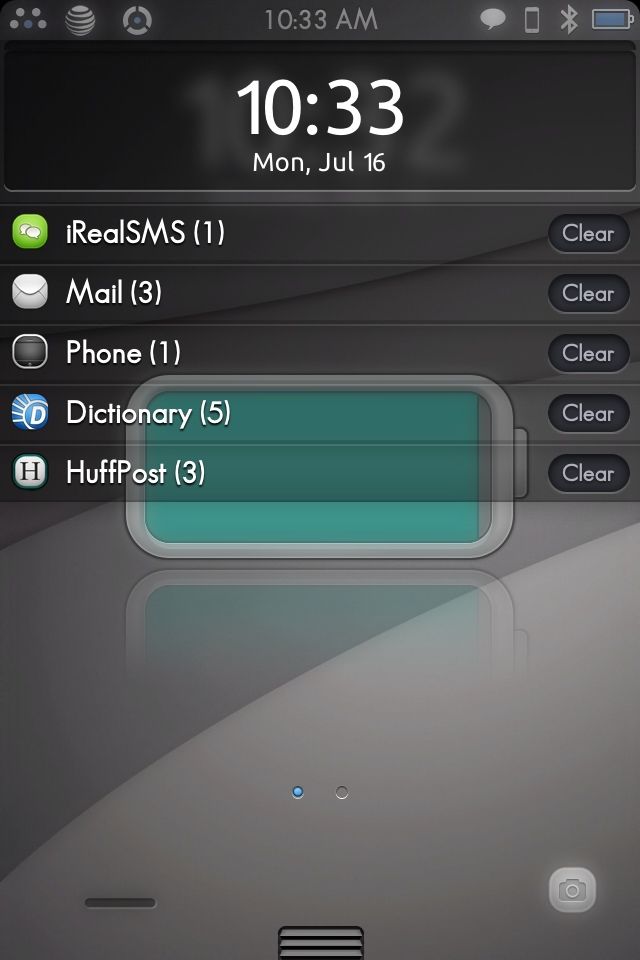
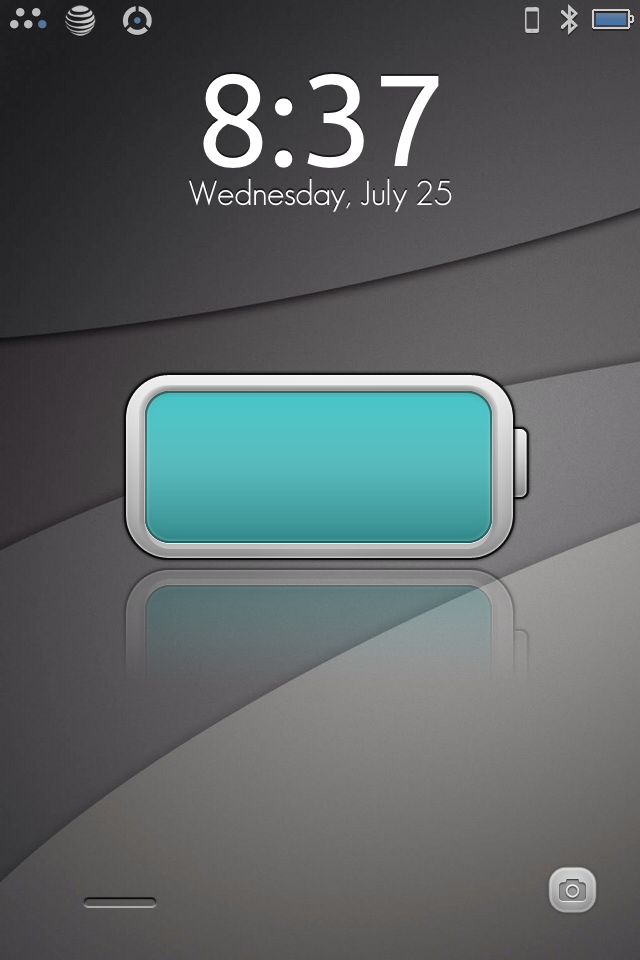
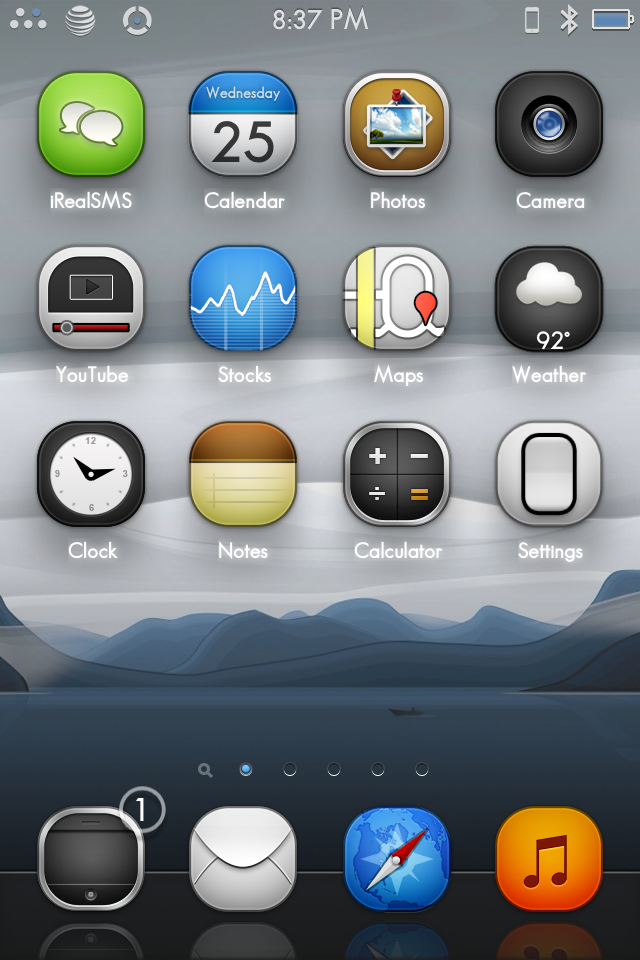
Face it Tiger..
Banned

Yup.

Johnny Cage In The Shower
Member

I made it myslef, too bad I used a low res backdrop photo/template (wooden floor image)
It says "Los Angeles Lakers"

I have the same background for my Mac as well. Consistency!

Vanillalite
Ask me about the GAF Notebook
Is it sad I'm just looking through this thread not at their home screen setup, but whether they have 3G/4G/LTE?!?! LOL
Johnny Cage In The Shower
Member
Is it sad I'm just looking through this thread not at their home screen setup, but whether they have 3G/4G/LTE?!?! LOL
Well if I have to be honest, you seem to be very proud of your superior 4G LTE service and it also seems like you wanted to direct attention to it.
iAmMaximus
Member


Vanillalite
Ask me about the GAF Notebook
Well if I have to be honest, you seem to be very proud of your superior 4G LTE service and it also seems like you wanted to direct attention to it.
No more interested to see what coverage speeds people are getting on their shit in their area.
I updated my image to show my awesome LTEness as well.Is it sad I'm just looking through this thread not at their home screen setup, but whether they have 3G/4G/LTE?!?! LOL
(Only on my iPad though. Got AT&T faux-G on my 4S.... Also compare the signals on my Verizon iPad and my AT&T iPhone. God, I hate AT&T.
Johnny Cage In The Shower
Member
No more interested to see what coverage speeds people are getting on their shit in their area.
Sorry I may have sounded too harsh, since you mentioned 4G, I went ahead and scrolled back and looked for 4G, there were quite a few actually, so I guess it's no big deal..(It's a big deal where I come from, since there really isn't any)
It is still sad though.
Vanillalite
Ask me about the GAF Notebook
I updated my image to show my awesome LTEness as well.
(Only on my iPad though. Got AT&T faux-G on my 4S.... Also compare the signals on my Verizon iPad and my AT&T iPhone. God, I hate AT&T.
This is the kind of thing I was actually looking at. Checking connection speeds and quality. I won't post up this thread anymore though since it's suppose to be about the home screen pics.

Some of my friends recently got phones and we are all on different carriers in different parts of the country and were all discussing our connections in terms of bars and speed around where we all live last week.
Mines boring.

ThatObviousUser
ὠαἴÏÏιÏÏÎ¿Ï Ïαá¿Ï εἶ
iPhone
iPad
Where'd you get your iPad pic from?
Mihael Mello Keehl
Banned
Man what theme is that its beautiful!I have used this forever...
iAmMaximus
Member


The Real Abed
Perma-Junior
If it makes you happy, when I'm not on WiFi, my Virgin Mobile iPhone perpetually has a circle icon and slow as moles asses in winter data speeds.No more interested to see what coverage speeds people are getting on their shit in their area.

dehydratedbabies
Member

Vanillalite
Ask me about the GAF Notebook
I do think it's telling just doing a quick casual scan through the thread that more people that seem to have AT&T based products seem to have lower coverage bars than anyone else in this thread. There are exceptions to every rule of course, but in general it appears more people with AT&T have 1/2 bars than others either on Sprint/Verizon/T-Mobile or just other international carriers.

frankie_wilde
Member

ThatObviousUser
ὠαἴÏÏιÏÏÎ¿Ï Ïαá¿Ï εἶ


pauljeremiah
Gold Member
I just use a random pic of my gf


Lucian Cat
Kissed a mod for a tag; liked it
Not overly exciting but I love looking at it 

Snarfington
Member
Phone (Nexus S):
Using stock Android 4.1.1 launcher on both. I really like my setup and feel it's practical and visually quite nice too. Using Circle Launcher to make apps appear when I tap the little white dot as I've shown.
Tablet (Nexus 7):


Using stock Android 4.1.1 launcher on both. I really like my setup and feel it's practical and visually quite nice too. Using Circle Launcher to make apps appear when I tap the little white dot as I've shown.


Phone (Nexus S):
Tablet (Nexus 7):
Using stock Android 4.1.1 launcher on both. I really like my setup and feel it's practical and visually quite nice too. Using Circle Launcher to make apps appear when I tap the little white dot as I've shown.
Background source? Big fan of black and white.


Vigilant Walrus
Member


Harry Potter
Banned


RoadHazard
Gold Member
I use a pretty basic Android (Jelly Bean) look, no crazy customizations.
The left homescreen contains a Music widget and some other media apps.
The middle homescreen contains commonly used apps and two Minimalistic Text widgets. The widgets are not just for looks, but are actually functional: tapping on the time widget opens the Clock app (to set alarms), and the date widget opens Calendar.
EDIT: Tried swapping the widget colors. Looks better this way, I think.
The right homescreen is mainly for games (don't have very many installed right now), but is also where I keep my Power Toggle widget.
I only use three homescreens, so the ones to the far left and right are empty.
The left homescreen contains a Music widget and some other media apps.

The middle homescreen contains commonly used apps and two Minimalistic Text widgets. The widgets are not just for looks, but are actually functional: tapping on the time widget opens the Clock app (to set alarms), and the date widget opens Calendar.

EDIT: Tried swapping the widget colors. Looks better this way, I think.

The right homescreen is mainly for games (don't have very many installed right now), but is also where I keep my Power Toggle widget.

I only use three homescreens, so the ones to the far left and right are empty.
I use a pretty basic Android (Jelly Bean) look, no crazy customizations.
The left homescreen contains a Music widget and some other media apps.
The middle homescreen contains commonly used apps and two Minimalistic Text widgets. The widgets are not just for looks, but are actually functional: tapping on the time widget opens the Clock app (to set alarms), and the date widget opens Calendar.
The right homescreen is mainly for games (don't have very many installed right now), but is also where I keep my Power Toggle widget.
I only use three homescreens, so the ones to the far left and right are empty.
Can you link that background image man? Id like to use it.
biosnake20
Member
I use a pretty basic Android (Jelly Bean) look, no crazy customizations.
The left homescreen contains a Music widget and some other media apps.
The middle homescreen contains commonly used apps and two Minimalistic Text widgets. The widgets are not just for looks, but are actually functional: tapping on the time widget opens the Clock app (to set alarms), and the date widget opens Calendar.
The right homescreen is mainly for games (don't have very many installed right now), but is also where I keep my Power Toggle widget.
I only use three homescreens, so the ones to the far left and right are empty.
Source for the wallpaper?


Used to have this setup, but I stopped using widgetlocker after having some lag/unresponsive issues.
RoadHazard
Gold Member
Can you link that background image man? Id like to use it.
Source for the wallpaper?
It's "Gothenburg by night" by Daniel Sjöström. I actually have a larger version of it saved on my HDD, but I can't find it online anymore, and since it's not my own photo I don't feel comfortable uploading and linking to it (pretty sure that would be illegal).
- Status
- Not open for further replies.