
-
Hey Guest. Check out your NeoGAF Wrapped 2025 results here!
You are using an out of date browser. It may not display this or other websites correctly.
You should upgrade or use an alternative browser.
You should upgrade or use an alternative browser.
Xbox One Screenshot Sharing is Live!
- Thread starter Noobcraft
- Start date
So, just now that we've got uncompressed PNG's on the XB1, I think its worth recommending
FastStone Image Viewer
This free software gives you some pretty comprehensive tools for converting and resizing images even in very large batches. You can turn your PNG's into very high quality JPG's to save harddrive space and also to play a courteous role when posting on internet boards.
The image quality is essentially identical, so no worry about image degradation:
(stolen from a shot I saw here, sorry)
PNG 3.42MB

JPG 2.51MB
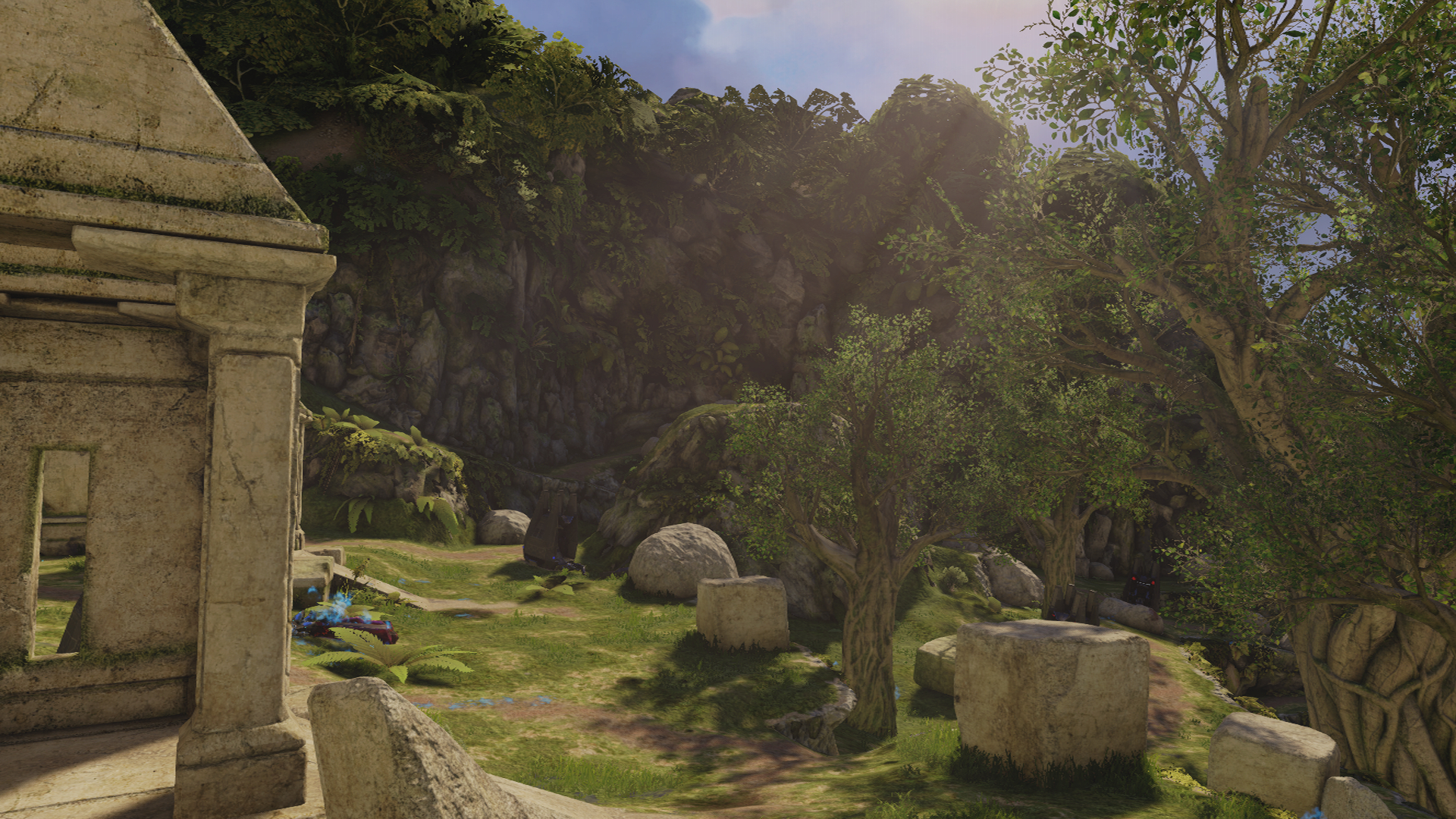
I challenge anyone to spot any difference. Really useful for converting large batches of screenshots to scrub down the filesizes and also for resizing images quickly and easily.
FastStone Image Viewer
This free software gives you some pretty comprehensive tools for converting and resizing images even in very large batches. You can turn your PNG's into very high quality JPG's to save harddrive space and also to play a courteous role when posting on internet boards.
The image quality is essentially identical, so no worry about image degradation:
(stolen from a shot I saw here, sorry)
PNG 3.42MB

JPG 2.51MB

I challenge anyone to spot any difference. Really useful for converting large batches of screenshots to scrub down the filesizes and also for resizing images quickly and easily.
Spider_Jerusalem
Member
Random screenshot

Now they need to add Facebook sharing, too.
Now they need to add Facebook sharing, too.

So, just now that we've got uncompressed PNG's on the XB1, I think its worth recommending
FastStone Image Viewer
This free software gives you some pretty comprehensive tools for converting and resizing images even in very large batches. You can turn your PNG's into very high quality JPG's to save harddrive space and also to play a courteous role when posting on internet boards.
The image quality is essentially identical, so no worry about image degradation:
(stolen from a shot I saw here, sorry)
PNG 3.42MB
JPG 2.51MB
I challenge anyone to spot any difference. Really useful for converting large batches of screenshots to scrub down the filesizes and also for resizing images quickly and easily.
It's pretty impressive, I will try it.
ElzarTheBam
Member
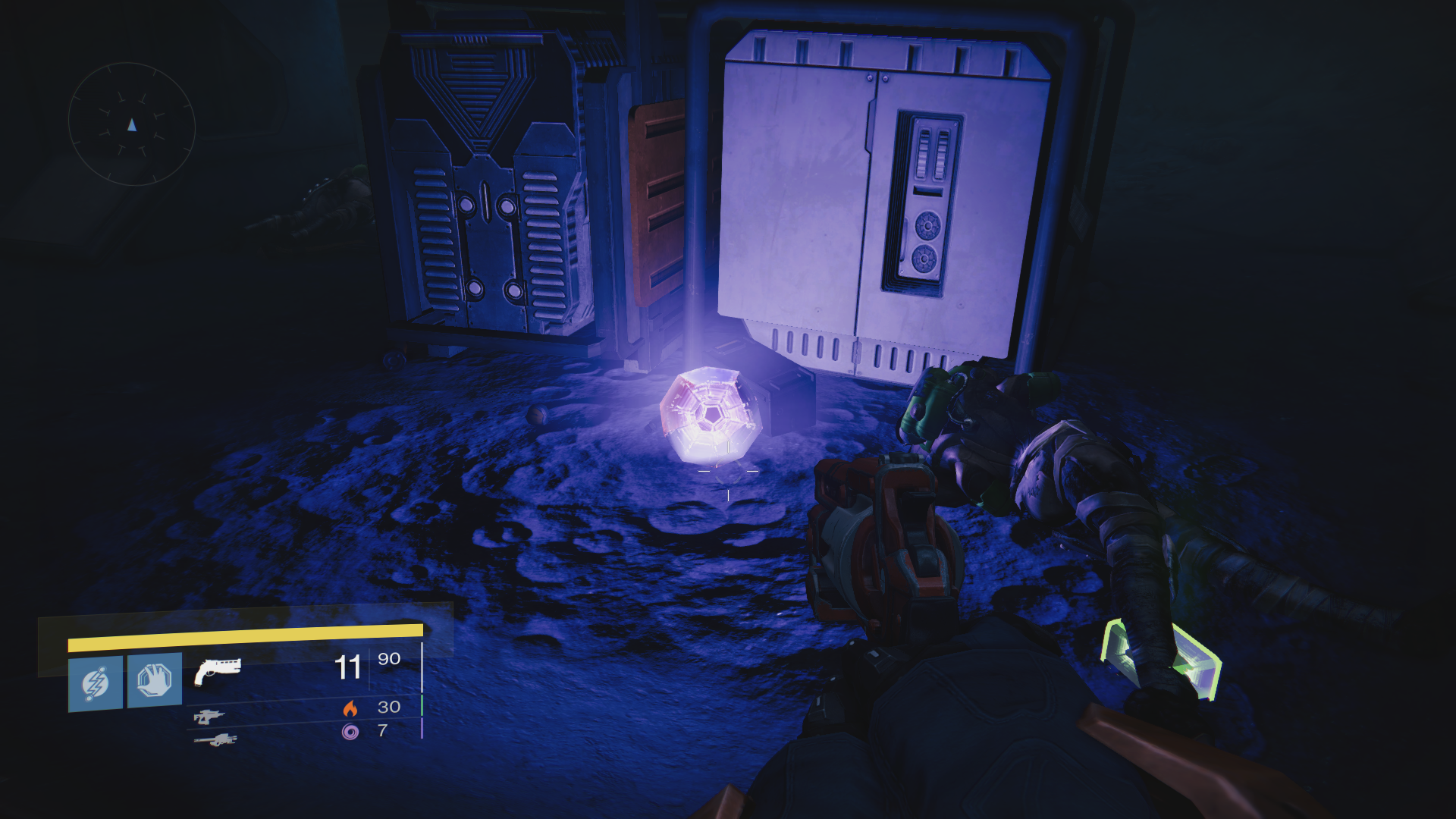
Well, it works. Awesome!
Now to try something a bit... bigger.
EDIT: Seems like it takes a while for the 'Bone to process my screenshots. You can't upload them until the name of the game appears over your Gamertag in Upload.
Excellent to see it work.


Blue Ninja
Member
I've been waiting a long time to do this... That's about 8 shots stitched together.
Now I just need saving to USB or OneDrive.
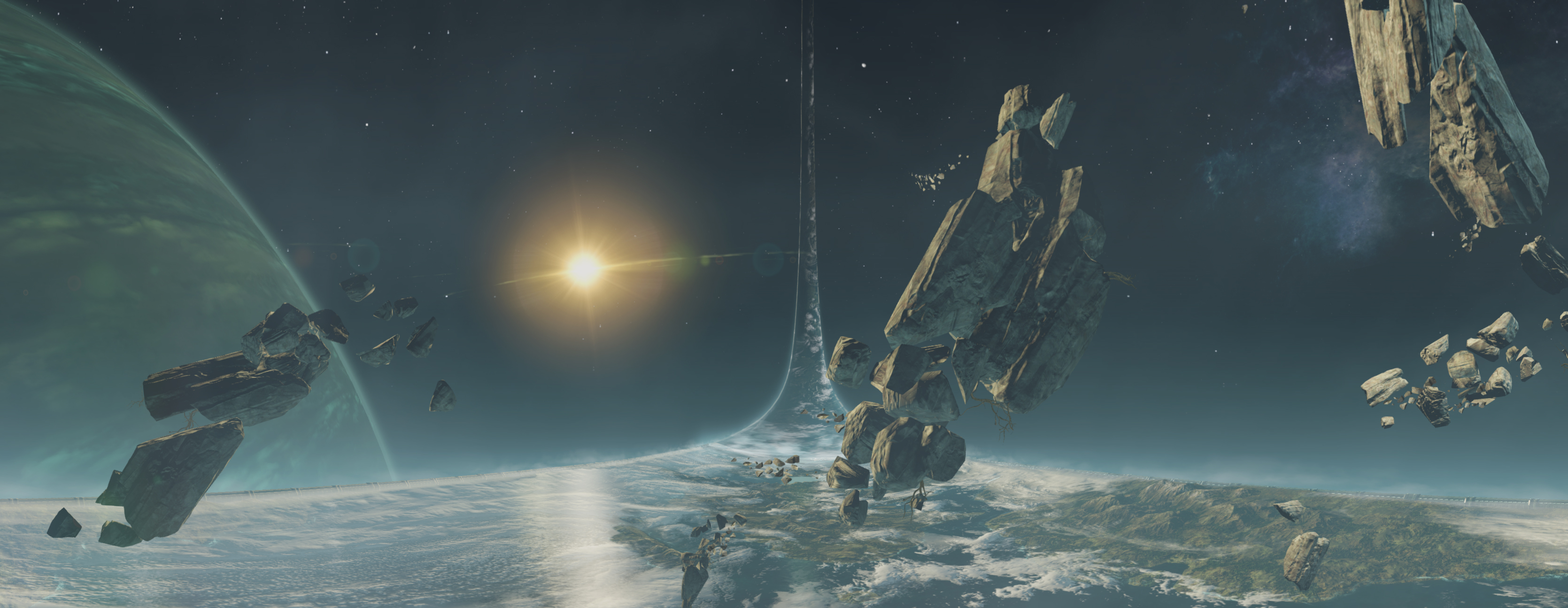
Now I just need saving to USB or OneDrive.

jediyoshi
Member
So this is now a thread where we crap on Sony?
PS4 had screenshots and we crap on MS. MS has better screenshots and we crap on Sony. It's very simple, pointing things out is how things get attention.
1080p and not compressed? That's fucking impressive MS.
I suspect it takes less processing work to take a screenshot that doesn't go through compression.
Blue Ninja
Member
Do they process screens ? We need to see some titanfall screenshot to understand
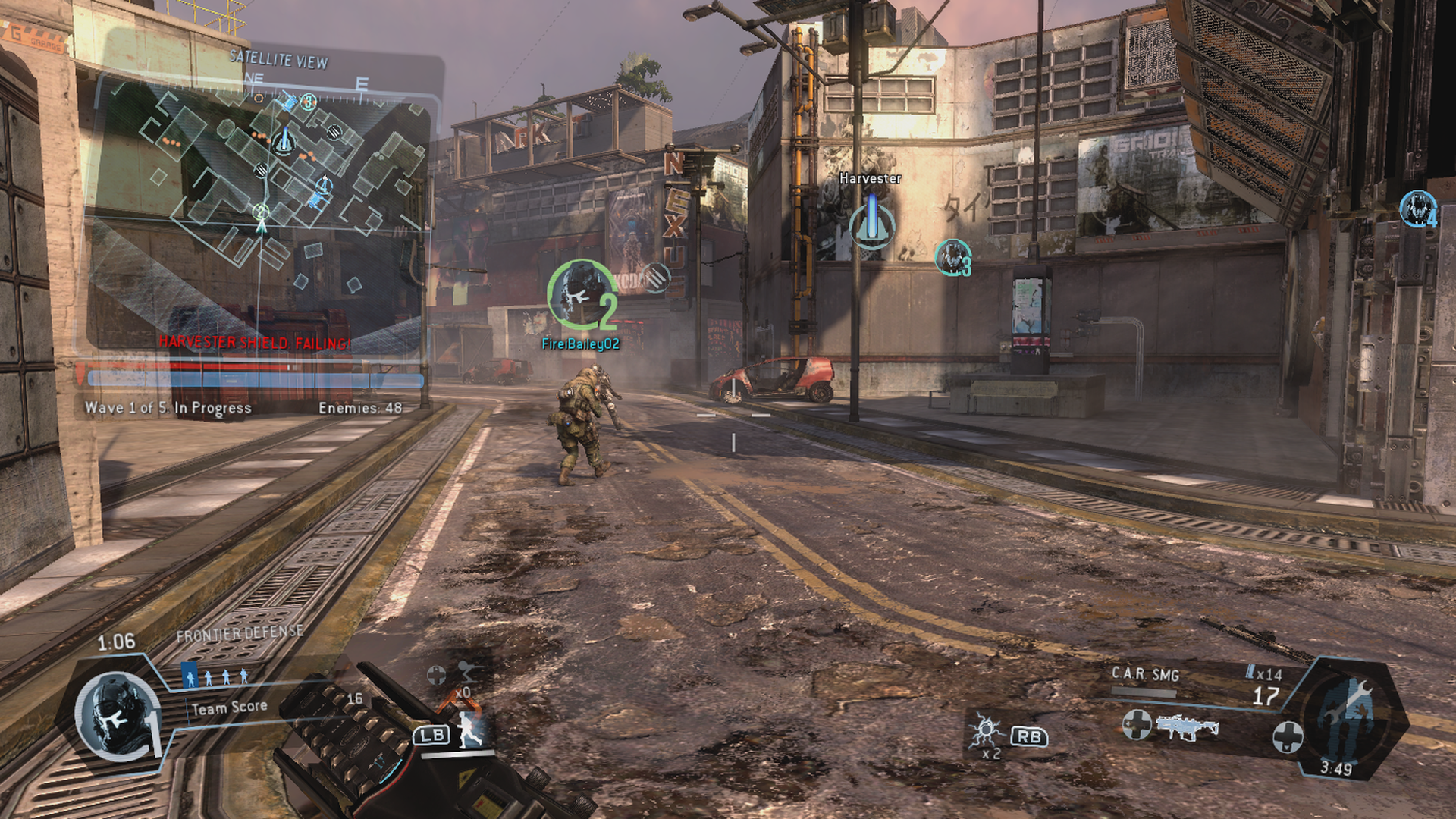
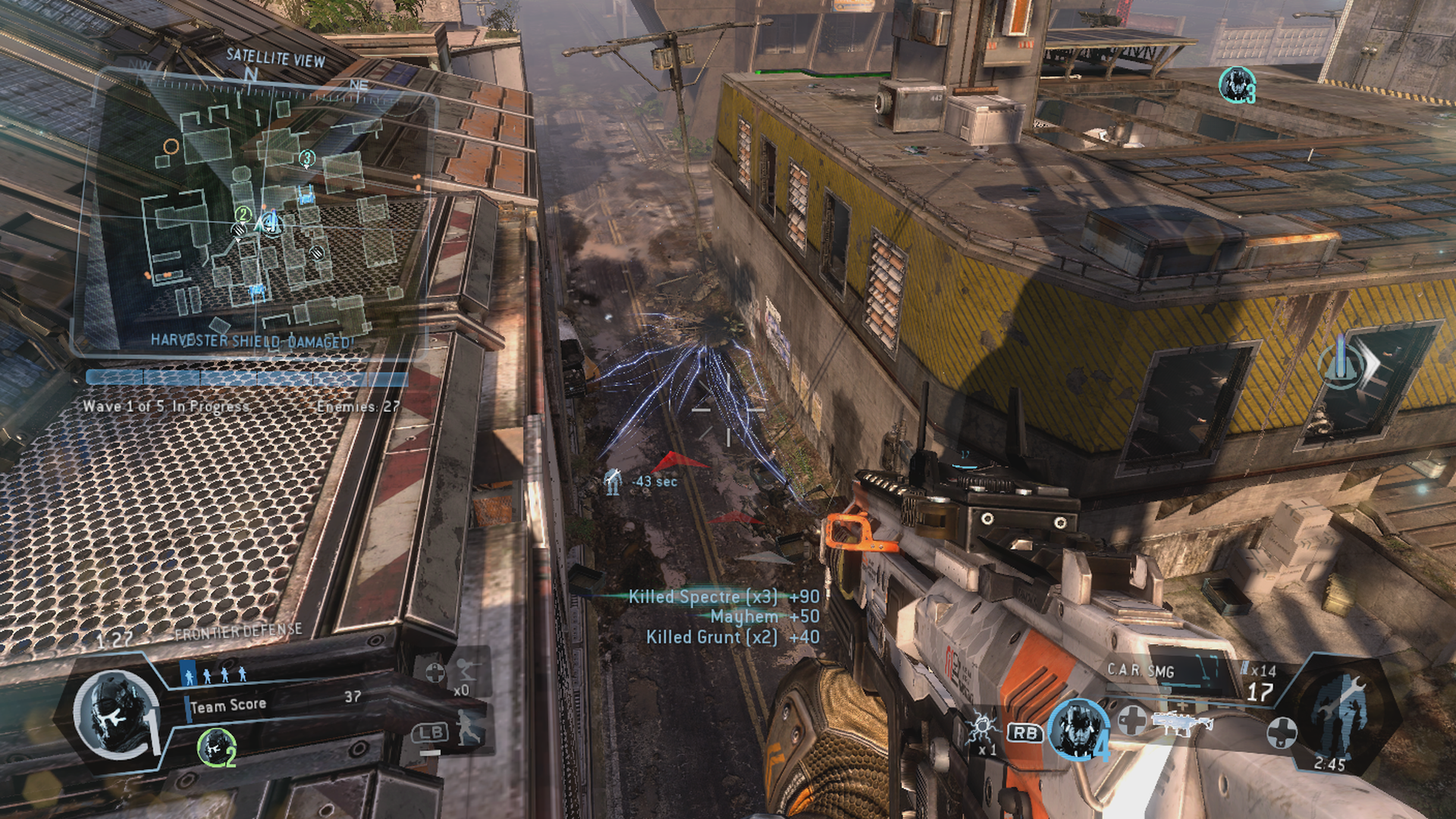
Made these in a hurry.
Steverulez
Member

Just testing it to see if it works. Was I the only one whose image got sent to twitter as a link rather than an embedded image?

RoyalLaFlame
Banned
Wow, Forza Horizon 2 looks absolutely gorgeous!
Amazing job MS!
Amazing job MS!
Black Mantis
Member
bring on the SUNSET OVERDRIVE SHOOTTTSSSSSSS guys pls.
First game I thought of when this feature came out. Luckily, I still had to play through the DLC campaign and grabbed a few shots from the boss fight. Will upload soon.
Miles Quaritch
Member
March. Maybe in the beginning of the month.
So...seven days left.
So was the wait worth it Miles?
It absolutely is. Although I am disappointed the voice command isn't "Xbox, Screenshot". "Xbox, take a screenshot" just doesn't feel right.
Backfoggen
Banned
Do they process screens ? We need to see some titanfall screenshot to understand
Screw Titanfall how about some beautiful 720p DR3 screens


Colbert
Banned
Although I am disappointed the voice command isn't "Xbox, Screenshot". "Xbox, take a screenshot" just doesn't feel right.
I think they do this to separate the voice command from normal talk that sometimes have the words "Xbox" and "screenshot" in a sentence.
tattooed_dwarf
Member
Is that really the overall feeling you get from this thread?So this is now a thread where we crap on Sony?
You obviously missed 90% of messages not involving Sony. And most who do mention Sony, just want them to upgrade their screenshot function, justifiably so.
DeathGlobe
Member
So can I some how join this beta program to get access to this now
Black Mantis
Member


Saint of Killers
Member
Is that really the overall feeling you get from this thread?
You obviously missed 90% of messages not involving Sony. And most who do mention Sony, just want them to upgrade their screenshot function, justifiably so.
I too would like that.
I mean, even when exporting to USB not only do we still get a compressed image but the file size is smaller than when uploading to Twitter from PS4! That's just... shit.


Caayn
Member
Little comparison with an external capture card(HD60 + CCCP) vs the preview screenshot sharing.
Titanfall;
Forza Motorsport 5;
Titanfall;
Capture Card - 4.08MB said:

Screenshot sharing - 2.95MB said:

Forza Motorsport 5;
Capture Card - 2.65MB said:

Screenshot sharing - 2.25MB said:

My first screenshots test:


Um holy shit I'm impressed with what X1 can push this early. That's a 3rd party game at that.
Blue Ninja
Member

Ok what went wrong??
You'll need to rehost your image somewhere. Right now you've posted IMG tags without an actual image in there, just a hotlink to the page where your screenshot is hosted.

This is just rehosted on imgur, so there's compression, but you get the idea.
Spider_Jerusalem
Member
Other than the smoke/steam in Titanfall ones, which you couldn't obviously freeze, they look identical to me. So I'd say no post-processing applied to the screenshots.Little comparison with an external capture card(HD60 + CCCP) vs the preview screenshot sharing.
Forza 5 looks a lot better here than I remember it to. Bring on FM6.I guess bugging Phil for PNGs worked! Awesome


Twin Tails
Member


DL-Sea monster? Hah. Oh, Sunset.
Spider_Jerusalem
Member
No you don't. You can simply get the image URL from Xbox.com's page. I did so for my FH2 screen. No rehosting needed.You'll need to rehost your image somewhere.
VaultBoy101
Member
Just testing it to see if it works. Was I the only one whose image got sent to twitter as a link rather than an embedded image?
No, that's how it works.
Caayn
Member
Jup, quality of the feature is really good. I can't complain that at all.Other than the smoke/steam in Titanfall ones, which you couldn't obviously freeze, they look identical to me. So I'd say no post-processing applied to the screenshots.
Although I do have a complaint about how screenshots look in the upload app. Here's how it looks ingame, and here's how that exact same spot looks in the upload app. But when I upload that picture and watch it on a PC the black crush is gone and the image is perfectly fine. Looks to me like the display values of the upload app are wrong. Microsoft really needs to fix this before they put this preview version online for everyone.
Ingame --> Upload app -- > Exported

XenoRyujin
Member
AC Unity

yesssss.
DL-Sea monster? Hah. Oh, Sunset.
Yes

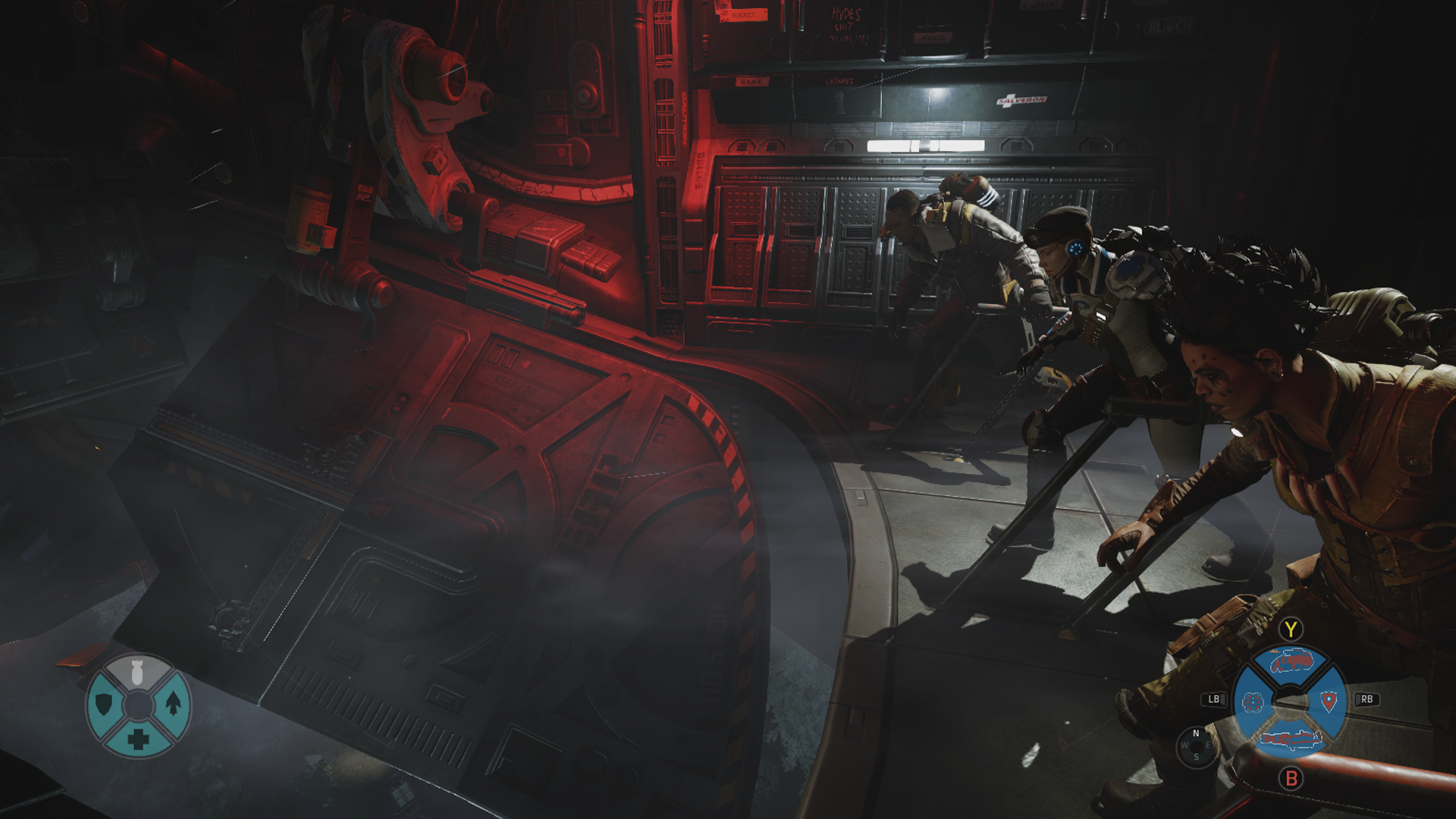
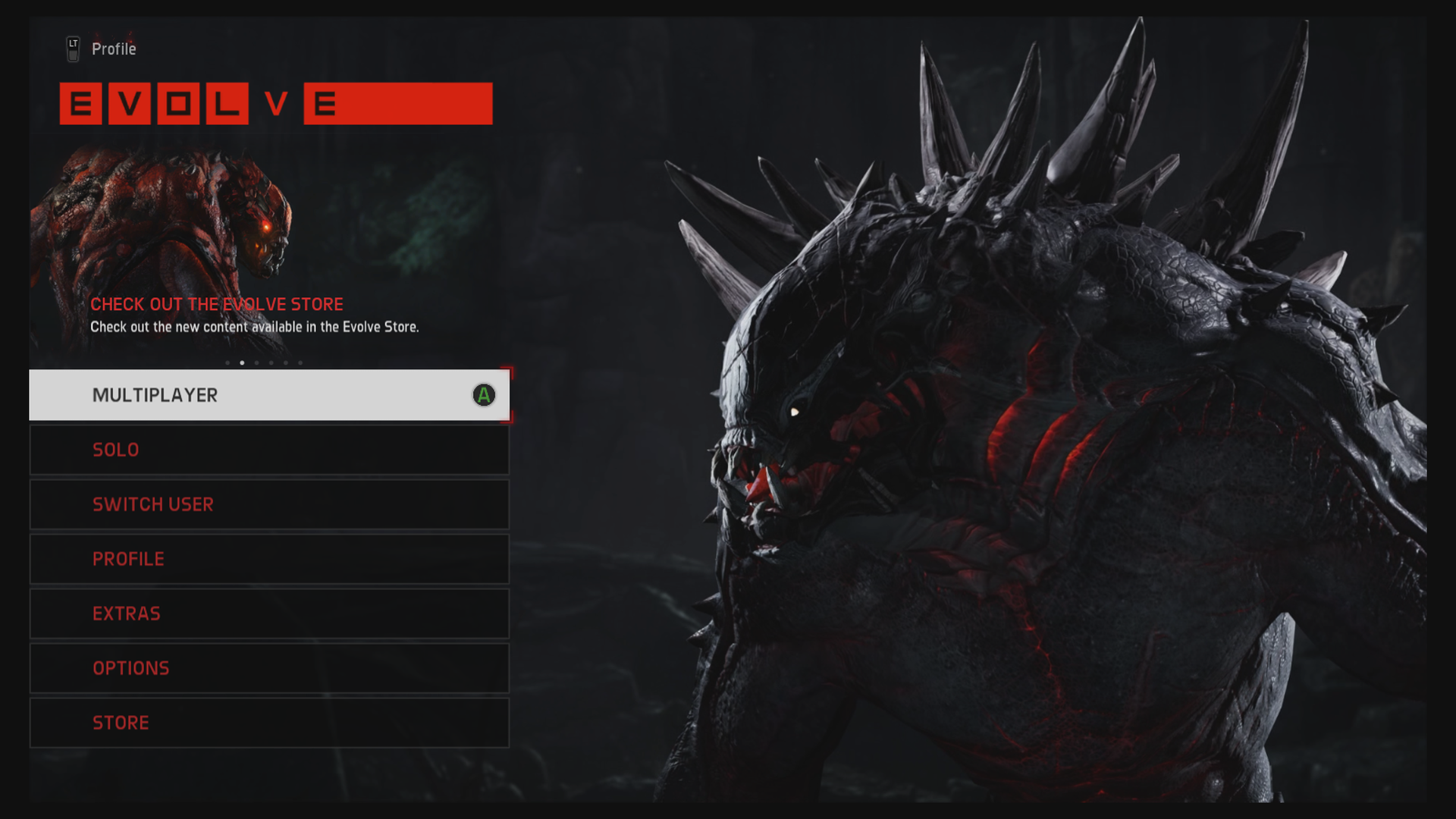
Something Went Wrong
Sorry bllah blah blah, try some other time.
Could someone walk me through how to share my pics please?
I keep getting an error, but everyone else keeps posting pics!
I'll check my privacy settings for now.
Could someone walk me through how to share my pics please?
I keep getting an error, but everyone else keeps posting pics!
I'll check my privacy settings for now.
Manually update your console in the settings menu. It will work then.
Manually update your console in the settings menu. It will work then.
Cheers, updating now.

alexbull_uk
Member
MS gets it. Uncompressed PNGs, hot damn!
Let me disable auto-upload (I take a lot of screenshots) and enable copying to USB/OneDrive and it's literally perfect.

Let me disable auto-upload (I take a lot of screenshots) and enable copying to USB/OneDrive and it's literally perfect.
YES! I'm so happy they put this in so quick after we got the March update.
Imgur compresses your screenshots. Try abload. There could be a language barrier, but it's not too hard to figure out.
Diablohead
Member
I'm impressed by the quality, I thought twitter would scale it down somewhat.
Imgur compresses your screenshots. Try abload. There could be a language barrier, but it's not too hard to figure out.
ok I'll give it a shot, thanks
Twin Tails
Member
I'm impressed by the quality, I thought twitter would scale it down somewhat.
it tweets out link to xbox.com, it doesnt actually send img via twitter
