

hououinkyouma00
Member
Interesting.Unfortunately not. I had to buy a new monitor. Nothing helped.
Maybe I'll bring my old OLED over and have him test it and see if it fixes it.
Thanks for the response.
Last edited:
Interesting.Unfortunately not. I had to buy a new monitor. Nothing helped.

I had three different monitors here, one had pixel errors and the other was defective in other ways, but there were no problems with the image being too dark with any of the three. But they were all newer. Maybe the 9070xt can't communicate properly with older monitors or has some driver issues.Interesting.
Maybe I'll bring my old OLED over and have him test it and see if it fixes it.
Thanks for the response.

- New Game Support
- Yakuza Kiwami 3 & Dark Ties
- Nioh 3
- Fixed Issues
- Corrupted clouds may be observed while playing Arc Raiders on Radeon™ RX 9000 series graphics products.
- Intermittent application crash may be observed when playing The Finals with ray tracing enabled on Radeon™ RX 7000 series products.
- Intermittent application crash or driver timeout may be observed while loading a saved game in Cyberpunk 2077 with Path Tracing enabled. AMD is actively working on a resolution with the developer to be released as soon as possible.
- Intermittent application crash or driver timeout may be observed while playing Battlefield™ 6 on AMD Ryzen AI 9 HX 370. AMD is actively working on a resolution with the developer to be released as soon as possible.
- Intermittent application crash or driver timeout may be observed while playing Roblox Player (Car Zone Racing & Drifting) when task switching between media on Radeon™ RX 7000 series products.
- Texture flickering or corruption may appear while playing Battlefield™ 6 with AMD Record and Stream on some AMD Graphics Products.
- AMD FSR Upscaling and AMD FSR Frame Generation may show as inactive in AMD Software: Adrenalin Edition when playing Yakuza Kiwami 3 & Dark Ties and Call of Duty®: Black Ops 7 when enabled on Radeon™ RX 9000 series graphics products.
- AMD Install Manager is unable to install Optional Drivers. Users are recommended to use the installation link available on this page.

Have you tried the top end card in the world right now for Local LLM? it's not particularly fast. (5090) This is significantly slower.Guys how's this GPU for running local LLMs?

Rly? I thought my 6700 XT was doing pretty good for running Cloud code 14BHave you tried the top end card in the world right now for Local LLM? it's not particularly fast. (5090) This is significantly slower.
I just got one for my lounge bazzite pc and it's running beautifully at the moment.

Resources probably got repurposed for AI shit same way as in the West.What actually happened to the GPU produced in China that was supposed to be about as powerful as a 4060?
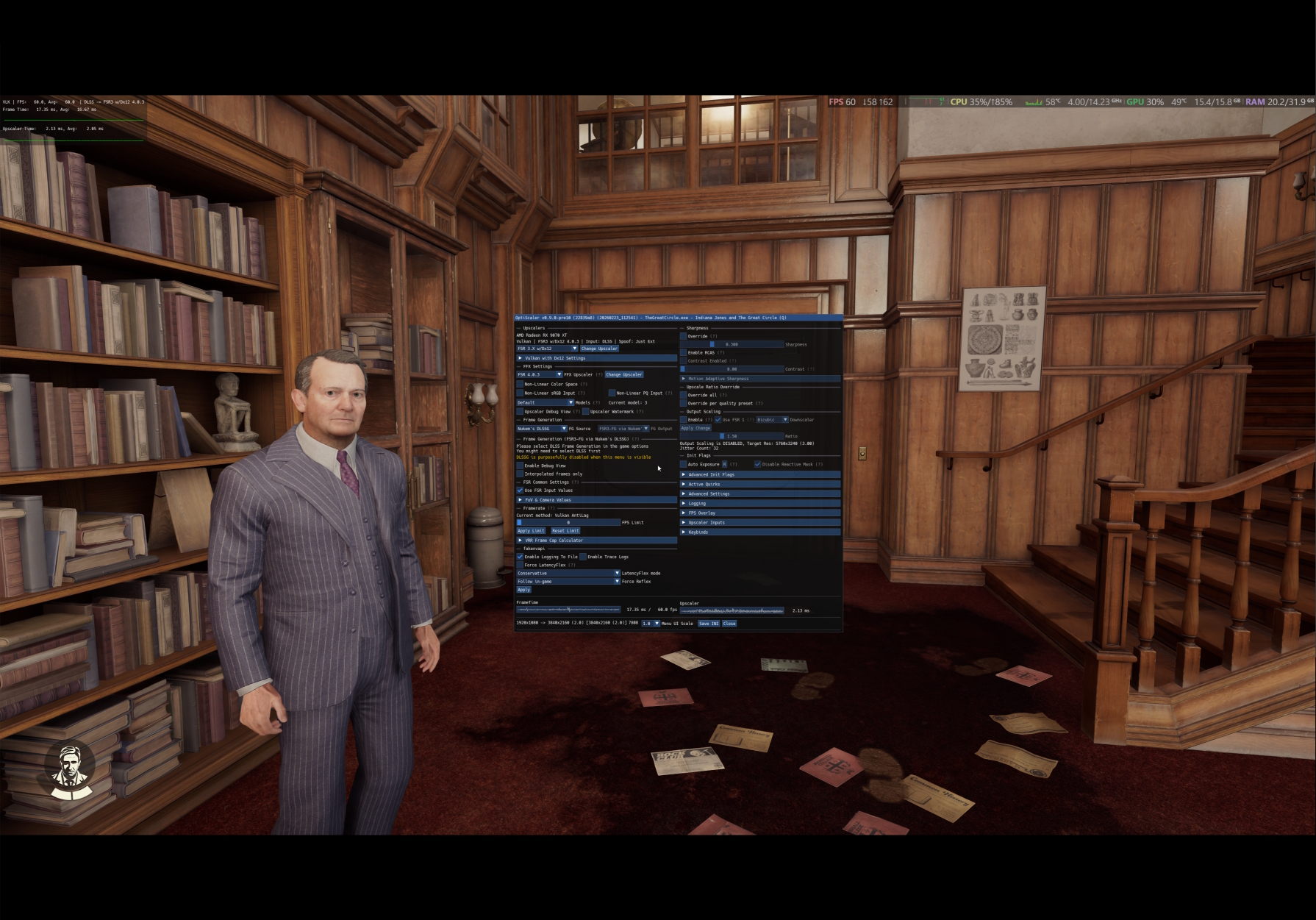
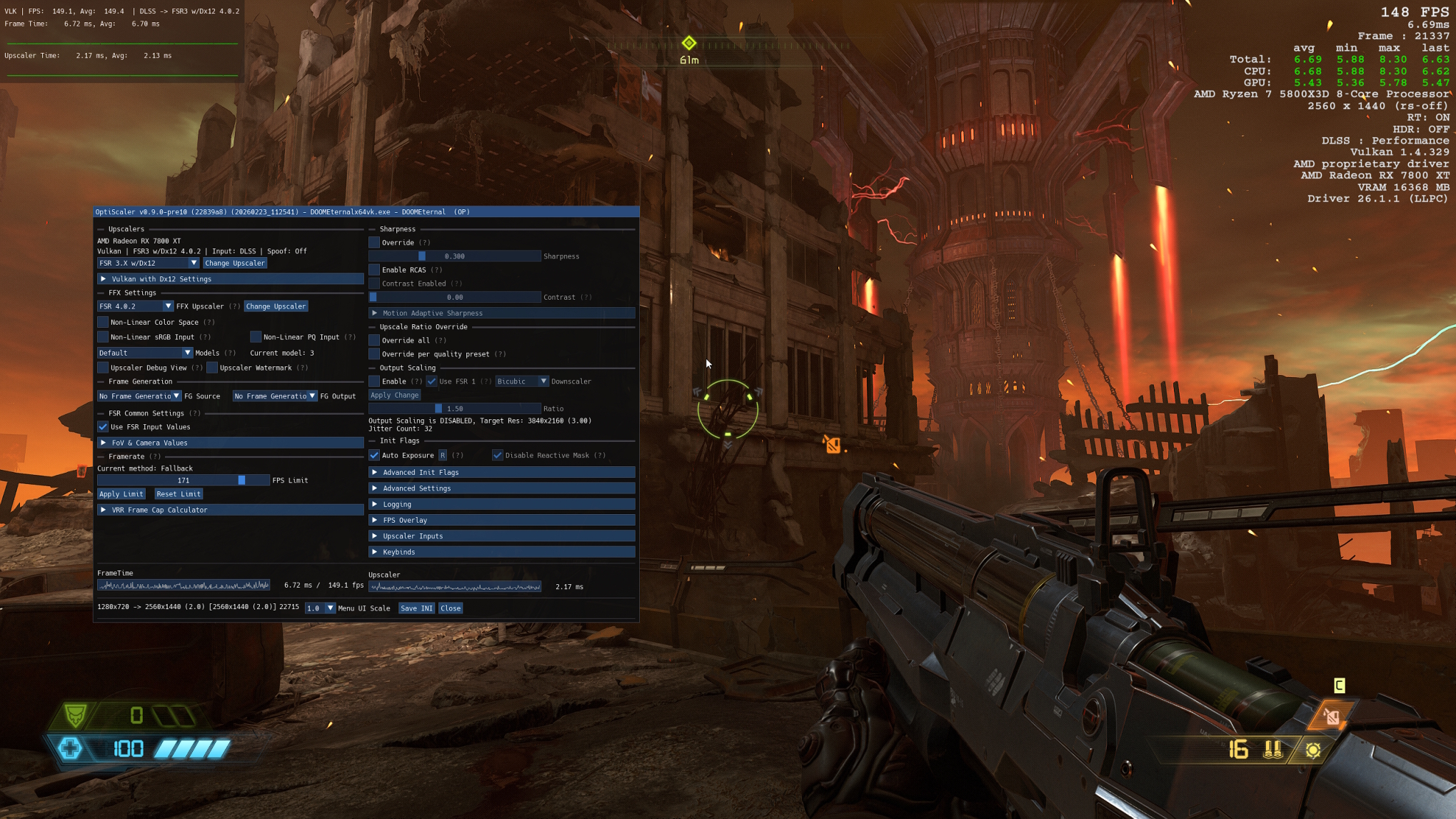

AMD owes these guys so much. Their card is hobbled without Optiscaler.So the Optiscaler team just published version 0.9.0-pre10 (20260223), which ads support for FSR4 in Vulkan games.
Let me repeat this, a bunch of modders, working on their free time, managed to get Vulkan working with FSR4 sooner than those twats in the Radeon Group. FFS....

So the Optiscaler team just published version 0.9.0-pre10 (20260223), which ads support for FSR4 in Vulkan games.
Let me repeat this, a bunch of modders, working on their free time, managed to get Vulkan working with FSR4 sooner than those twats in the Radeon Group. FFS....
This is also interesting.
Some modder is also working on an DLSS RR to FSR4 RR DLL mod for OptiScaler.
Screenshots here

This is also interesting.
Some modder is also working on an DLSS RR to FSR4 RR DLL mod for OptiScaler.
Screenshots here
I don't have an AMD card, so I don't pay attention to everything.
Have they done anything to translate Nvidia Reflex to AMD cards in some way yet, or planning to?
 github.com
I dunno about that, but I wish AMD had an answer to G-Sync Pulsar, as it gives huge motion clarity bump to older tech like IPS Panels which could be huge in combination with Mini LED in PC Monitor space. As I have mentioned here on GAF OLED gives me huge PWM Sensivity and migraines and burning eyes - and my VA Mini Led panel is good enough but I would want a bit better motion clarity tbh, and since I won't upgrade my PC any time soon with what's going on with RAM and Vram currently I'm looking at next best thing, lmao. Which are new panels and stuff:Have they done anything to translate Nvidia Reflex to AMD cards in some way yet, or planning to?
 winjer
already posted that Reflex was translated to AMD cards - nice. I didn't actually use it yet.
winjer
already posted that Reflex was translated to AMD cards - nice. I didn't actually use it yet.
Edit:

i only recently discovered this as well. Using Reflex in high on life 2 (on a 9070xt) + frame gen gave me noticeable improvements - its felt smoother overall so its well appreciated!It allows the use of all the latency techs, interchangeably. So if a game, only has one of them, which ever one, people can still use this low latency tech. Be it Reflex, AntiLag2, XeLL and even LatencyFleX.

This is also interesting.
Some modder is also working on an DLSS RR to FSR4 RR DLL mod for OptiScaler.
Screenshots here
Ah cool, didn't know it already happened. Ray-tracing reconstruction seems like the last thing then.It allows the use of all the latency techs, interchangeably. So if a game, only has one of them, which ever one, people can still use this low latency tech. Be it Reflex, AntiLag2, XeLL and even LatencyFleX.
Nice. I'll give it a try with No Man's Sky when I have some time. But I don't expect too much.So the Optiscaler team just published version 0.9.0-pre10 (20260223), which ads support for FSR4 in Vulkan games.
Let me repeat this, a bunch of modders, working on their free time, managed to get Vulkan working with FSR4 sooner than those twats in the Radeon Group. FFS....
| Setting | Resolution | GPU Usage | GPU Frequency | VRAM Allocation/Usage (MB) | Power Consumption |
| TAA | 3840x2160 | 85% | 2306Mhz | 10148/9480 | 78W |
| FSR2 Quality | 2560x1440 to 3840x2160 | 84% | 3043Mhz | 10337/9669 | 132W |
| FSR2 Balance | 2259x1270 to 3840x2160 | 85% | 2293Mhz | 10148/9480 | 78W |
| XeSS2 Quality | 2259x1270 to 3840x2160 | 85% | 2591Mhz | 9855/9187 | 92W |
| XeSS2 Balance | 1920x1080 to 3840x2160 | 85% | 2004Mhz | 9725/9057 | 68W |
Nice. I'll give it a try with No Man's Sky when I have some time. But I don't expect too much.
Something that seems weird to me but I've seen already with a couple of games is that FSR/XeSS are heavier than native resolution on my GPU unless I go to "balance" or below.
XeSS 2 Quality (which uses the same IR than FSR balance) is a bit above the power consumption I get running at native, using XeSS 2 balance (equivalent to FSR/DLSS performance, so 1080p for a 4K output) there is more variability, at times is around the same power consumption than native but in other scenarios is significantly lower.
Also FSR and XeSS seems to stretch or shrink the image when they go below certain resolution threshold, but not always. I don't know if that's normal behavior or has someting to do with thi game specific (broken?) implementation.
This is an example with a 9060XT. 60FPS cap. 4K resolution. Just data from a single screenshot for each setting as reported by RTSS, but it's representative of what a see a lot of the time with this game in particular.
Setting
Allocation/Usage (MB)
ConsumptionTAA FSR2 Quality FSR2 Balance XeSS2 Quality XeSS2 Balance
I didn't tinker with upscaling in a lot of games but I tried Optiscaler with Death Stranding DC and I had similar results. But in that one I found native TAA to look better than FSR4 native (using Optiscaler with DLSS inputs, overriding the scaling factor and Non-linear PQ Input turned on).The FSR and XeSS values seem normal. But the TAA really seems off. Does this also happen in other games?

| Setting | Resolution | GPU Usage | GPU Frequency | VRAM Allocation/Usage (MB) | Power Consumption |
| TAA | 3840x2160 | 65% | 2697Mhz | 7070/5525 | 82W |
| XeSS 1.1 Quality | 2560x1440 to 3840x2160 | 83% | 3233Mhz | 7102/5557 | 161W |
| XeSS 1.1 Performance | 1920x1080 to 3840x2160 | 56% | 2689Mhz | 6152/4606 | 77W |

Yes, those NMS results are using exclusive fullscreen. I'm on a lower resolution display combining VSR with FSR/XeSS. In that game FSR2 looks sharper to me than TAA or XeSS, but XeSS has better temporal stability so I prefer that while playing.I don't have this game and have never tried it. Does it have support for Exclusive Fullscreen? Borderless Fullscreen?
No to all of that.Do you have MPO disabled? Do you have SAM enabled in the AMD driver? Have you tried going to the game's exe and disable Fullscreen Optimizations and Override DPI Scaling Behavior to "Aplication"
I didn't tinker with upscaling in a lot of games but I tried Optiscaler with Death Stranding DC and I had similar results. But in that one I found native TAA to look better than FSR4 native (using Optiscaler with DLSS inputs, overriding the scaling factor and Non-linear PQ Input turned on).
This is a 1080p crop and comparison from the full 4K screens linked above. Grass blades and rocks textures look more defined to me with TAA than FSR4 Native.
XeSS also behaves in a similar way. It is XeSS 1.1 so in this case the quality/balance/performance presets use the same resolution values as FSR or DLSS.
Setting
Allocation/Usage (MB)
ConsumptionTAA XeSS 1.1 Quality XeSS 1.1 Performance
XeSS 1.1 Quality also looks worse in this game and is consuming almost twice as much power than native 4K with TAA.
Yes, those NMS results are using exclusive fullscreen. I'm on a lower resolution display combining VSR with FSR/XeSS. In that game FSR2 looks sharper to me than TAA or XeSS, but XeSS has better temporal stability so I prefer that while playing.
There is detail loss in some places, I see it when I do side by side screenshots comparisons, but most of the time I can't barely tell while in game.
With Death Stranding there is no exclusive fullscreen, "fullscreen" setting is borderless fullscreen. I can't select resolutions above my display resolution in game, therefore I change the desktop resolution before launching the game.
No to all of that.
I'm on very old Intel platform, no SAM or ReBAR options for me.
Are they? It seems weird to me that XeSS upscaling from 1440p to 2160p nearly doubles the GPU power consumption of native 2160p. And IQ is worse, but that's expected.Those results with Death Stranding are more in line with the performance and usage one would expect. So it might be the No Man Skies TAA that has some peculiarity about it.
The difference with textures you are seeing is due to MipMap Lod. Open the Optiscaler menu with the Insert Key, then find the MipMap option on the right side.
Then press calculate, insert the values you are using. Then press Set. After that, press Save INI, at the bottom. This is so you don't have to calculate the MiMap LoD everytime you start the game.

Are they? It seems weird to me that XeSS upscaling from 1440p to 2160p nearly doubles the GPU power consumption of native 2160p. And IQ is worse, but that's expected.
I'll try that with the Mipmap options. When I made those tests in Death Stranding it was with the 0.7.9 final build and the first time I tested Opstiscaler. This were the settings I used. I guess that what you are talking about is in Mipmap Bias.
Since native TAA worked better for me I got rid of Optiscaler but I think I'll use it again when I return to the game even if it's only to force better AF.

