
• Hey Guest. Check out your NeoGAF Wrapped 2025 results here!

GAF Mobile Issues?

Arsic

Loves his juicy stink trail scent
Mods feel free to lock this thread if the issue has been brought up or if is somehow self inflicted but as of about a week now I keep getting this image when on WiFi, or data, on my iPhone.

Not sure how to fix? It randomly will load the site sometimes other times not. I haven't done anything differently with my phone or connections, and it only happens on this site.

Anyone else getting this?
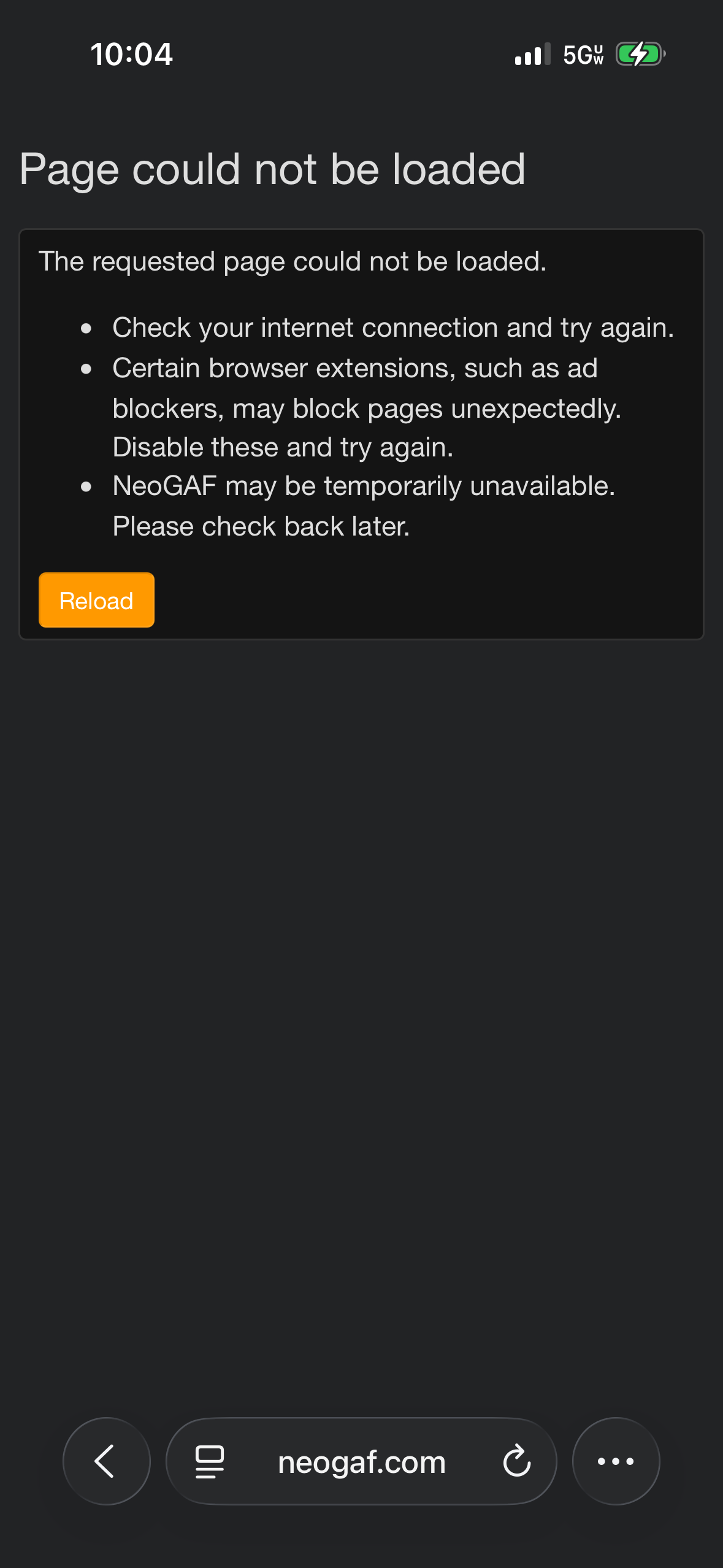
ZLSaMnfYzRiA4mSj.png
 
Are you by chance also getting endless Cloudflare loops to make sure you're not a bot? I was getting that until reviewing the extensions I have installed on my phone/tablet. As it turns out, one of them was conflicting with the site and I had to make an exception for the site for things to work properly.

If you're also using an ad blocker that takes over your device's native DNS settings on your iPhone, it might be worth checking if the site functions the same with that option turned off as well. You can check it by going to Settings - About - VPN and Device Management and see if DNS is set to Automatic or using an app option you have installed.
 
Are you by chance also getting endless Cloudflare loops to make sure you're not a bot? I was getting that until reviewing the extensions I have installed on my phone/tablet. As it turns out, one of them was conflicting with the site and I had to make an exception for the site for things to work properly.

If you're also using an ad blocker that takes over your device's native DNS settings on your iPhone, it might be worth checking if the site functions the same with that option turned off as well. You can check it by going to Settings - About - VPN and Device Management and see if DNS is set to Automatic or using an app option you have installed.

This is it, I was getting the cloudflare bot checks on desktop, so I disabled 2 new ad blockers I had installed and its fine now afaics.

I dont think I even need them anyway tbh, cant remember why I installed them, probably for Twitch ads, but good point about adding exceptions.
 
Not sure what a cloudflare loop is? It's just this error that'll happen back to back if that's what you mean.

I don't use an ad blocker or vpn on my phone. I checked my safari settings and nothing about creating exceptions or an ad blocker in there to manipulate.
 
This is it, I was getting the cloudflare bot checks on desktop, so I disabled 2 new ad blockers I had installed and its fine now afaics.

I dont think I even need them anyway tbh, cant remember why I installed them, probably for Twitch ads, but good point about adding exceptions.
It wasn't even an ad blocker for me lol, it ended up being an extension I use to convert every website into dark mode (Noir).
 
Last edited:
Not sure what a cloudflare loop is? It's just this error that'll happen back to back if that's what you mean.

I don't use an ad blocker or vpn on my phone. I checked my safari settings and nothing about creating exceptions or an ad blocker in there to manipulate.
Are you using any Safari extensions at all? I'd recommend trying to disable each one, one at a time, to see if that might be affecting things. In my case, that's what ended up being the culprit.
 
The CloudFlare bot check was due to a DDoS according to Evilore. Not sure if that "page could not be loaded" thing is related or not. But yes I am getting that a lot, too.
 
This looks like a change that Apple made recently (about two weeks ago) where the Safari browser doesn't handle the QUIC HTTP/3 protocol correctly, and doesn't fall back properly to HTTP/2 like it should. This bug results in the browser dropping the connection entirely, rather than retrying like it's supposed to.

While Apple gets their shit together, I've temporarily disabled QUIC and HTTP/3 on NeoGAF. Apple says it can cache this setting for a site for up to 24 hours (sigh). If you're still having this issue 24 hours from the time of this post, please let me know.
 
Top Bottom