• Hey Guest. Check out your NeoGAF Wrapped 2025 results here!

Show us Your Mobile Homescreen!

Status
Not open for further replies.
From that thread the other day. I updated my rom though so instead it now shows a nice weather graphic on the lockscreen:
The other pages are filled with all my other apps organized in folders and widgets such as simple calender.

Holding on the menu button on the navbar brings up my swipable widget, which comes from the bottom up. The widget I use there is google music and it's awesome because I could be playing a full screen game and bring it up as an overlay on the bottom of my screen. It also serves as quick access to the music after unlocking my phone

This is what I'm rocking:

2zJ2Vl.jpg


gMMdSl.png


U8zFnl.png
 
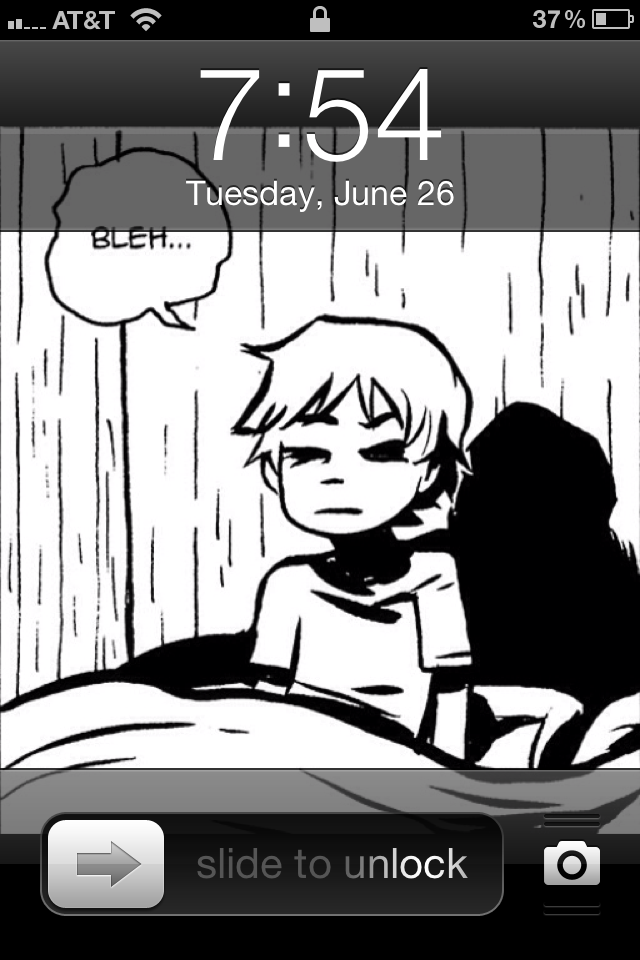
Lock screen is a panel from Scott Pilgrim
IMG_00441.png


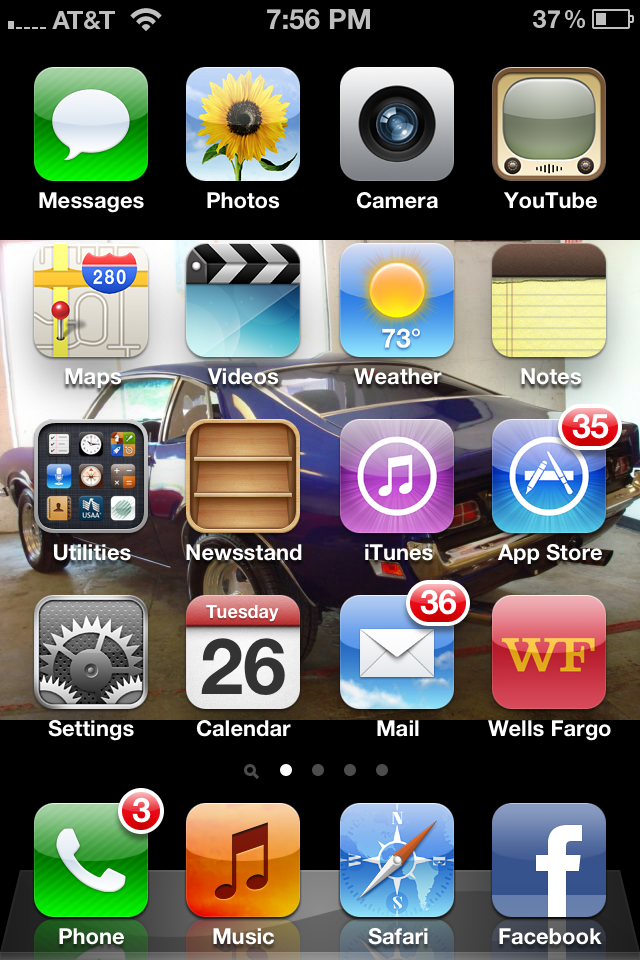
Home screen is a 1972 Mercury Comet
IMG_00451.png


Both have been there as long as I have owned the phone.
 
From that thread the other day. I updated my rom though so instead it now shows a nice weather graphic on the lockscreen:
The other pages are filled with all my other apps organized in folders and widgets such as simple calender.

Holding on the menu button on the navbar brings up my swipable widget, which comes from the bottom up. The widget I use there is google music and it's awesome because I could be playing a full screen game and bring it up as an overlay on the bottom of my screen. It also serves as quick access to the music after unlocking my phone

I miss EL :(
 
tryin to avoid the app drawer and dock

Fq8k0.png
s2rMJ.png


Still not too sure about it, might just go back to something more similar to what I had before:

Twl7C.png
 
I'm not going to win any awards for design, but this is pretty much perfect for me from a usability perspective.


Apart from a couple shortcuts one screen over, this is basically the only home screen I use. All of my most-used apps and most important information are readily available.

Widgets:
Beautiful Widgets
Pure Calendar
BattStatt Pro
 
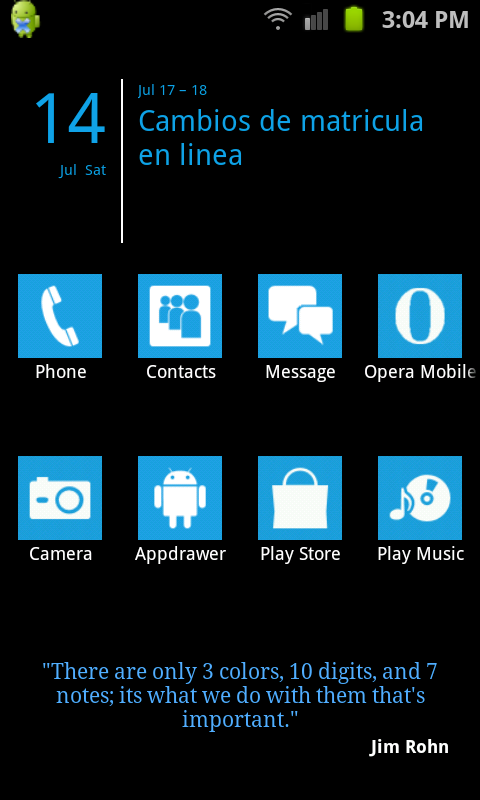
Im going to go a much more boring route than I did on my S2. No longer have the desire or the energy to have some cluttered mess of a homescreen anymore. Just clear all the crap out.


And even thats too much, going to folder alot of that and move it off or access it from the app drawer, no real need for shitty grids of icons everywhere windows 95 style. So redundant.

Sad how it doesnt look good on a PC monitor though, I love that background because of the way it looks on an AMOLED screen. The colors pop against those dark blacks, looks amazing on the phone, bad on a monitor.
 

thats my set up now, went with functionality over looks. I like the simplicity of it.

I thought having 2 clocks was kind of stupid, and since without root I can't remove the clock in the notification bar I decided to take out the one in the homescreen.
 
Status
Not open for further replies.
Top Bottom