Wii U Firmware Update is live everywhere. Everyone calm down.

I dont think so, it recognizes the input and flashes a message.

The Wii U is handling that in the background.

The pad is active, a stream is being sent to it, and the stream can be altered to overlay a quick message. That doesn't mean the Wii knows how to talk to it. The pop up message is part of the wrapper around the emulated Wii.
 
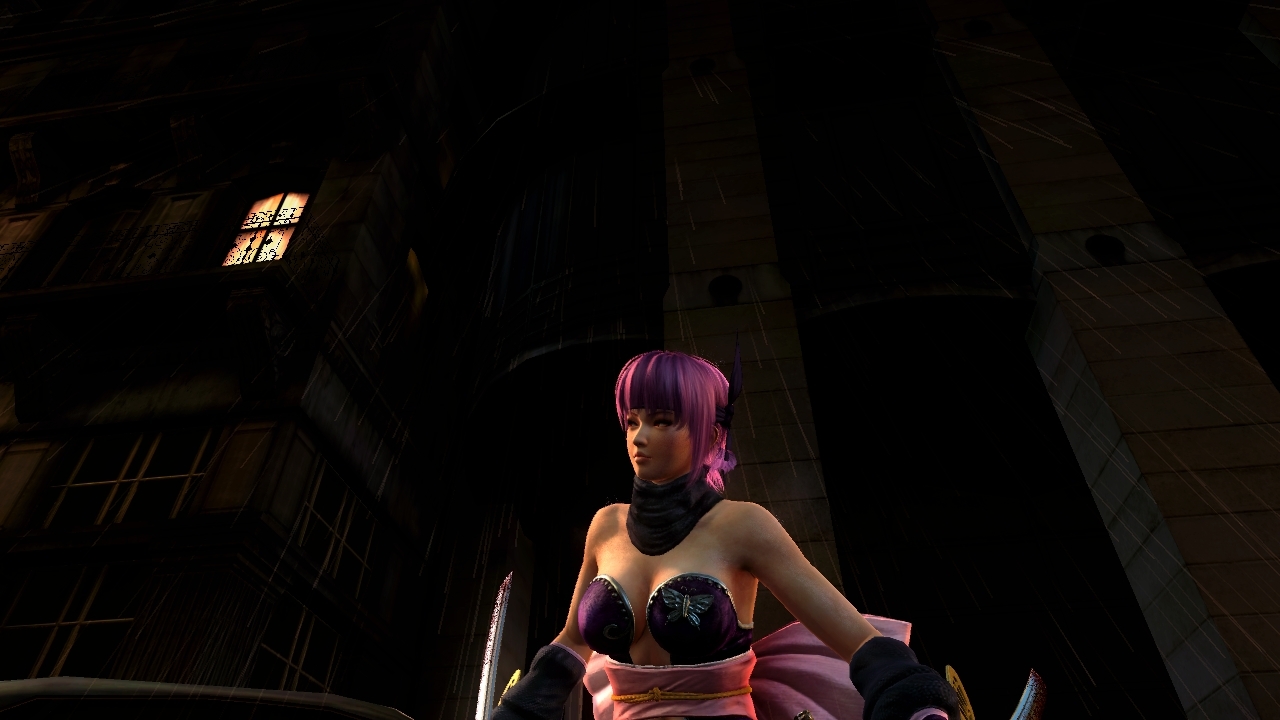
wiiu_screenshot_tv_01dquw5.jpg


wiiu_screenshot_tv_01gvuit.jpg

finally I can share screenshots of my waifu with everyone.
 
The Wii U is handling that in the background.

The pad is active, a stream is being sent to it, and the stream can be altered to overlay a quick message. That doesn't mean the Wii knows how to talk to it. The pop up message is part of the wrapper around the emulated Wii.

Thanks, that makes sense, I wouldnt be shocked though if they ever figured something out.

I wonder if they are trying to phase out wiimode.
 
So the pricture thing is cool and all, but shouldn't it be abstracted a level or two higher? With its current implementation you have to leave game, open the browser, go to an image host site, sign in, and finally upload the picture if you don't want a low-quality miiverse pic. On PS4 and Steam, you hit one or two button and you're ready to share.

You don't leave the game, just pause it.
i.nintendo.net let's you share the photos to facebook, twitter and tumblr instantly.
The extra process is so that you can share the photos in message boards, etc.
 
The Wii U is handling that in the background.

The pad is active, a stream is being sent to it, and the stream can be altered to overlay a quick message. That doesn't mean the Wii knows how to talk to it. The pop up message is part of the wrapper around the emulated Wii.

But presumably the software folks could program a translator for their Wii Mode shell that changed Wii U gamepad inputs to Wii Mode classic controller inputs. Or is that much harder than it would appear to a layman?
 
Now that friend requests are fully sorted, can you guys test the new Chat update thingy? Does it work like the 360 (invite to chat option)
 
So the pricture thing is cool and all, but shouldn't it be abstracted a level or two higher? With its current implementation you have to leave game, open the browser, go to an image host site, sign in, and finally upload the picture if you don't want a low-quality miiverse pic. On PS4 and Steam, you hit one or two button and you're ready to share.

Have you used the WiiU before? You don't have to leave the game to open the browser. And posting to Miiverse IS just a 1 button

But presumably the software folks could program a translator for their Wii Mode shell that changed Wii U gamepad inputs to Wii Mode classic controller inputs. Or is that much harder than it would appear to a layman?

I'm not sure how that could work. They'd have to figure out someway to send signals to spoof the bluetooth receiver into thinking it's getting inputs from a wii controller. I guess that could be done in software but who knows how the HW is actually set up. We just know the Wii U basically has a core dedicated to the Wii and it uses a restricted instruction set, for instructions only needed for the Wii
 
Thanks, that makes sense, I wouldnt be shocked though if they ever figured something out.

I agree, it might be possible. It just doesn't seem likely, and I understand why it might never happen. Reasonable explanation.

But presumably the software folks could program a translator for their Wii Mode shell that changed Wii U gamepad inputs to Wii Mode classic controller inputs. Or is that much harder than it would appear to a layman?

I'm not an expert on the subject. It probably depends on how they set up the whole system

Given how hacked the Wii was, they may have it as segregated as possible so that there can be no interaction like this between Wii U and Wii modes, either direction.

This update appears to just be treating the pad like a TV, that can pop up an overlay like when you hit the menu button on the TV remote or whatever.
 
But presumably the software folks could program a translator for their Wii Mode shell that changed Wii U gamepad inputs to Wii Mode classic controller inputs. Or is that much harder than it would appear to a layman?

May add some lag I guess. One of their highest priorities with the gamepad was speed of streaming.
 
So the pricture thing is cool and all, but shouldn't it be abstracted a level or two higher? With its current implementation you have to leave game, open the browser, go to an image host site, sign in, and finally upload the picture if you don't want a low-quality miiverse pic. On PS4 and Steam, you hit one or two button and you're ready to share.

Sure but the Wii U wasn't really designed to do that from the get-go. They probably just took the functionality that existed for uploading to Miiverse and applied it to the internet browser too because, why not?
 
Wii Off TV play is great, at least if you're using a classic controller. Haven't tried any Wiimote games, but I can't imagine they play well at all unless the motion is very minor and subdued (like SMG).

Only real problem is that homebrew channel is 4:3 on the gamepad. Hope something can be done about this but I guess I'll have to suck it up. Only thing that really affects is GBA emulation for me, so it could be worse.
 
This sounded pretty neat for me because I don't even have my Wii U hooked up to a TV..... you actually need your TV in order to select Wii mode to work on the Wii U pad. Real thoughtful fucking...............assholes
 
Have you used the WiiU before? You don't have to leave the game to open the browser. And posting to Miiverse IS just a 1 button share

When I said leave game, I meant halting it. It's the same as putting the game in sleep mode. Steam has screenshots at the system level, so a player can hit a button in realtime to save a picutre. For photo uploads, all they have to do is go ot their photo library and viola.
 
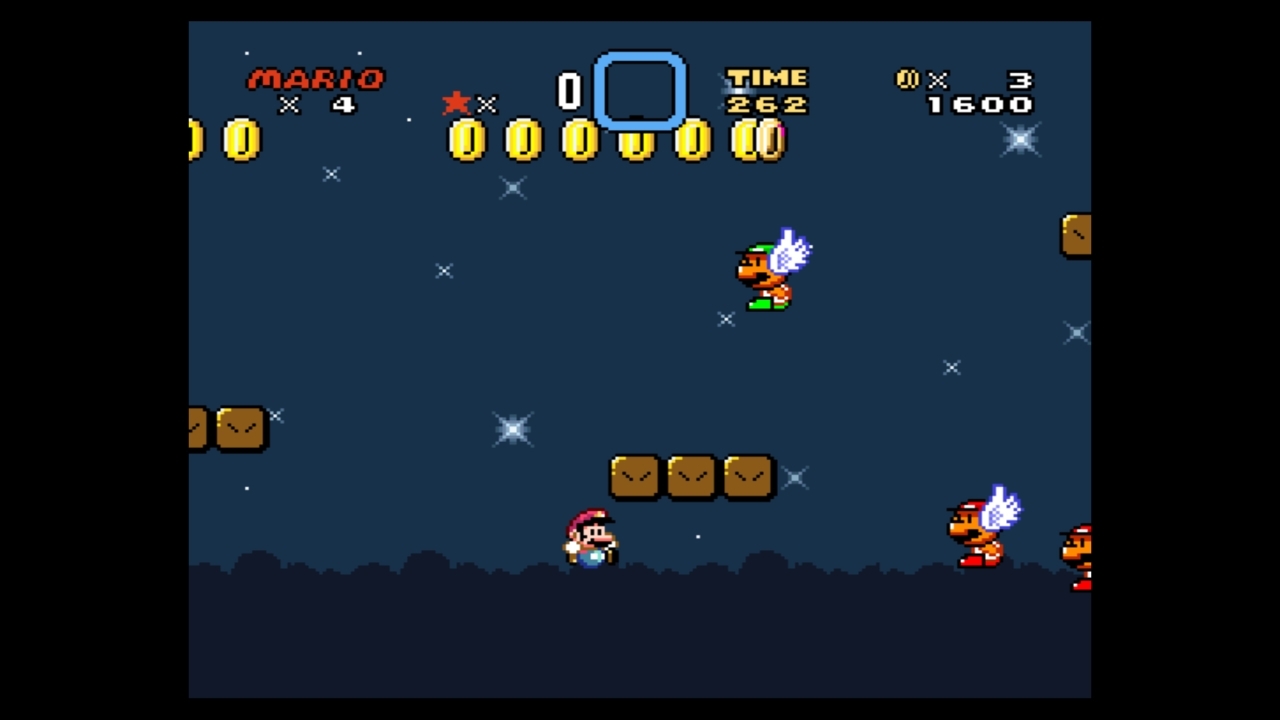
oCqaLIs.jpg

Apologies for bad picture, but it basically means I am going out to buy Xenoblade and The Last Story this friday.

I tried to ask earlier but no one answered. If a Wii game has classic controller support, can you just use the gamepad controls or do you still need to plug in a classic controller?
 
woah coincidence my Japanese Wii U gamepad super battery just came in the mail.

I think I'll finish Wind Waker tonight after this update finishes ^_^
 
So looking at the TOS and id.nintendo.net it would seem like they might be opening up Nintendo Network or more probably Miiverse for use with 3rd party applications.
 
When I said leave game, I meant halting it. It's the same as putting the game in sleep mode. Steam has screenshots at the system level, so a player can hit a button in realtime to save a picutre. For photo uploads, all they have to do is go ot their photo library and viola.

Yeah but that's because it's just saving to a folder on your computer...I don't think Nintendo allows you to save anything. I really don't see what the issue is. The key difference is you have to upload it when you pause, you can't save them for later.
 
I tried to ask earlier but no one answered. If a Wii game has classic controller support, can you just use the gamepad controls or do you still need to plug in a classic controller?

Wii U controls do not work at all in Wii mode. You have to use wii controllers/accessories.
 
eShop, MiiVerse and Friends List all load super quick now.

Really? MiiVerse was slower than it normally is; same with eShop. Not that it was fast anyway. Returning to the Wii U menu is still stupidly slow.

I really want to want to use my Wii U for Netflix and media playing but when it takes maybe 4 times the time to get into my content than it does on my Apple TV, it's a hard sell. My Apple TV isn't fast by any stretch but the time it takes to Boot Wii U, Load NetFlix, initialise NetFlix, select and play content it's bed time.

As expected, this update is about as minimal as anyone with realistic expectations thought it would be. People get so excited about account this, and super fast OS that, it's just silly. Lay off the drugs people and realise that whatever you wish for from Nintendo (Especially w.r.t. Wii U) you will get the most minimal version of it.

Do not, ever, under any circumstances, expect Nintendo to deliver excitement, interest and forward thinking features on their products.

NEW ESHOP MUSIC!!! :O

OK I take it all back. Nintendo went above and beyond given this is the level of expectation and the sort of features that people expect from them.
 
just coincidence that Netflix is only now just stalling out at the load screen and never actually loading?

edit: Must be. 5th try, 2 restarts, finally loaded. weird.
 
Kotaku just uploaded an official update list from Nintendo. OP, or Mod, please update the OP.

Version 4.0.0 U, available via an Internet connection, includes the following improvements:

New Features:

A feature to output video and sound to the Wii U GamePad when using Wii Mode¹ Users can choose to output to the TV and GamePad, or just the TV

A feature to automatically receive recommended software and demo titles from Nintendo using SpotPass

Support for USB keyboards

An option to disable use of a Nintendo Network ID on non-Nintendo hardware, such as PCs and smartphones

Support for Dolby® Pro Logic® II Surround Sound when playing Wii software Changes to Wii U Menu:

Added a friend list icon to the Wii U Menu for easier access to the Friend List Changes to System Settings

An option to automatically receive recommended software is now available under "Internet"

A setting to select which cable outputs sound is available through "TV"

Users can choose to output sound through an HDMI cable, non-HDMI cable, or both cables at the same time. Click here for instructions

A setting to adjust the hourly interval in which standby functions are performed is available under "Power Settings" when Standby Functions are enabled Changes to Wii U Chat:

Added the option to view a friend's profile on Miiverse when sending or receiving a chat request

Users can now chat using a headset connected to the Wii U GamePad Changes to Internet Browser:

Pressing the R or L Buttons on the Wii U GamePad will skip video playback forward/back a small amount of time

Holding the R Button will speed up video playback Ability to save username and passwords for websites that require login²

Ability to launch the Internet Browser during gameplay and upload screenshots Added support for viewing PDF files³

Added features intended for website developers that allow the user to enable developer tools and set user agent Improvements to system stability and usability:

Further improvements to overall system stability and other minor adjustments have been made to enhance the user experience

http://kotaku.com/wii-u-gets-700mb-firmware-update-1431201313

 
This sounded pretty neat for me because I don't even have my Wii U hooked up to a TV..... you actually need your TV in order to select Wii mode to work on the Wii U pad. Real thoughtful fucking...............assholes

When you turn on the Wii U hold the B button. It goes to Wii U mode automatically.
 
Wii U controls do not work at all in Wii mode. You have to use wii controllers/accessories.

Aw man that sucks, still it's a step forward and I honestly wasn't expecting them to add this kind of functionality at all so I'm quite surprised. Hope they add that sort of support soon. I mean it shouldn't be that hard considering that the gamepad has all of the classic controller buttons.
 
Top Bottom