• Hey Guest. Check out your NeoGAF Wrapped 2025 results here!

For those worried about OLED burn-in

And you don't have to worry about burn in but that backlight will fuck up at some point...
Couldn't care less about any failures as I got a free 6 year warranty on my mini led while the vast majority of TV warranties explicitly state that they do not cover OLED burn in.
 
Last edited:
I have two OLEDs, both with over 15k hours, one of which has been used exclusively as a PC monitor. Zero burn-in, and even if there was I wouldn't trade them for an inferior picture because of fear, especially now that I've had experience with these tvs.
I'm more concerned about people's obsession with OLEDs in 2026. Sure, when I bought my S95C it was the shit to have, but now mini LEDs and soon RGB LEDs are brighter and more affordable (if you don't buy Sony) while having blacks that 99% of us can't distinguish from an OLED's. Sure, last year LG's tandem OLED kept up in brightness but it's an uphill battle.
Then 99% of you need glasses.
How long do you spend watching tiny white dots on your screen? Most likely never.

In real scenes a good mini-led will always look better than an OLED and you dont have to worry about burn in.
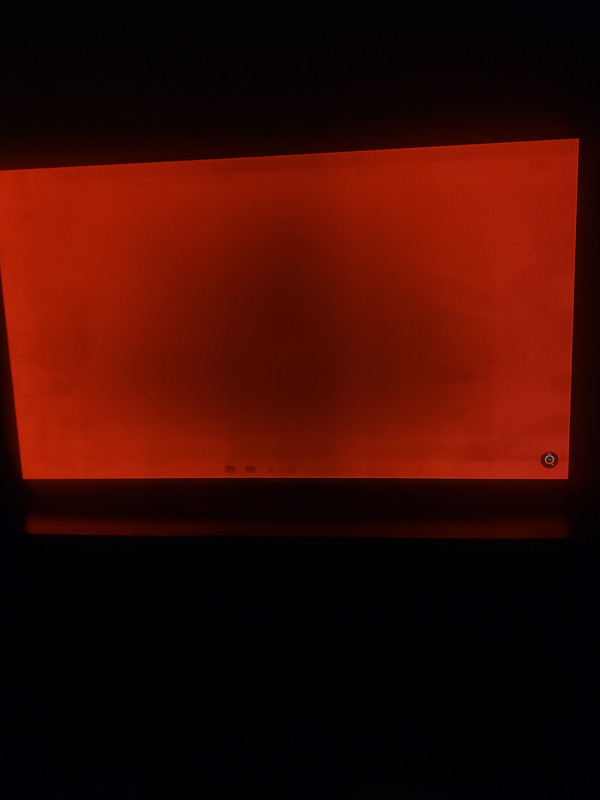
It's not just white dots, look at the bloom around anything light on a black background, like the time in that image. If you play games or watch movies with a lot of dark areas they aren't remotely similar, either.

If mini-led is really better why are OLEDs rated better in almost every price range?
 
What about VRR Flicker? Oh right, we forgot about that one tiny thing that is actually not so tiny if you're a gamer.
It's really bad on my monitor but not perceptible on my TV. It's so bad on my monitor that I stopped using VRR altogether. High refresh rate at least helps with screen tearing and v-sync induced input lag at 82fps isn't as bad as with 60, 40 or God forbid 30fps.

Don't know what's my TV doing that's so small I don't see it there but on my monitor.

As always, perfect tech don't exist.
 
It's really bad on my monitor but not perceptible on my TV. It's so bad on my monitor that I stopped using VRR altogether. High refresh rate at least helps with screen tearing and v-sync induced input lag at 82fps isn't as bad as with 60, 40 or God forbid 30fps.

Don't know what's my TV doing that's so small I don't see it there but on my monitor.

As always, perfect tech don't exist.
No. But compared to any of those flat tech, a decent CRT TV will look perfect specifically in motion.
 
Anecdotally in my 4 years with the LG C1 I've had no issues.
I was really worried about burn-in at first, I was actually going to buy a Samsung QLED instead but I found out at the last moment that version of the model I wanted they sold in my region had a shittier panel (so the great reviews wouldn't be representative of what I'd get), so I ended up going with the C1 instead.

For the first year I was pretty paranoid, I would turn it off even if I was going to take a piss or grab something to drink. But eventually I just started treating it like a normal TV and it has been completely fine. Out of curiosity I still check for burn in like once or twice a year, just did so the other day and couldn't find anything.

That said I usually don't play the same games for very long. It's rare for me to spend more than 100 hours on a game, except for a few multiplayer titles.
 
I've had an LG C1 48" for the past 3 years, have around 5000-6000 hours on it, and haven't experienced a single burn-in issue, but I do take some precautions to help minimise risk. Hiding the taskbar on Windows, black wallpaper, and unless I'm gaming or watching movies, manually keep the screen brightness turned down relatively low. Also regularly pixel refresh and have the pixel shift feature switched on.
 
Last edited:
I also using my monitor for work, so burn-in might actually be more of a real risk in my case. Furthermore, most OLEDs fucking suck ass when it comes to displaying text/code.
 
yup, and you will get burn in on OLED. it's inevitable.

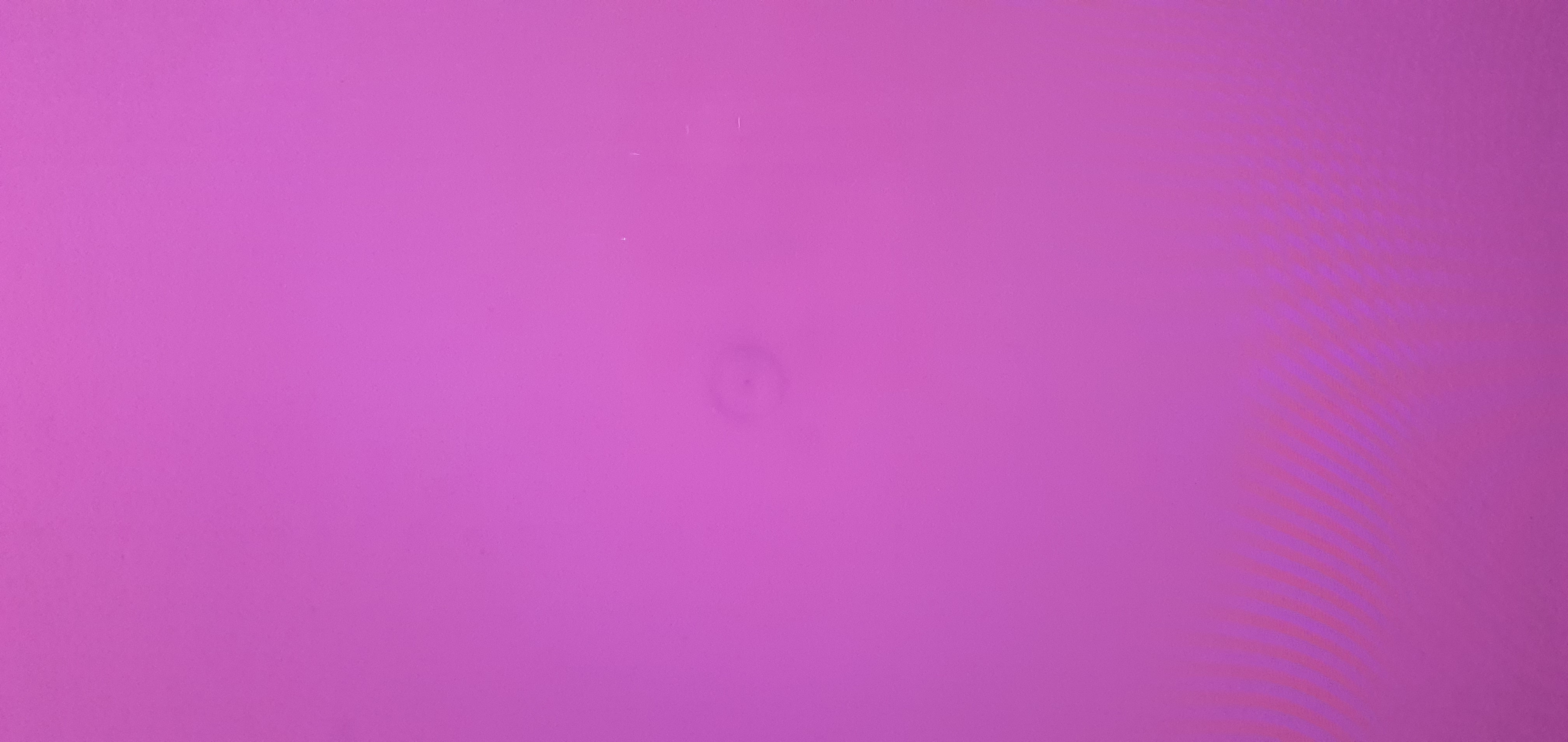
my Samsung S95B has a visible reticle in the center of the screen. it's only really visible if you display a fully uniform and bright color, and even then it's pretty faint, but it's clearly burn in.
doing some pixel refresh cycles would probably reduce it to be even less noticeable,
but claiming OLED TVs will not get burn in is a straight up lie.

depending on what you play this is a bigger or lesser problem of course. but if you play a lot of shooters, maybe even a lot of the same shooter, that reticle and probably some of the HUD will absolutely burn in over the span of a few years.

Just because you got burn-in doesn't mean everyone else is lying.


I've had an LG B9 for 6 years now, use it all the time, zero burn-in.
 
I have two OLEDs, both with over 15k hours, one of which has been used exclusively as a PC monitor. Zero burn-in, and even if there was I wouldn't trade them for an inferior picture because of fear, especially now that I've had experience with these tvs.

Then 99% of you need glasses.

It's not just white dots, look at the bloom around anything light on a black background, like the time in that image. If you play games or watch movies with a lot of dark areas they aren't remotely similar, either.

If mini-led is really better why are OLEDs rated better in almost every price range?
High end LCDs and OLEDs trade blows in picture quality but you're acting like OLED is superior in every way which is simply not.

The camera captures way more blooming than your eyes will ever see and every reputable reviewer mentions that as a disclaimer. Blooming on my mini-led is pretty much unperceivable.
 
I've had two plasmas televisions and two oled televisions now. I just make sure I watch different content with variations of different aspect raitos and keep protective screen settings on like "Adjust Logo Luminance" set to high and "Screen Move" set to on. I've not had any issues yet except for one plasma that was on its final death rattle anyway.
 
Just because you got burn-in doesn't mean everyone else is lying.


I've had an LG B9 for 6 years now, use it all the time, zero burn-in.

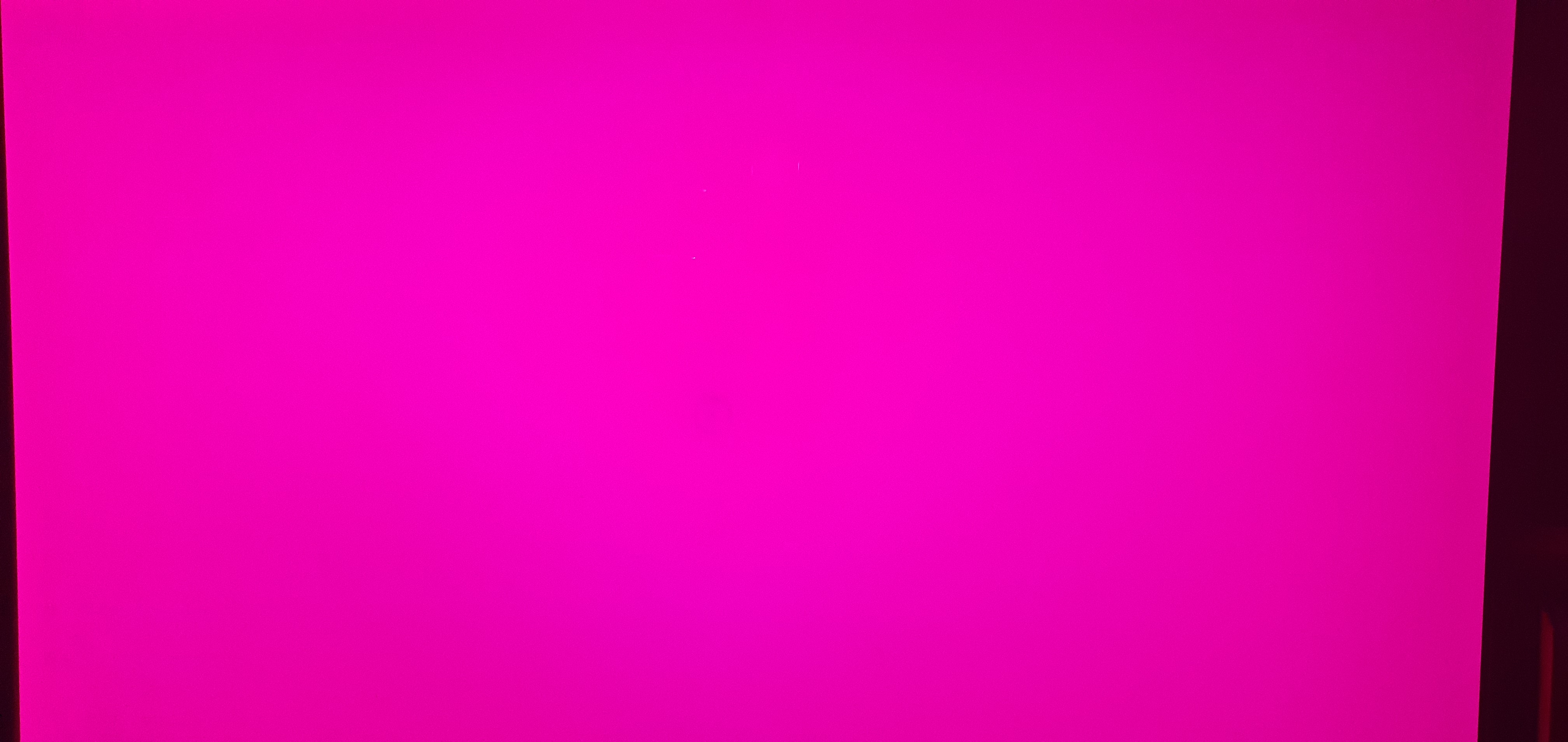
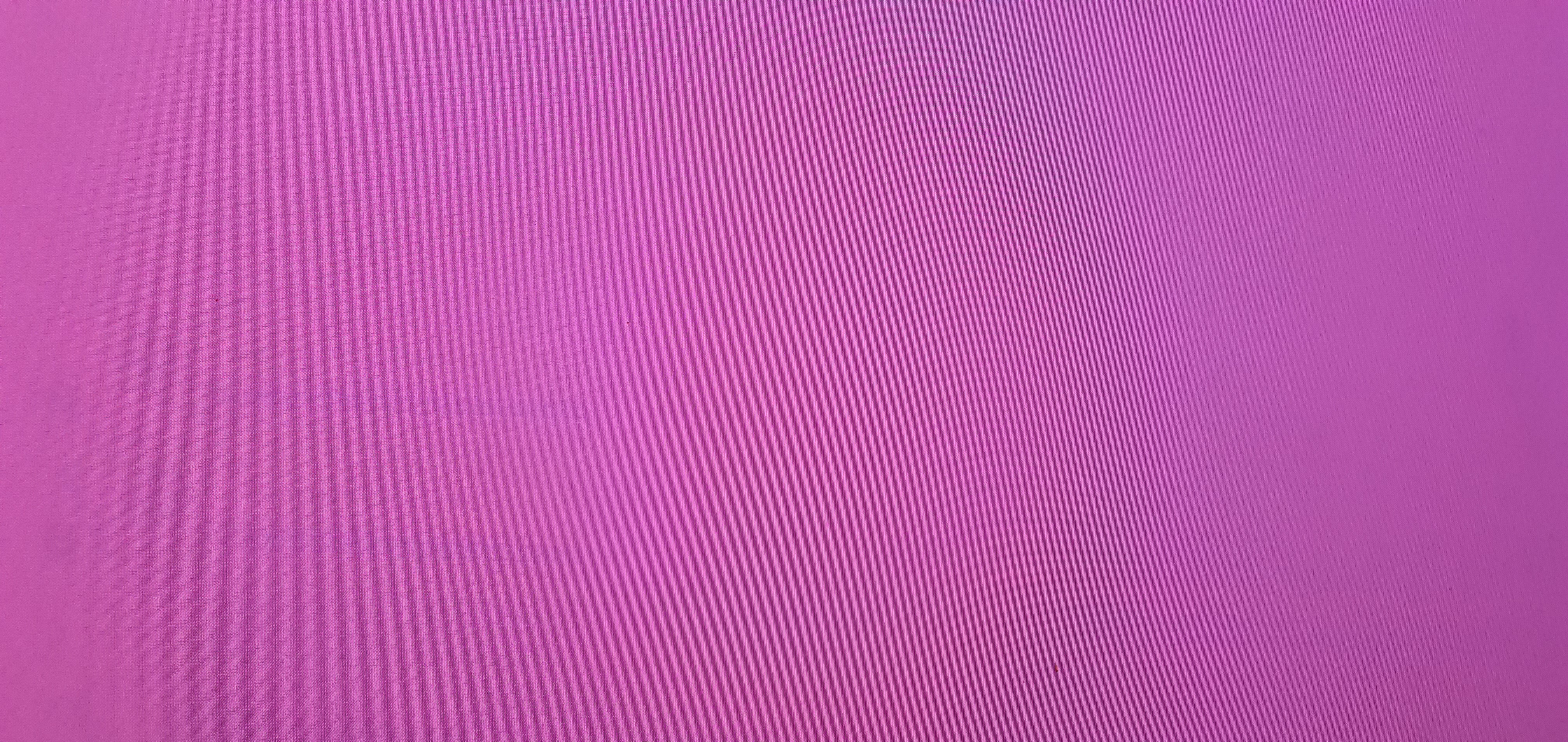
open a fully bright pink or red image, and look at the screen.
I would be very surprised if you wouldn't see elements burnt in. I think it's almost impossible.
 
open a fully bright pink or red image, and look at the screen.
I would be very surprised if you wouldn't see elements burnt in. I think it's almost impossible.

I see nothing on pink image.

Also, corners:

onMkIYf.jpeg
eyPEWTe.jpeg
AfB85D0.jpeg
bY07uu1.jpeg


No dead pixels as well. B2 from 2022.
 
I haven't had any burn in issues, but I don't play video games on my TV, rather opt for a monitor. Could that be saving my television from burn in?
 
Mu C9 used for live TV has channel logos burned in.
My other CX used for desktop and gaming has the dota 2 hud burned in.

They all burn in, but its worth it.
 
Top Bottom