All display tech has problems. But it's hilarious how often OLED enthusiasts gaslight everyone into believing their display tech of choice is objectively superior when it just flat out isn't. They always downplay the risks of burn-in as though that were the only problem.
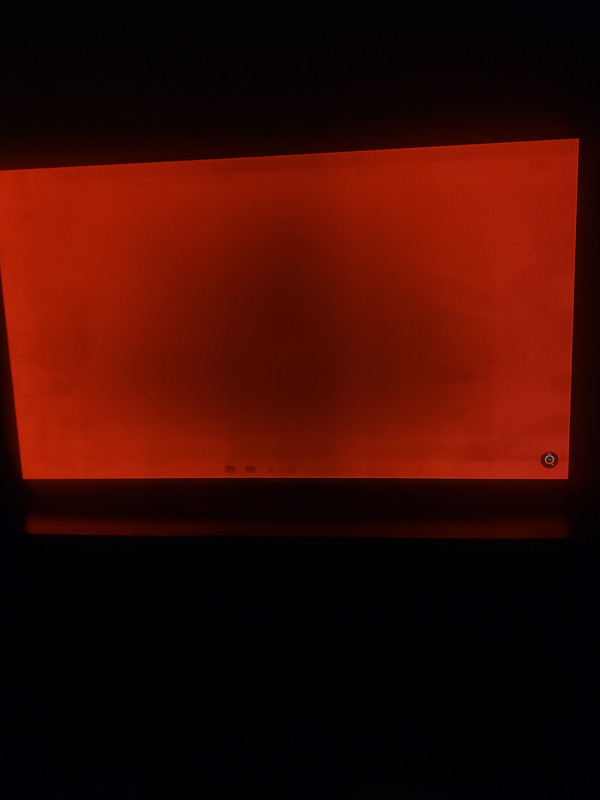
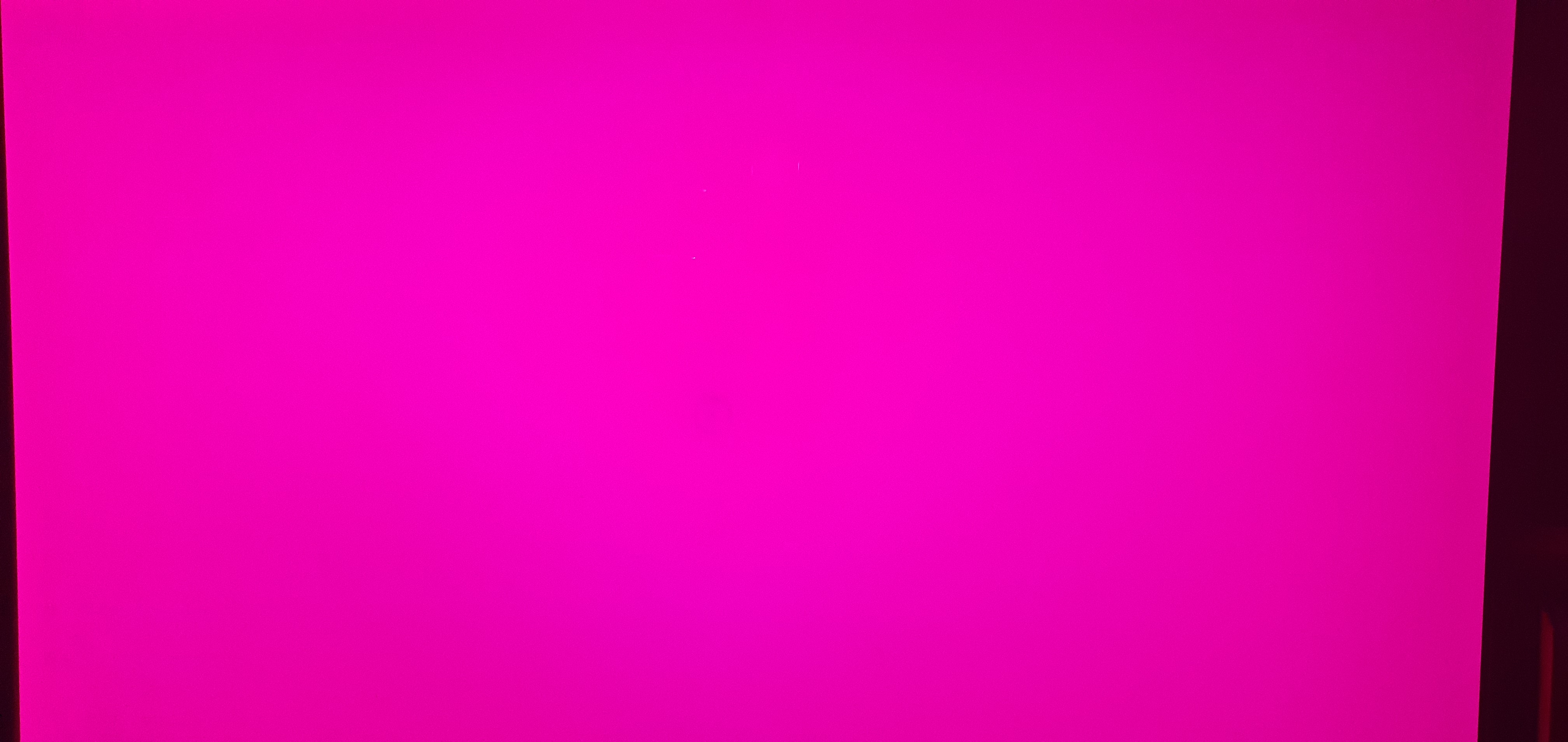
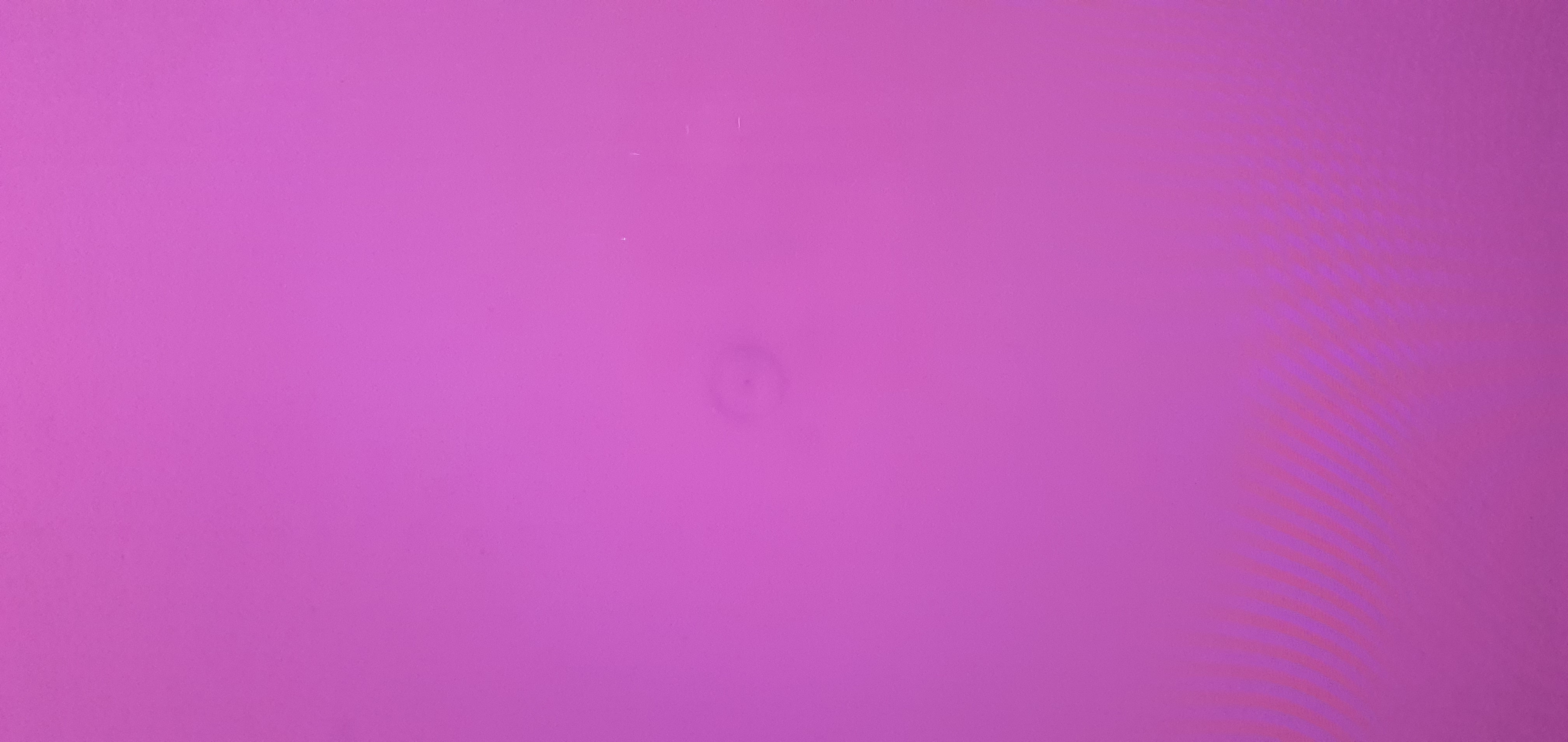
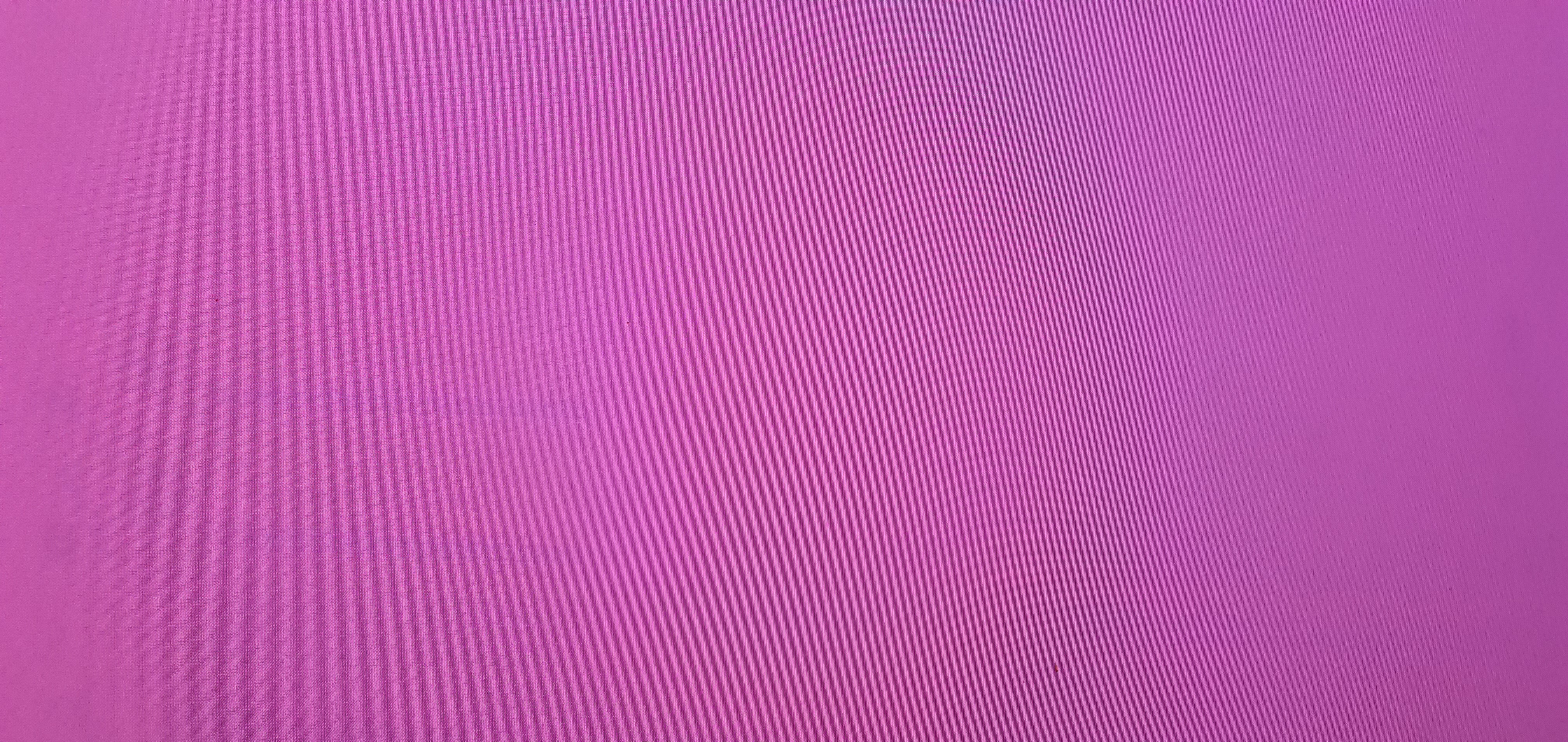
There is a whole dedicated thread to OLED banding and vignetting on AVS. It's a widespread problem, doesn't matter if it's QD-OLED or W-OLED. Said thread has been going since 2017 with over 24000 posts and it is still a problem, doesn't matter if you're rocking a Sony A95L, an LG G5, or a Samsung S95F. Don't take my word for it, go see for yourselves.

www.avsforum.com
The irony is that OLED is allegedly the best tech for dark scenes, and yet, some dark sequences in movies like Dune or TV shows like House of the Dragon look like you're watching a video from 2006 era Youtube with macroblocking. OLED may have "pure black" but it has issues displaying anything near black, resulting in black crush, or the aforementioned banding/vignetting. This isn't a constant problem, but
will show itself in "challenging scenes" when the majority of the screen has low nit content onscreen. Do you like dithering? OLED has it in spades!
Oh and, let me know when OLED plans on addressing fullscreen white. Watching hockey games on an OLED is an exercise in comedy. Sustained 100% white on an OLED is still below what budget LCD TVs can do.
MiniLED has its own problems, but at least folks don't have to create a defense force on its behalf. I own a Bravia 9 and it has blooming. Anyone claiming otherwise lacks attention to detail, it's there. The motion clarity is also inferior to
any OLED out there. But, I will never have to ever worry about what is displayed on my screen, or need to run screen retention maintenance cycles (which lower the longevity of your OLED display). It gave me the least amount of compromises out of any display at the time of purchase for my use case, but I am still awaiting something better.