• Hey Guest. Check out your NeoGAF Wrapped 2025 results here!

Graphical Fidelity I Expect This Gen

I saw a very cool thing in this gif that you dont typically see in games. You see the player pick up and throw an enemy and he just happens to hit a horse and the horse falls over. The dead body on the ground also still has physics applied to it.

l25EIhI.gif

Not a single blood spray 🤦‍♂️😭
 
for anyone not up to date on the latest DF video.

turn the reflections denoiser off in UE5 games! it has literally no function it seems.
with DLSS or even the default TAA, reflections look far superior both in sharpness and motion clarity with the denoiser just entirely disabled.

the TAA, or DLSS does the denoising better 🙃
that's kinda insane tbh.

so, whatever game you play, look up where the config file is, create a file called engine.ini in that folder, add
[SystemSettings]
r.lumen.reflections.temporal=0

then save the file, and preferably write protect it (some games delete engine.ini files on start or when closing)

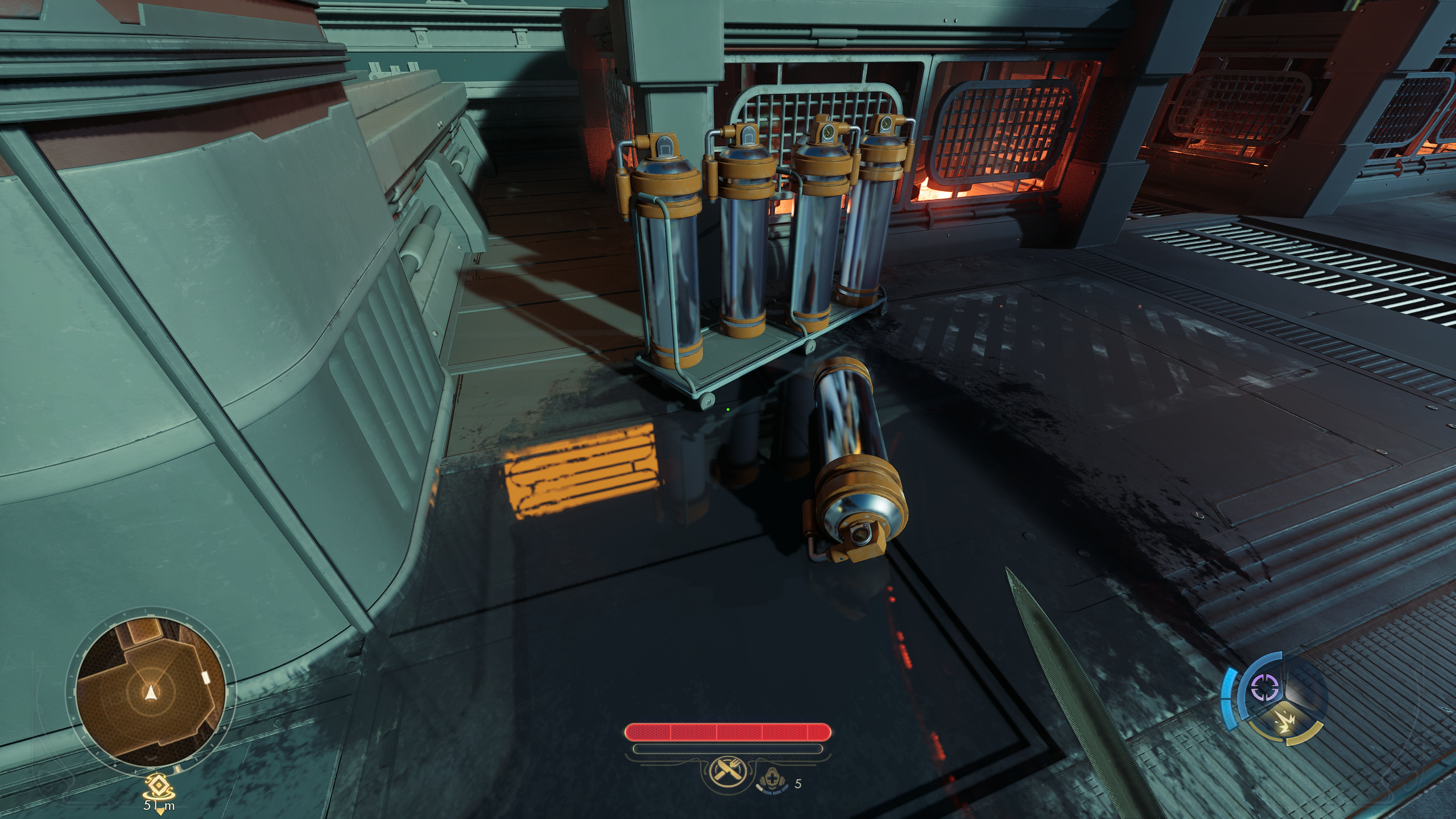
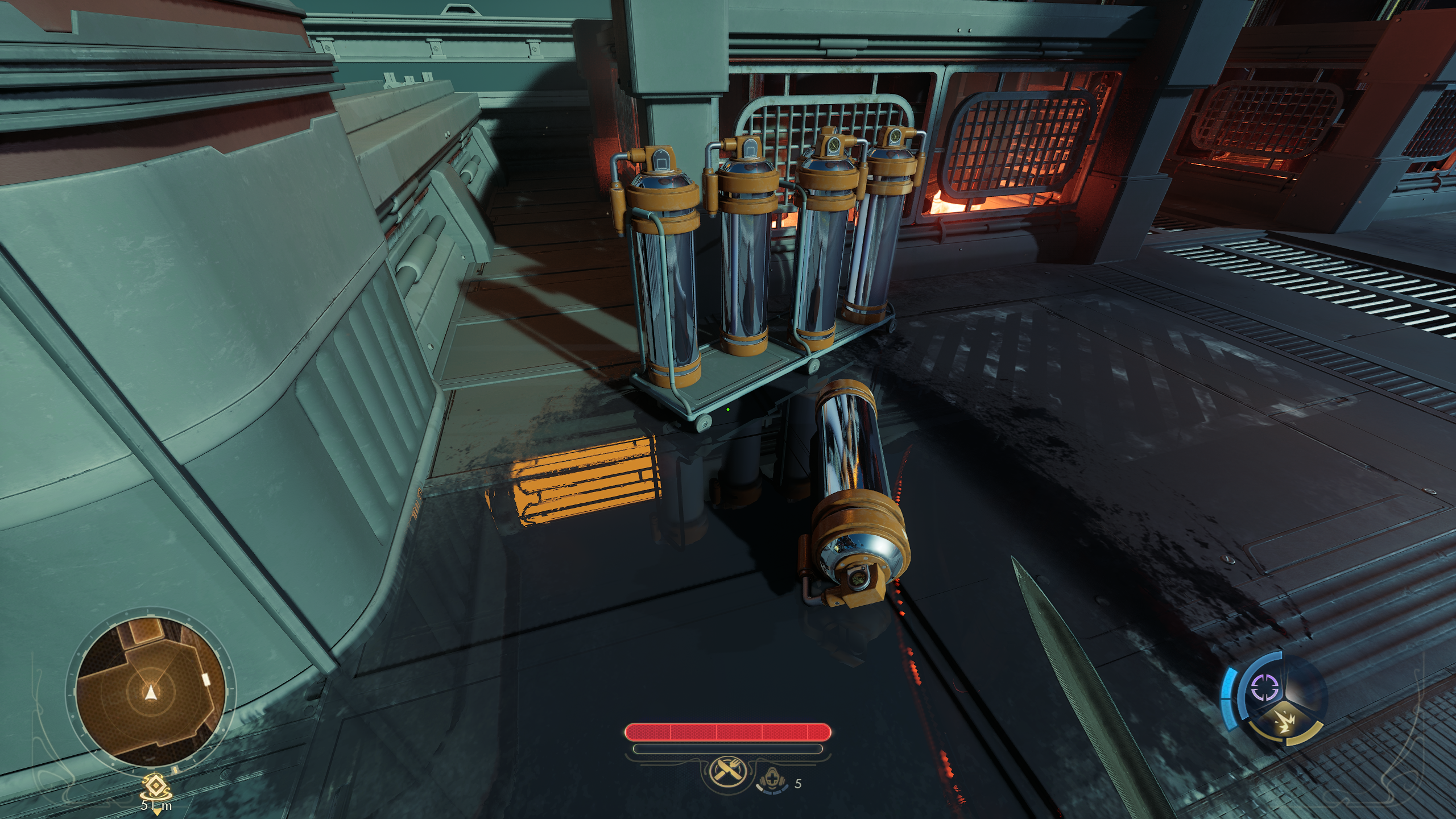
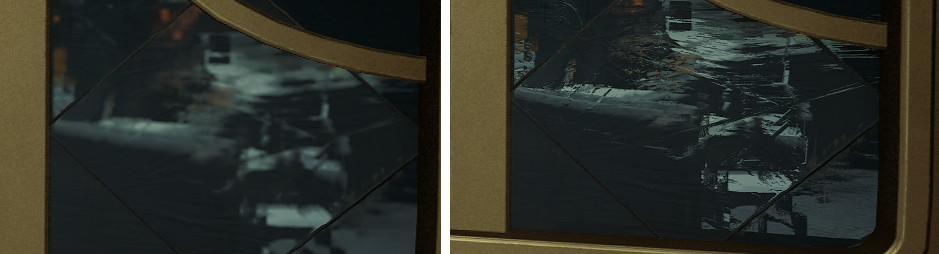
I just tested it in Outer Worlds 2... and my god... it's 1000x better with denoising off. the difference is actually insane.
in screenshots it's already noticeable, but in motion the increase clarity is even more impressive.

this is with preset K (I think that's the one it ships with) at 1440p, hardware RT enabled:

mvxuohpp.png


uct8atv4.png


like... jesus, this should literally become the engine default whenever DLSS is enabled.

anyone who wants do add this to outer worlds 2, beware that the game tries to delete engine.ini files when it closes. so create it, add your variables and then set the file to read only.


EDIT: even when using just UE5's TAA instead of DLSS it looks better btw. and mostly stable.
which makes me wonder what the fuck that denoiser even does... like... why is it there in the first place?


EDIT 2:
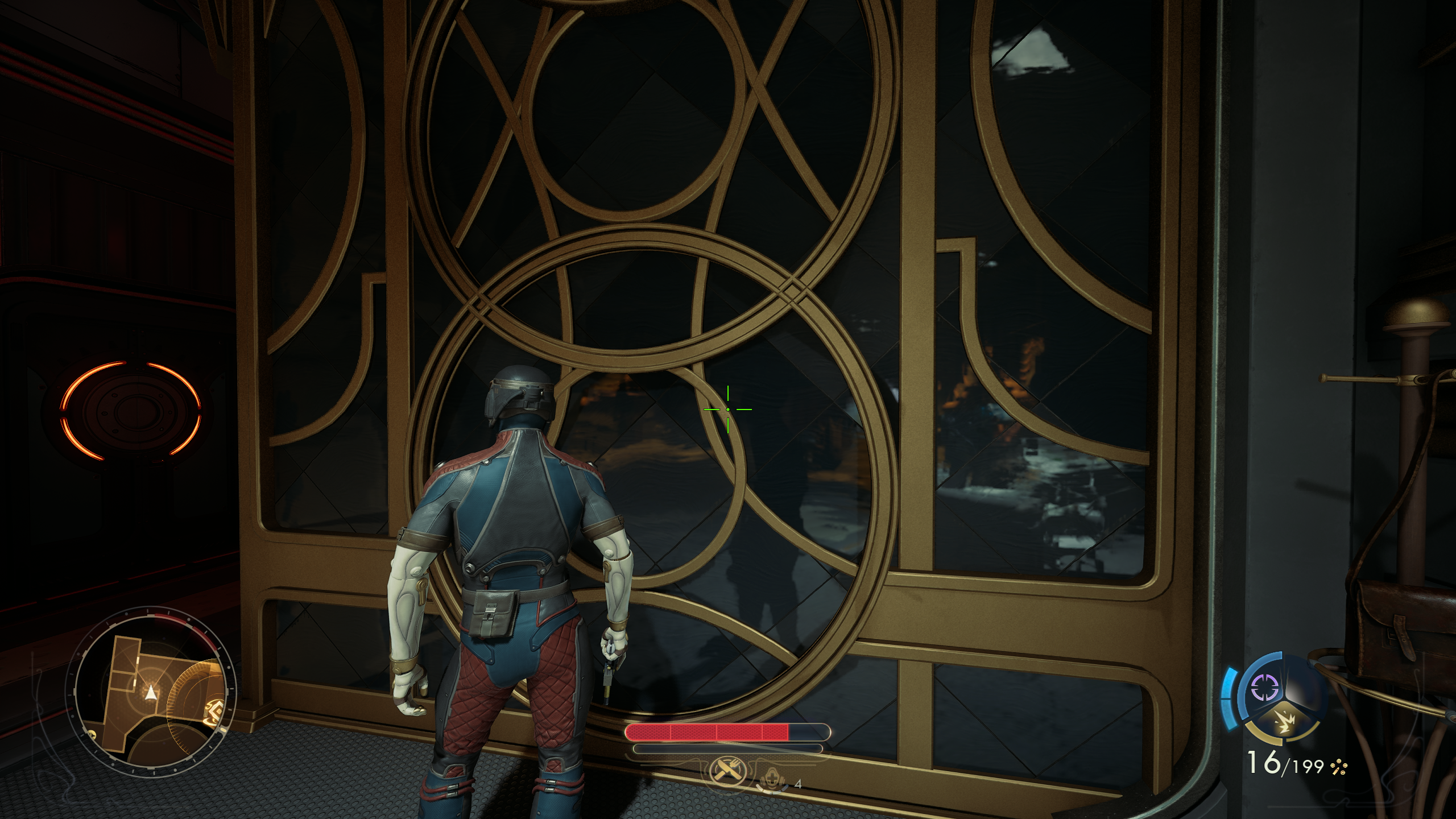
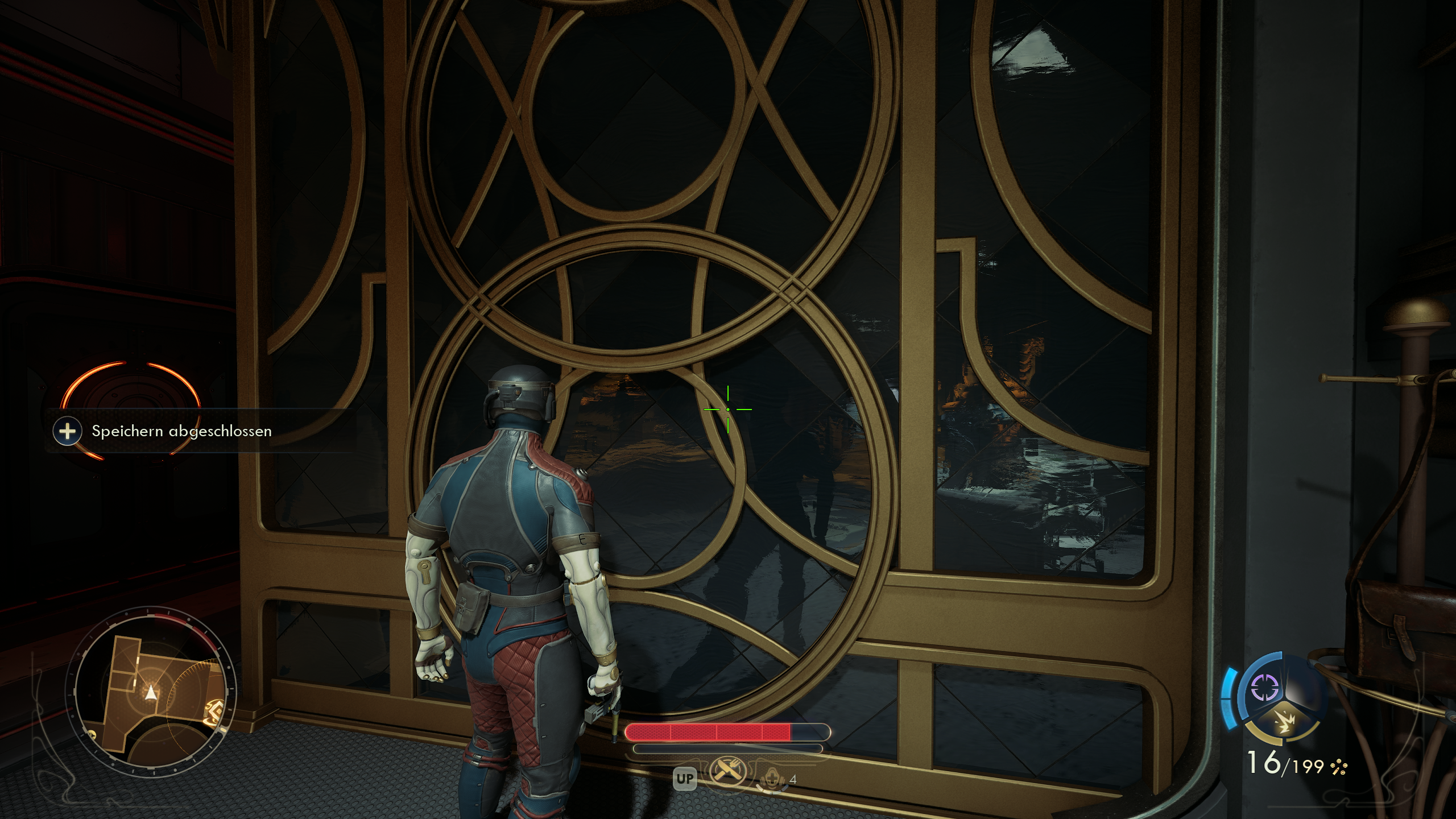
another set of screenshots... like... what are we doing here Epic? why is that denoiser enabled by default? every TAA method in the game seems to denoise better than that crap!
7bgrp2lg.png


i92y8g3p.png


just look how all the surface detail is preserved with the denoiser off! all the little marbling on that wall is there. and with the denoiser on, it just looks like mush.

8l35b93l.png

the difference is insane tbh.
 
Last edited:
I saw a very cool thing in this gif that you dont typically see in games. You see the player pick up and throw an enemy and he just happens to hit a horse and the horse falls over. The dead body on the ground also still has physics applied to it.

l25EIhI.gif

What is with that glow effect from swinging the sword. Looks awful to me. Can you turn it off?
 
That's clearly not what they're going for, and it seems to work. The dynamic grass slash effect, among other things, manages to make that scene look aesthetically pleasing.
 
Word. Have you tried it on yourself.? I'm assuming you have the game. I got it because it's one of the games offered for Plus this month.

I don't have it in PS5 library. I completed PC version in 2020.

120Hz mode added with pro support I believe. Why the fuck remove it? You have 120Hz option in the menu on "automatic"?
 
Top Bottom