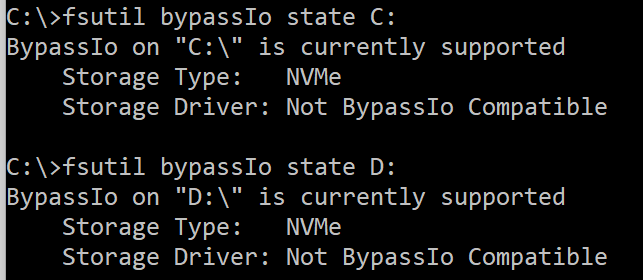
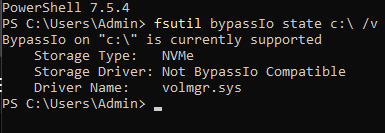
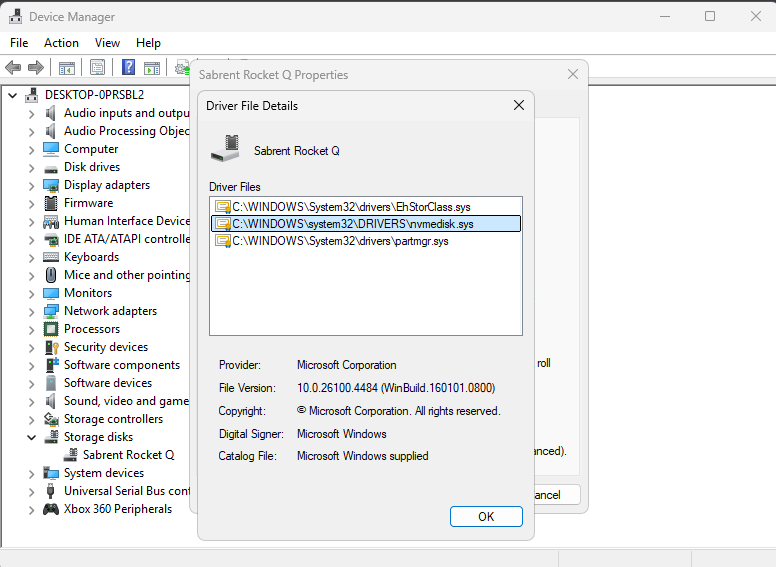
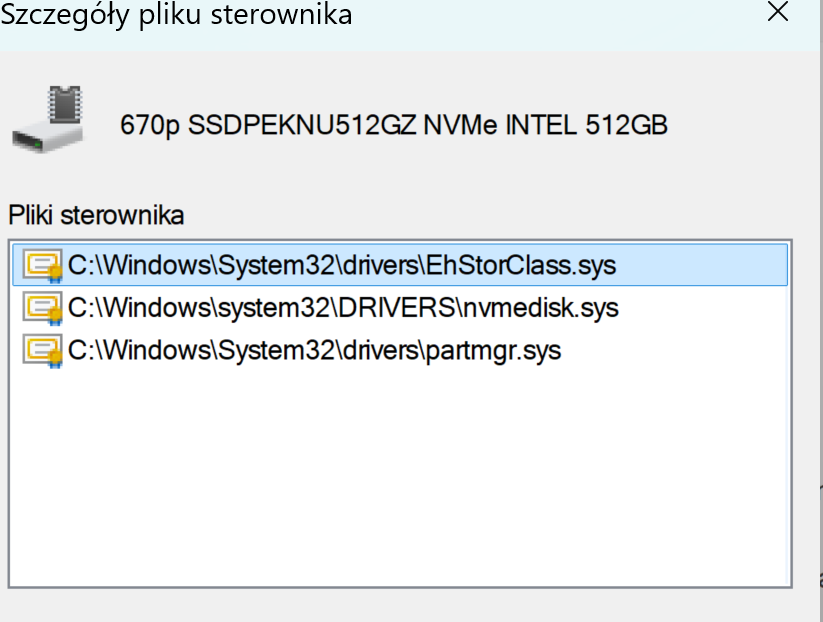
Ok i managed to get it working
So the steps are
Update W11 to 25H2, it should come with the KB thing
Create a restore point
Run as admin powershell
Copy, paste enter the 3 lines one after another :
reg add HKEY_LOCAL_MACHINE\SYSTEM\CurrentControlSet\Policies\Microsoft\FeatureManagement\Overrides /v 1853569164 /t REG_DWORD /d 1 /f
reg add HKEY_LOCAL_MACHINE\SYSTEM\CurrentControlSet\Policies\Microsoft\FeatureManagement\Overrides /v 156965516 /t REG_DWORD /d 1 /f
reg add HKEY_LOCAL_MACHINE\SYSTEM\CurrentControlSet\Policies\Microsoft\FeatureManagement\Overrides /v 735209102 /t REG_DWORD /d 1 /f
Download run the .msi policy file from M$
https://download.microsoft.com/download/123547b0-bff7-419d-96ba-d1cfee92f442/Windows 11 24H2, Windows 11 25H2 and Windows Server 2025 KB5066835 251014_21251 Feature Preview.msi
Reboot PC, go to local group policy editor - computer configuration - administrative templates - kb5066835 251014_21251 Feature Preview. Enable
So far, nothing usual happened or changes to the settings.
Hwinfo is still able to readout the temps and such
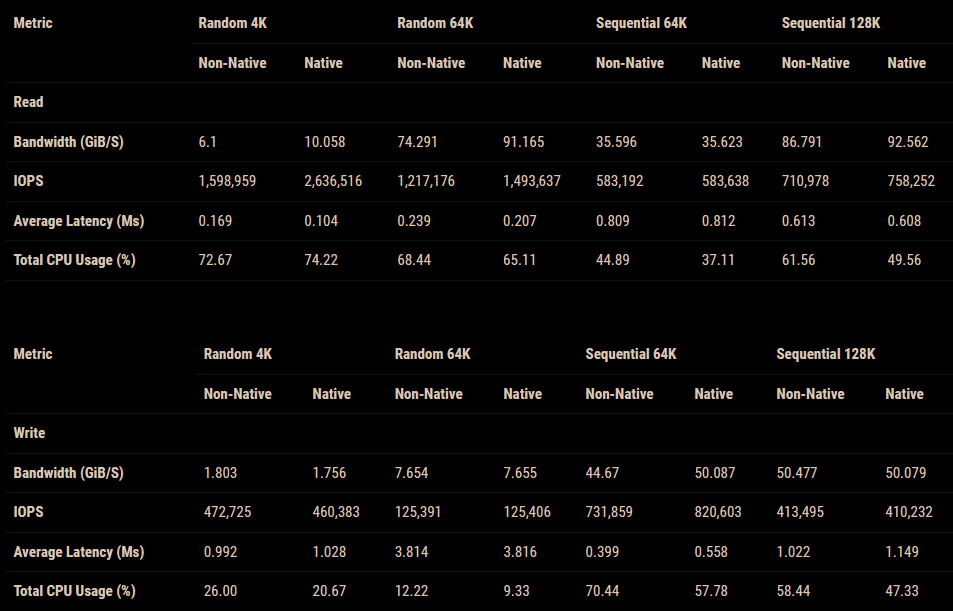
I run a quick CDM9 benchmark, before and after, the Rnd4K Q32T16 RW results a bit higher >30%, but im not sure if the before was correctly done, i just did it once