• Hey Guest. Check out your NeoGAF Wrapped 2025 results here!

PC Help Needed! (hardware)

Status
Not open for further replies.

Bebpo

Banned
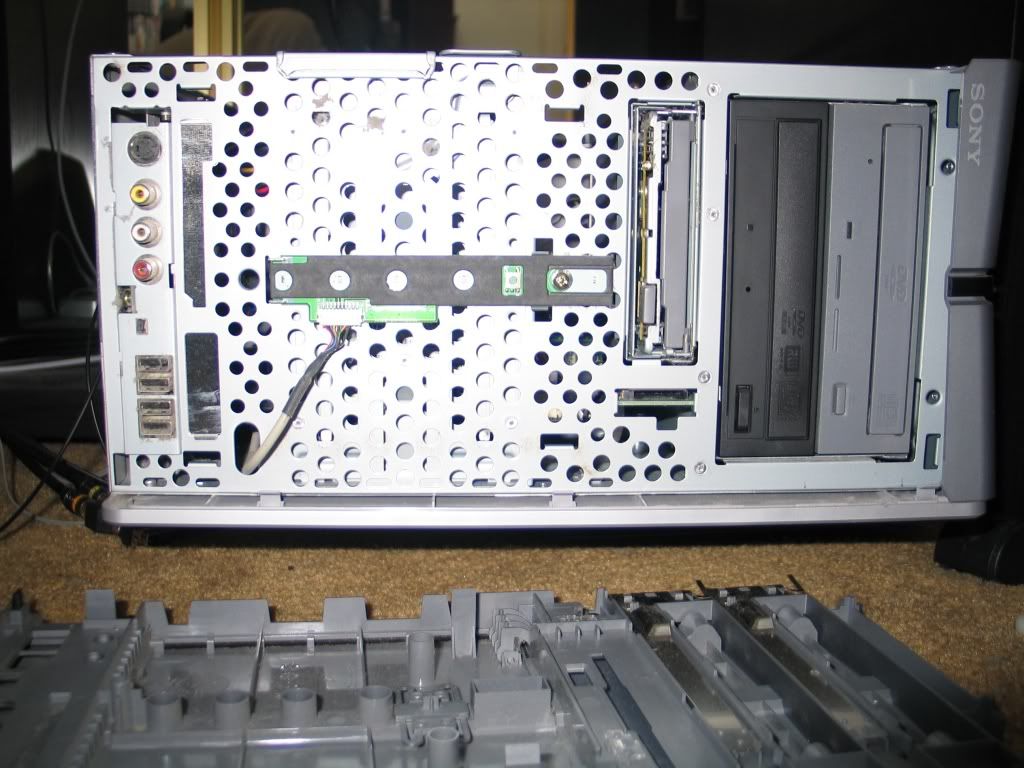
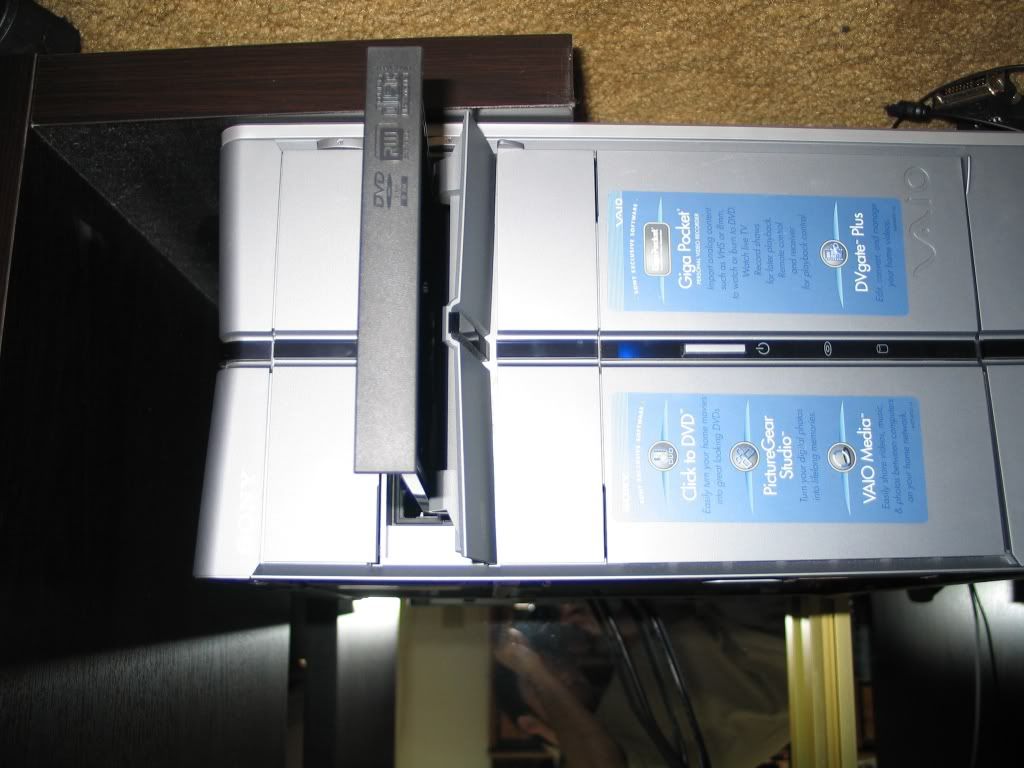
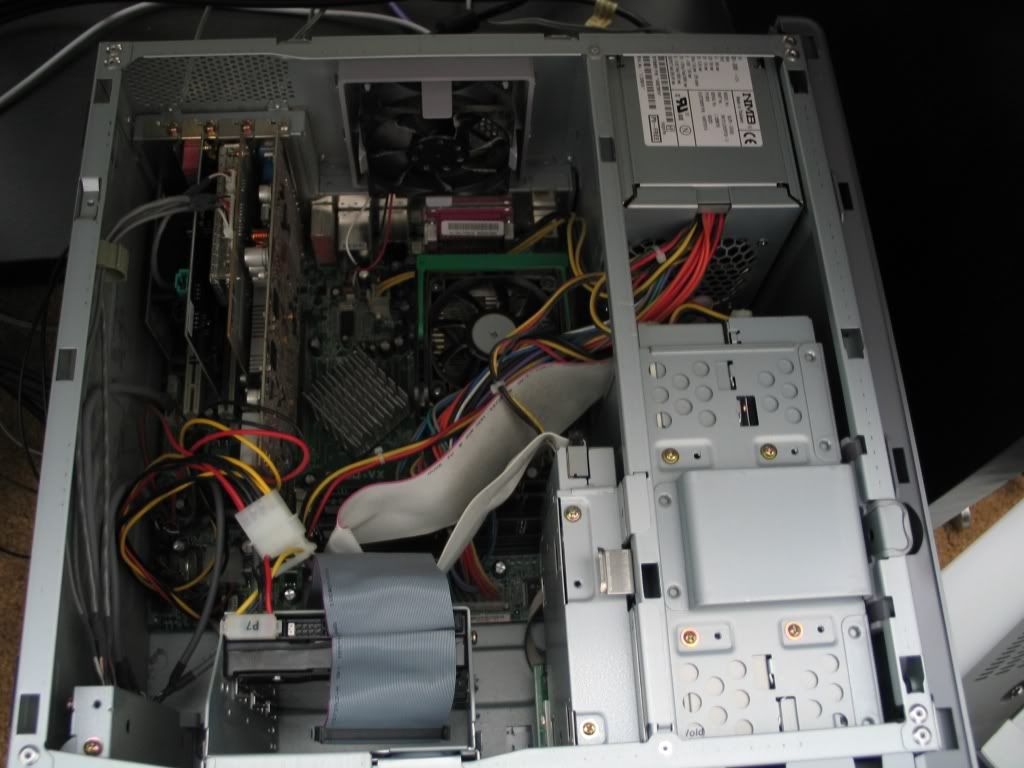
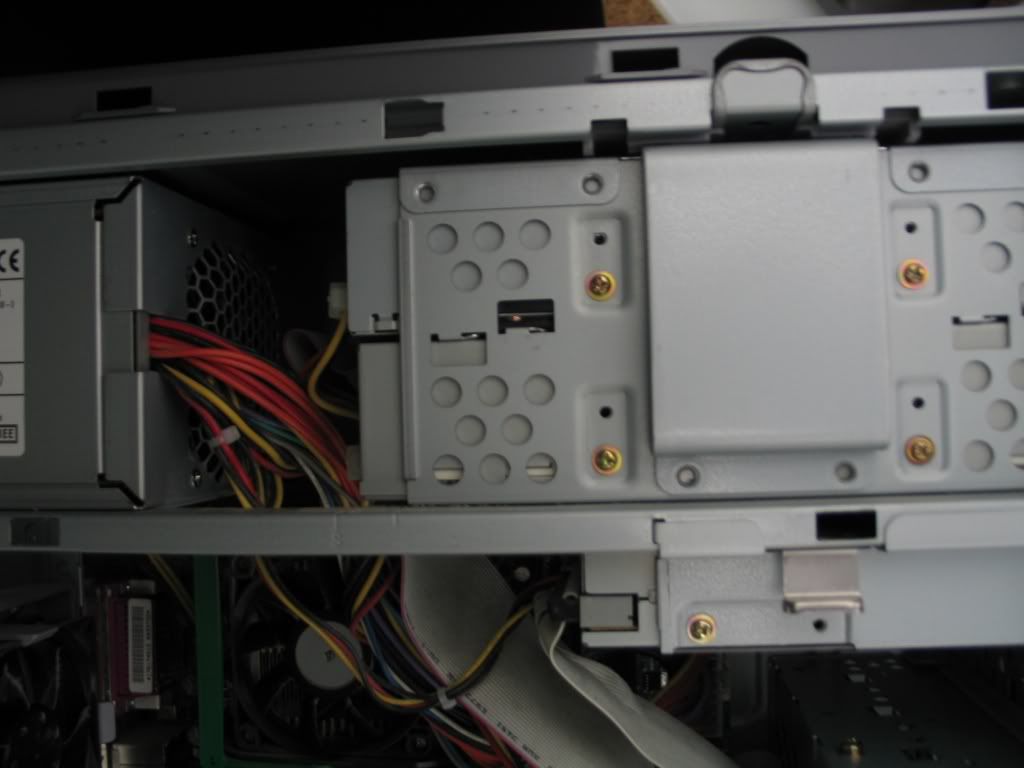
I bought the NEC dvd burner Diablos advertised last week and now I'm trying to put it in my computer. But my couple year old Sony Vaio doesn't seem to be very "cd/dvd-switching friendly" and I can't figure out how the heck to get the old drives out. Here are some pics I just took:
pc1.jpg

pc2.jpg


I'd like to remove the bottom one which is just a cd-reader and put the NEC drive in there. By looking at those pics can anyone tell me how I get the cd drive out of the case?

Thanks,
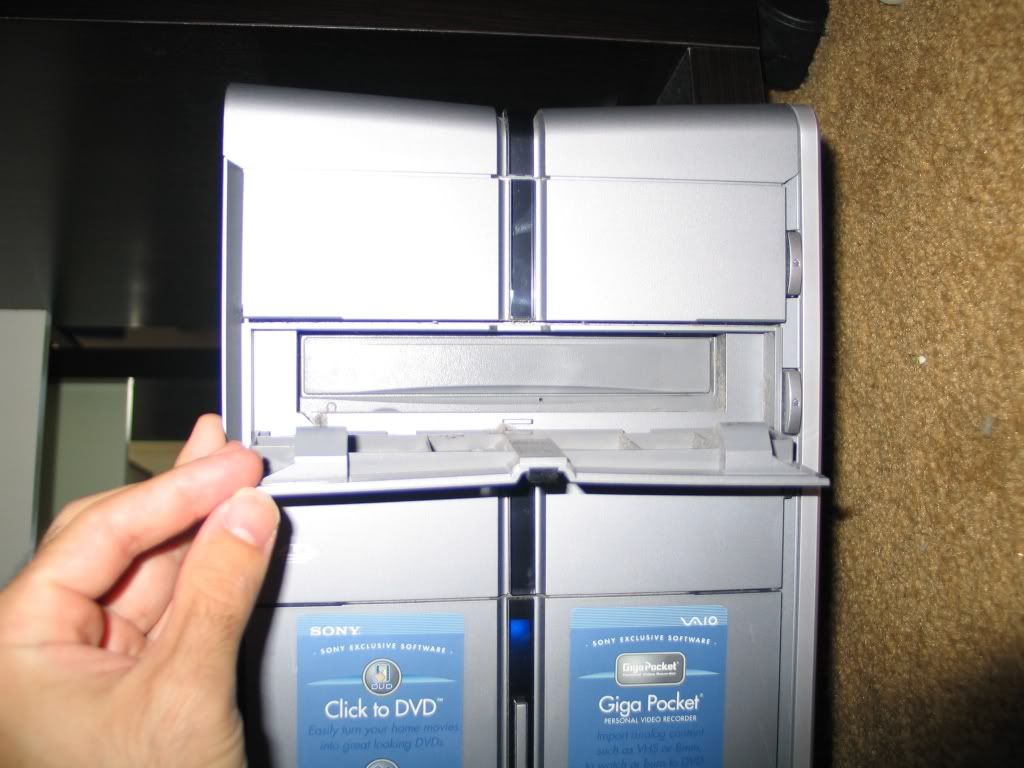
 
I believe you just take out the screws and then pull the drive away from the tower. Unless I'm missing something.
 
Slide it where though? The AC adapter is too close behind it to slide it backwards and the opening in the front is too tiny to slide it forwards. Do I pull it upwards after unscrewing both drives?
 
TomStrong said:
Huh WTF?!!!! Have you tried unscrewing the screws removing them and then sliding the drive out?
Shut up noob.


Bebpo, does the front panel of the tower come off? If so, take it off so you can slide the CD drives out.
 
Examine the case carefully. The front face panel should be able to be pulled off.

(Try it carefully, if you break something it's so not going to be on me.)
 
Miguel, Xsarian thanks for the tips.

I will try to pull off the front panel part that's blocking the drive from escaping. Then I will attempt to slide it forward.

bb in 5 mins with damage reports.
 
Sigh, your going to have to unplug the IDE cable as well and the power cord, and slide it back. That is if you can't slide it forward out of the front of the case. Have you even tried removing this or did you just run and post this thread without touching anything?


Miguel said:
Shut up noob.


Bebpo, does the front panel of the tower come off? If so, take it off so you can slide the CD drives out.


LOL noob, LOL!!!!!!!
 
TomStrong said:
Sigh, your going to have to unplug the IDE cable as well and the power cord, and slide it back. That is if you can't slide it forward out of the front of the case. Have you even tried removing this or did you just run and post this thread without touching anything?

Perhaps you didn't notice the big, honkin' power supply on one end, and him stating rather plainly that the face panel on the front is blocking the other.
 
Looks to me like both cd's are inside a frame. There appears to be a "clip" on top of the frame which may release the frame for you to slide sideways and then remove the four screws from the bottom drive.
 
TomStrong said:
Sigh, your going to have to unplug the IDE cable as well and the power cord, and slide it back. That is if you can't slide it forward out of the front of the case. Have you even tried removing this or did you just run and post this thread without touching anything?

I looked around and posted this before attempting to break anything because I tend to damage hardware whenever I try to mess with it. I'm a software guy, not a hardware one ^^;
 
xsarien said:
Perhaps you didn't notice the big, honkin' power supply on one end, and him stating rather plainly that the face panel on the front is blocking the other.


Thought you were talking about the smaller drive at the bottom. Anyhow you are going to have to unscrew the power supply and slide it backward then slide the drive out backwards then slide the new one in. You might not have to unplug all your power connections but I doubt it.
 
Alright, I did it and survived...mainly.

First thing I did was attempt to pull off the front. Now see I don't think the front was actually supposed to be pulled off by consumers as some pieces of it near the top broke off when I tore it off.

pc4.jpg


Then I just popped out the old one and inserted the new one. Put the case back on (which was pretty hard so I had to kinda break off the top of the case to make it fit back on, then I punched the top plastic part back on.

Loaded up the computer and everything was working great! Did some test burns and the drive seems excellent. So I seemed to have survived this installation and the only damages are that the eject buttons on the cd drives seem a bit more sensitive. ^^;

pc5.jpg
 
It's also possible that the motherboard and power supply are on a sliding tray that can be unscrewed from the back and pulled backwards (my case is like that), moving the PSU with it.
 
Status
Not open for further replies.
Top Bottom