GymWolf
Gold Member
Is it great tho?Great, how it should be.
Now people are never gonna try profile M quality because they think it's only good for perf mode which is bullshit.
Is it great tho?Great, how it should be.

Missing? You can still select the model in the App?Model E (the last CNN one) is deprecated and has been removed once model K was out of beta (SDK 310.4) so back in DLSS 4.0, it's obviously missing in 4.5 as well.
Also there can be changes in existing models between SDK versions, the docs clearly say so. Minor improvements (or regressions) will not be visible though.

Missing? You can still select the model in the App?


Is it great tho?
Now people are never gonna try profile M quality because they think it's only good for perf mode which is bullshit.

Dunno what the app does on 310.4+ if you select models A-E but my guess would be nothing as in you're actually getting the latest K (+L/M in 310.5.x now) regardless.
I was more talking about people less informed than us, they are never gonna try profile m quality because the app says that k is better...It's more straightforward, now you don't have to manually tweak Nvapp or Swapper with every internal resolution change. It chooses the most optimal preset.
And if you want to use preset L DLAA for example, no one is stopping you if set it like that
Probably recent change, in that 310.4.0 version. When 310.x.x launched there were games using this .dll and preset E by default.
I was more talking about people less informed than us, they are never gonna try profile m quality because the app says that k is better...

I absolutely love the DLSS FG and I can't imagine playing Cyberpunk at 4K without it. Even at 1440p, my experience improved a lot when the frame rate jumped from 110 fps to 185 fps. Motion gets sharper and it's even easier to aim. It really feels like true 185fps. I'm only using an FGx2, meaning one generated frame for every real frame making it more difficult to see potential artifacts. If the base framerate is high, I don't see any artifacts at all.Jesus framegen is useless in cyberpunk, it introduce a shitload of artifacts.
 .
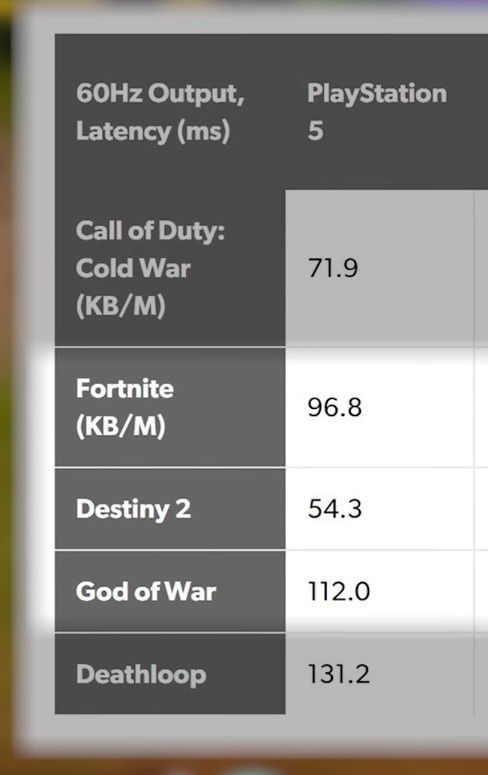
.

Yep, I can see the noise from the frames generating. Like flickering. Wish they would fix it.Jesus framegen is useless in cyberpunk, it introduce a shitload of artifacts.
Are you talking about DLSS FGx2 or the latest MFG x3 / x4? My DLSS FGx2 test shows small artifacts around text or cables, but these are only visible at a low base framerate (30fps) and without motion blur. With a base frame rate of around 80–120 fps, there are no artifacts, as I have demonstrated in my video. This was filmed in the most challenging scenario for frame generation, which involved tracking the motion of small text.Yep, I can see the noise from the frames generating. Like flickering. Wish they would fix it.
Soooooo Switch 2 update?
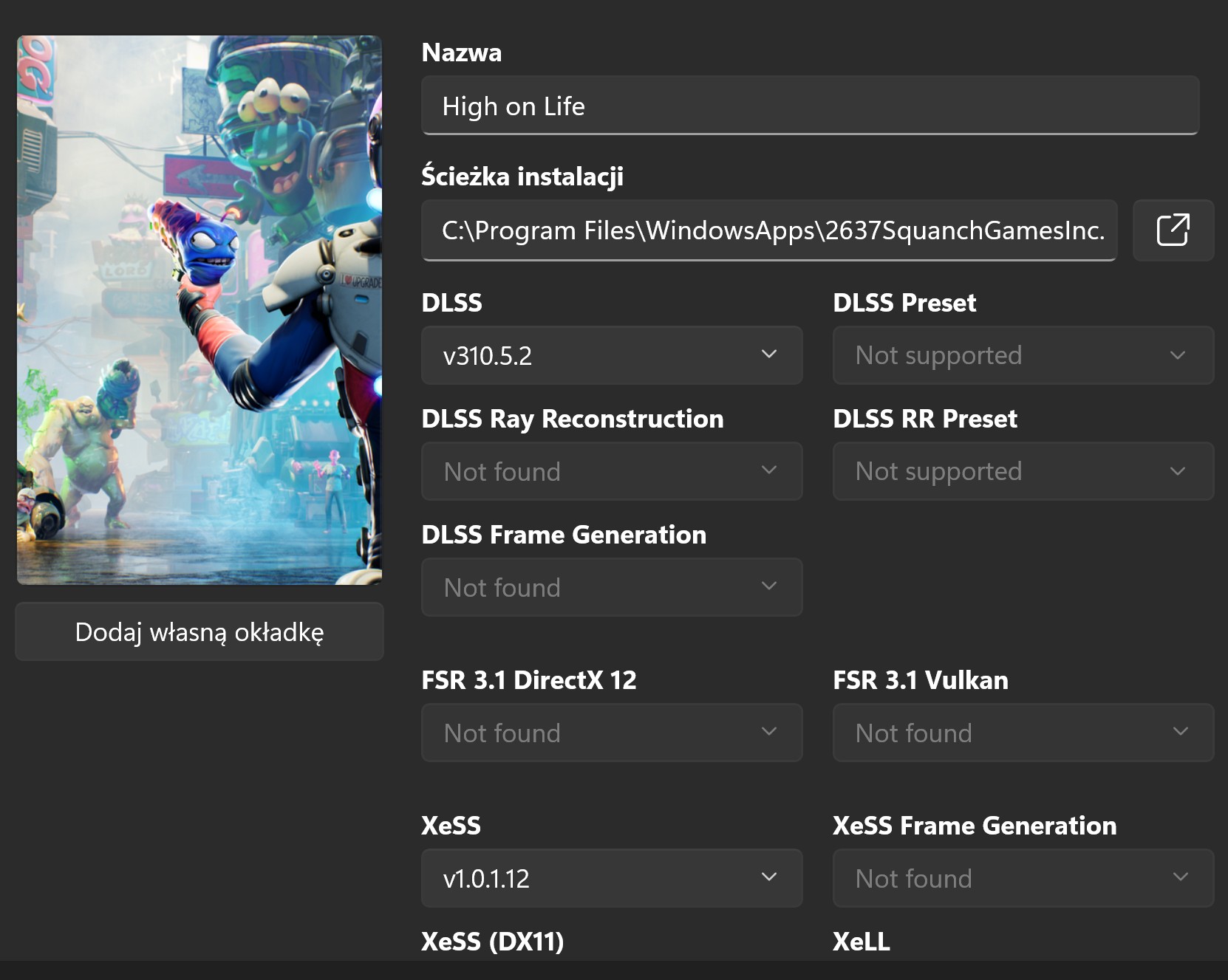
Has anyone managed to make Death Stranding not look like a blurry mess?
Even with DLSS 4.5, the game still looks way too blurry. It also lacks anisotropic filtering for some reason.

Why KCD 2 doesn't have DLSS ultra performance in-game?

Standard DS.Force AF in the driver - I have x16 by default since 2007.
You are talking about standard DS or Director's Cut?

Do you force that on all games?Force AF in the driver - I have x16 by default since 2007.
You are talking about standard DS or Director's Cut?
Standard DS.
Selecting the K preset somewhat improved the blurriness.


Do you force that on all games?

It does. It's the only game I use it on and it has a lot of artifacts.Jesus framegen is useless in cyberpunk, it introduce a shitload of artifacts.

Switch 3 will finally have the power to use DLSS 4.5, after DLSS 9.5 is outI don't think it has any effect whatsoever on Nintendo.
I mean it's harder to run and only Ada and Blackwell have beefy enough tensor cores to shrug it off. Same thing happened with DLSS 4.0 Ray Reconstruction on 2 and 3 series cards.True. But first impressions with DLSS4.5 from many people were: "I have set the newest profile and now my performance is terrible" (mostly from 2xxx, 3xxx users).
So with that update they mostly avoid it and power users still have many options to set up DLSS as they like.
This game never looked nearly as sharp for me with previous DLSS versions.From what I have (just) seen. DLSS works correctly in base DS1. Native, DLSS2 Q (in game), DLSS4 Q, DLSS4.5 P:


use DLDSR + DLSS circus comboThis game never looked nearly as sharp for me with previous DLSS versions.
It only looks close to these (though maybe not quite) only when i choose DLSS 4.5 with K preset (which i never had to do with other games, i would just use the "default" preset).
Keep in mind though, i have a 1080p monitor so it upscales from 720p i assume.
Not sure if i'm doing something wrong. The only other thing i changed was to enable 16X anisotropic filtering through Nvidia, because the game natively had zero.
I'm using DLSS Swapper.
Sounds like a good solution but these factors seem too highuse DLDSR + DLSS circus combo
you might need to change your desktop to the DLDSR resolution if the game does not allow you to pick the DLDSr resolution
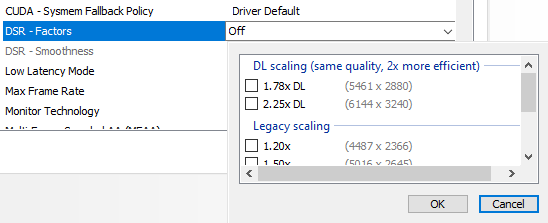
for death stranding you can try 2880p + dlss ultra performanceSounds like a good solution but these factors seem too high
Why not give me the standard 1440p or 4K? I'm on a 1080p monitor.

I don't know what that is or how to see if i can use it or how.your monitor probably has a virtual 4K resolution by itself. you can use that too, you don't have to use DLDSR or DSR to get the supersampling benefits
it is probably due to the second screen indeed. then no worries, you can still enable DLDSR, it should be enabled separately for both monitors (even though UI wouldn't tell you so). otherwise you might have to set your 1080p screen as your primary screenI don't know what that is or how to see if i can use it or how.
I'm suspecting these numbers Nvidia gives me are because i use two screens, though the secondary is turned off.
you have to change your desktop to the virtual resolution before launching the gameGame doesn't see the DSR factor resolution, but i think it looks good enough with the new version of DLSS + K preset.
Not sure why it was significantly blurrier before.
Though i still feel like it's softer than Boji's examples.
I don't like to mess with my default desktop settings and refresh rate (i'm running 240hz, game is locked at 60) and i just don't want to have to manually switch every time i want to play this particular game.you have to change your desktop to the virtual resolution before launching the game
then you should be able to see the higher resolution in the game

Yeah, i'm curious what Nivida has in petto for DLSS 5 when it comes out with the 6000 series.Just wanted to say that i tried using frame generation for the first time in two pretty demanding games, Silent Hill 2 and Talos 2. Using DLSS 4.5.
The result is way more impressive than i would imagine. I was pretty negative for all this AI/fake frames thing but i can't argue with the results.
I tested these games with RT ON and max settings at 1080p/locked 60fps. My 5060ti could barely handle that, often getting at 100% usage and dropping to mid 50's.
With frame generation i was able to lock Silent Hill at 80fps and Talos at 90fps and not only they look smoother/less blurry, the card also doesn't go above 80% usage so it's dead silent. Plus, with the GPU prices and all, i want my card to last longer so i try not to push it too much.
80fps is fine in Silent Hill, i feel no extra input lag. With Talos i felt the extra input lag at 80fps but at 90fps it's fine.
I'm also using this with Atomic Heart. This game was extremely blurry at 60fps. For some reason it seems like motion blur is always ON, even when OFF in the settings. So with frame generation i managed to bump it at 100fps, which cleans up motion blur by a lot and not only that, i was able to also enable Ray Tracing.
So in conclusion, frame generation rocks. There's some minor artifacting that looks a tiny bit like screen tearing at times. But it's very minor and worth the "sacrifice".
Ι hope they continue improving things for current hardware, before 6xxxx gets out.Yeah, i'm curious what Nivida has in petto for DLSS 5 when it comes out with the 6000 series.
Maybe we finally see that nvidia neural texture compression.

Yeah, i'm curious what Nivida has in petto for DLSS 5 when it comes out with the 6000 series.
Maybe we finally see that nvidia neural texture compression.
Ι hope they continue improving things for current hardware, before 6xxxx gets out.
And i hope whatever improvements 6xxxx gets will be backwards compatible, like how 4xxxx cards also get the current stuff.

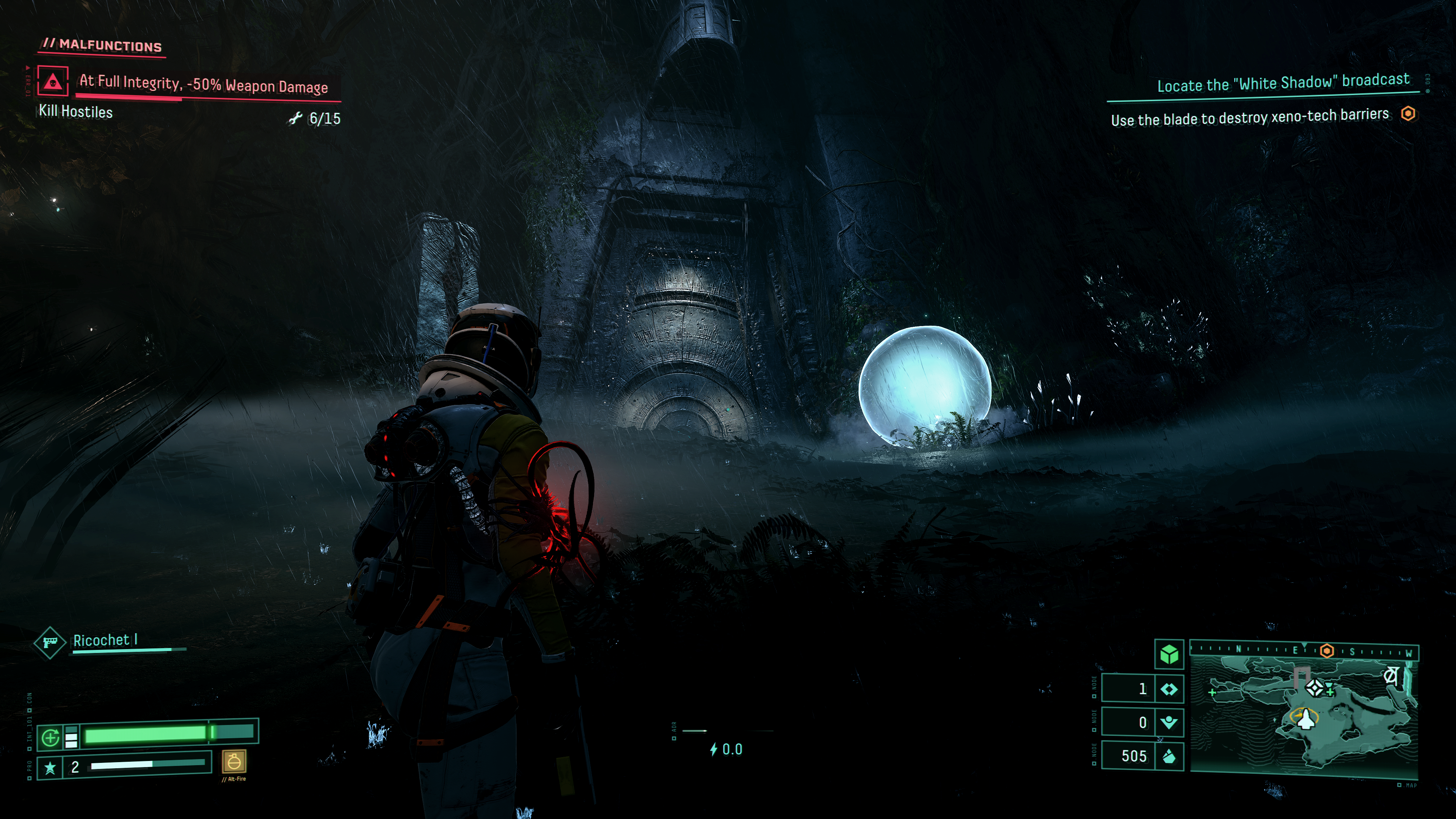
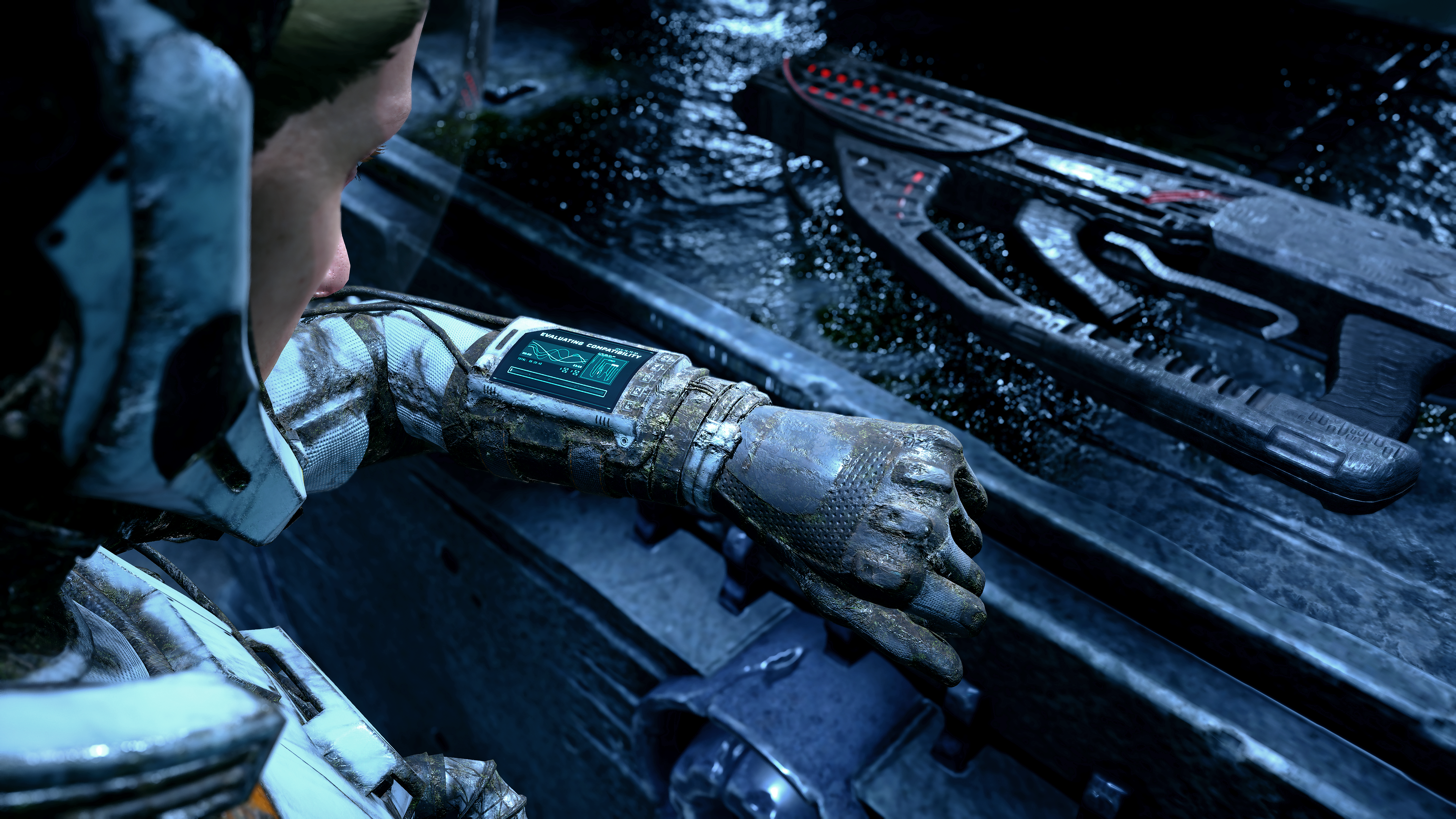
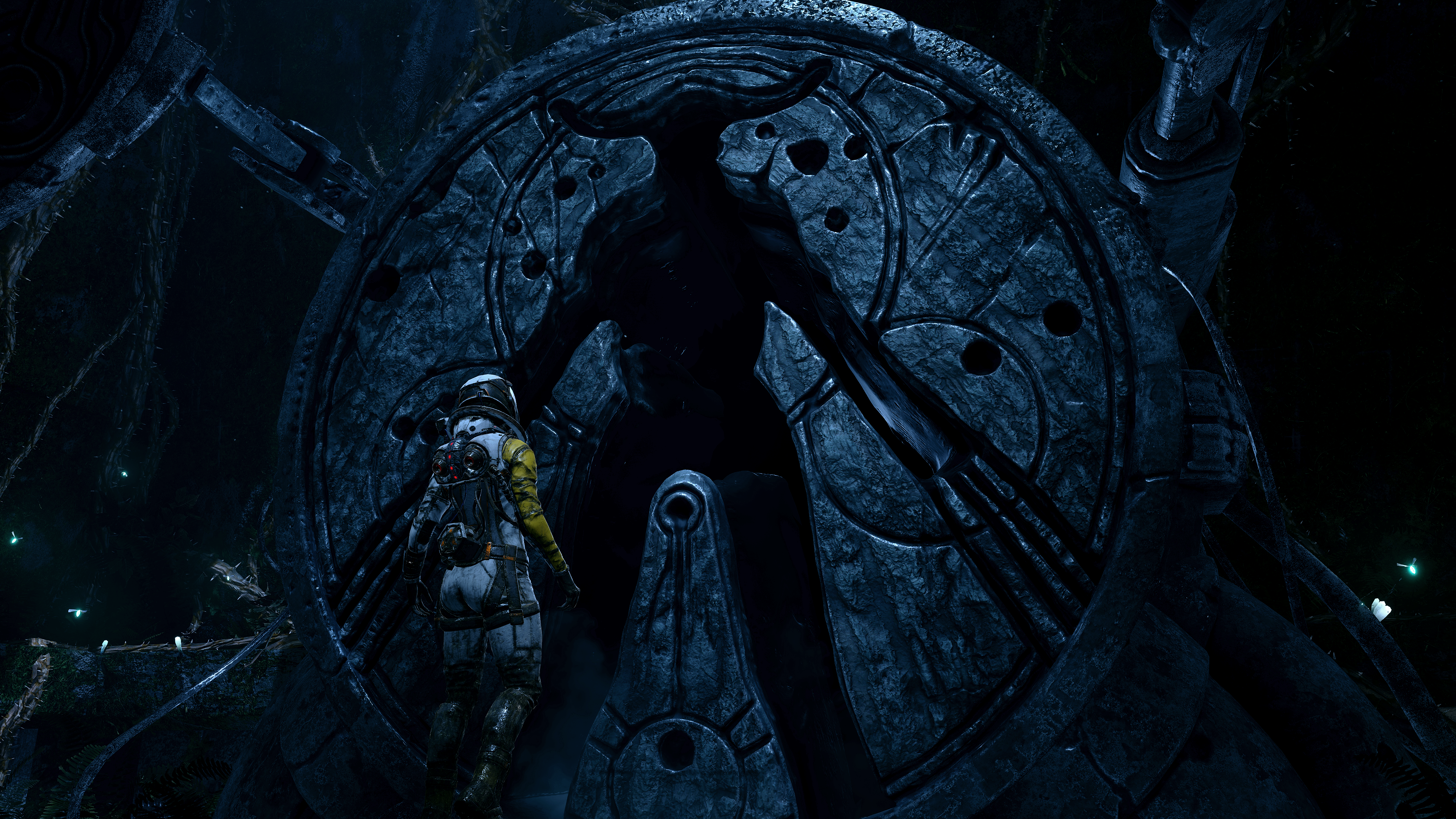
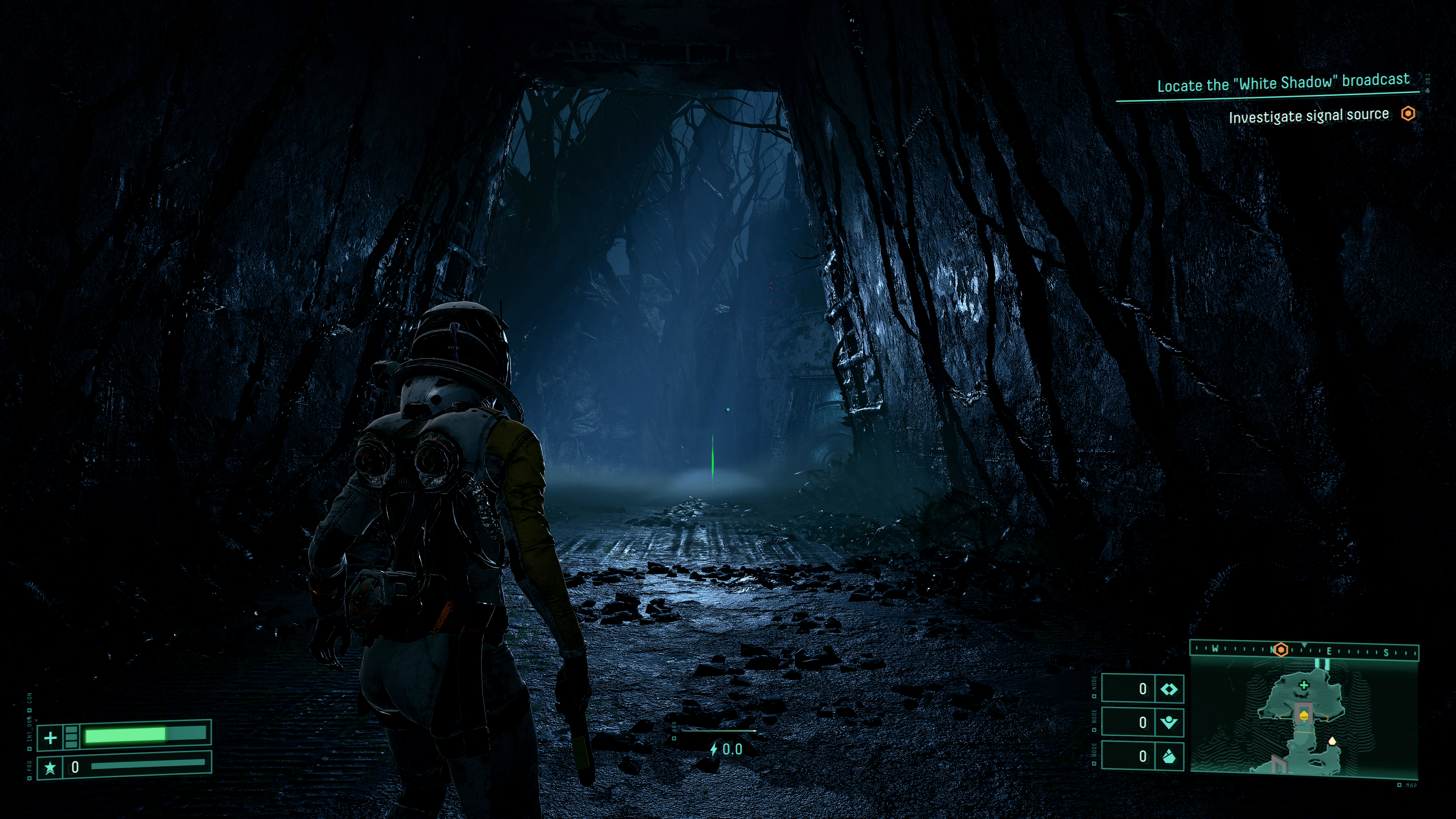
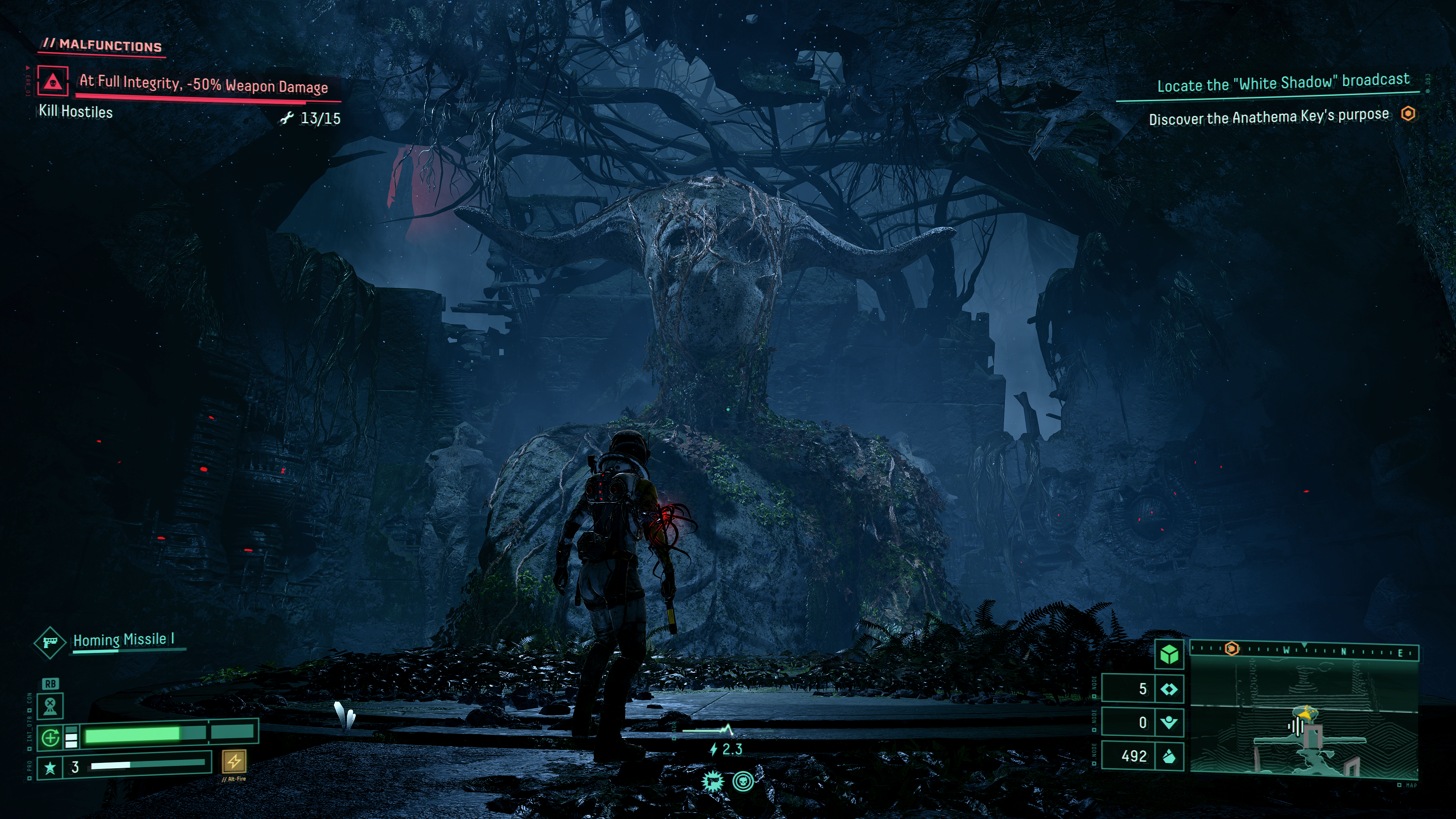
Nice screenshots! Does the game run well now? I heard there were some stutters with RT at launch, but maybe that issue has been resolved by now.Man, Returnal @4k/165fps with DLSS 4.5 Model M is a sight to be seen. Ridiculous clarity and not a single aliased edge to be found.
I tried Returnal when it came to PC and only got maybe 4 hours into it and it didn't click with me, but it's got it's claws in me now. Incredible game.
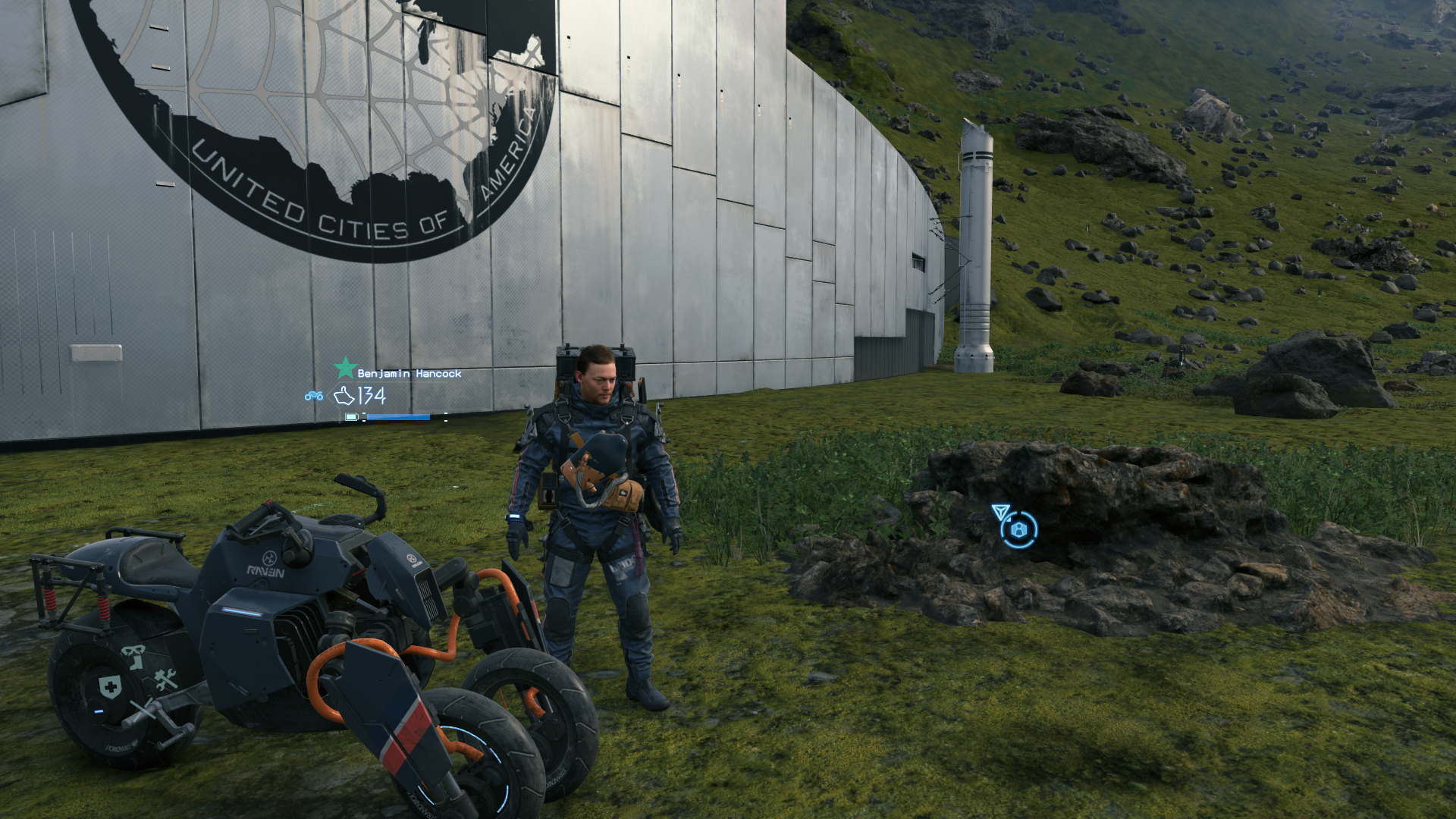
Some shots:

Why is saros not on PC day 1Man, Returnal @4k/165fps with DLSS 4.5 Model M is a sight to be seen. Ridiculous clarity and not a single aliased edge to be found.
I tried Returnal when it came to PC and only got maybe 4 hours into it and it didn't click with me, but it's got it's claws in me now. Incredible game.
Some shots:
 I have to play it on PS
Nice screenshots! Does the game run well now? I heard there were some stutters with RT at launch, but maybe that issue has been resolved by now.

I've only played early level on base PS5 back at launch, but I don't recall some of those circular structures having a faceted octagonal look, or the top middle of the first image - the overhanging cowl shape looking facetted.Thanks! I've experienced a stutter or two when entering new biomes/areas, but generally speaking it's as smooth as can be.
I've only played early level on base PS5 back at launch, but I don't recall some of those circular structures having a faceted octagonal look, or the top middle of the first image - the overhanging cowl shape looking facetted.
Is that just a side effect of the capture? or is that what DLSS is doing after upsampling a (more facetted?) native source image than a native render?