• Hey Guest. Check out your NeoGAF Wrapped 2025 results here!

Deus Ex: Mankind Divided PC performance thread

This game is RAM hungry. Yikes. Tried 6880x2880. Locked up my system for a minute. I won't be doing that again.

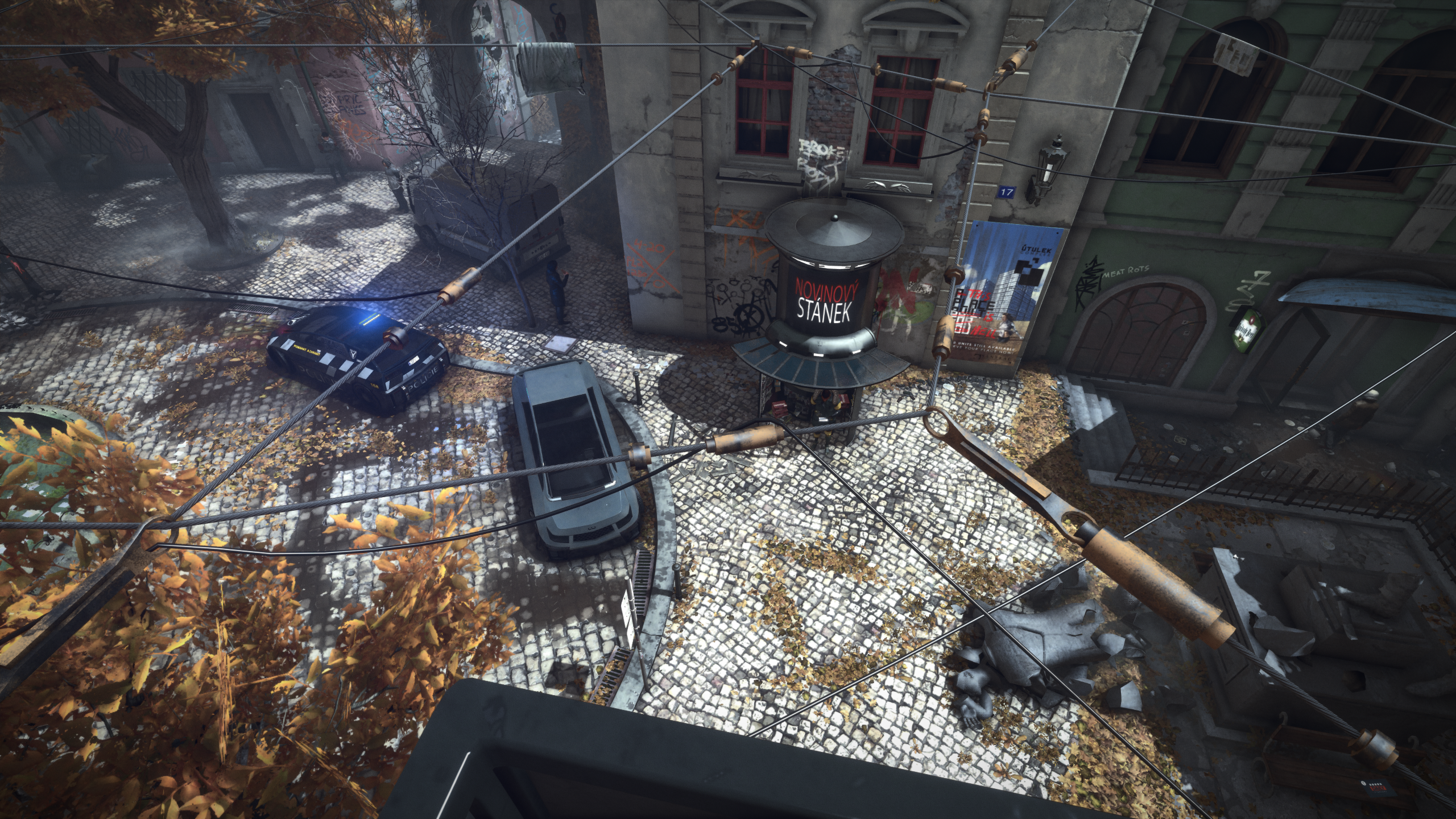
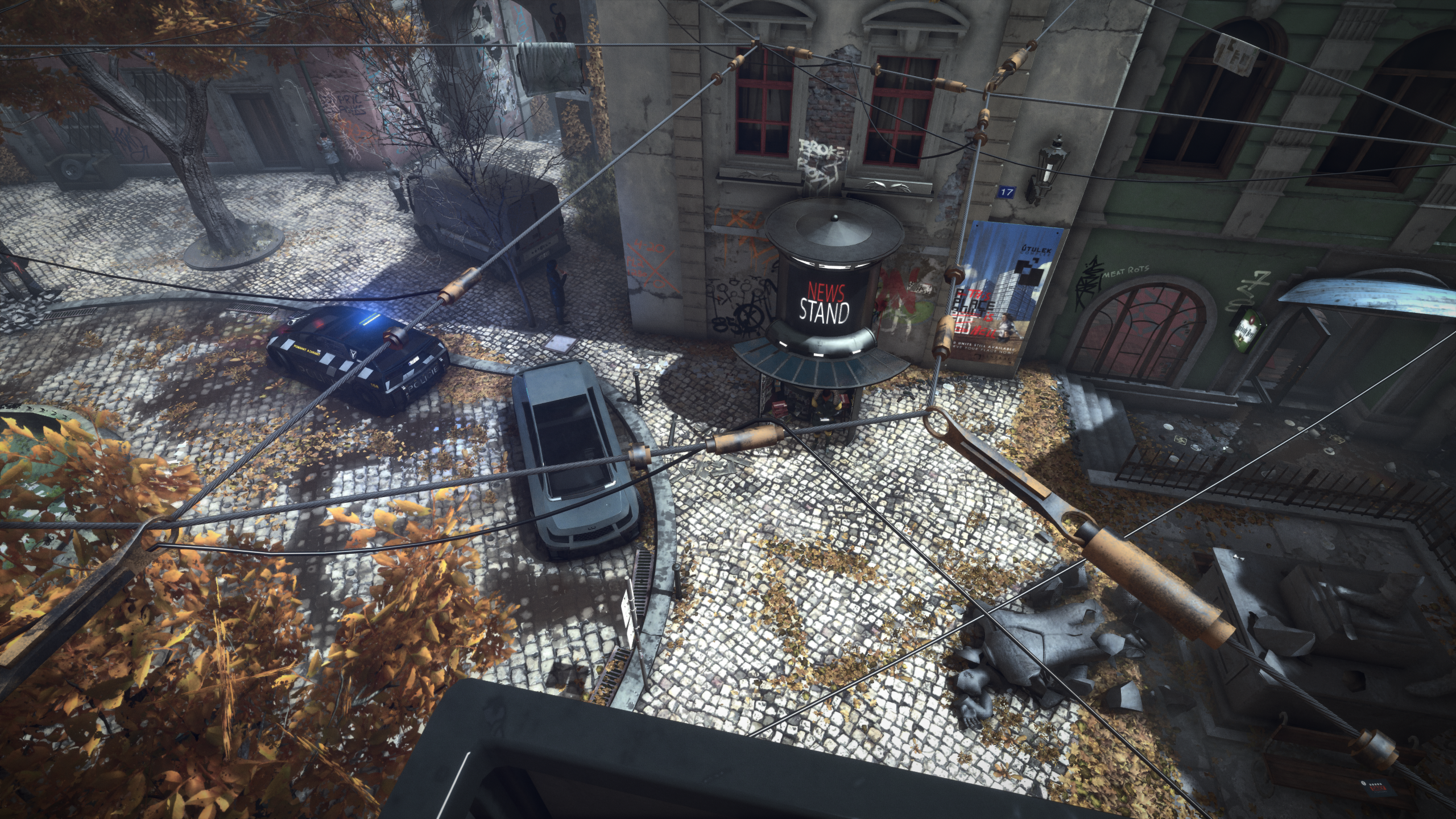
29115208672_1aa3c963af_o.jpg

Some obvious GI effects going on there, with different colouring, intensity and a bit of directionality too.

I am curious if it is like the implied real time GI they showed off when the engine debuted on PC a few years back, or if it is just some nice placed cubemaps or even light maps.
 
Reshade impacts performance for me (3 fps), even with no effects applied. With AA and other settings, things start to become noticeable.

Reshade SMAA = 41/42 fps avg
Ingame TAA = 50/51 fps avg

TAA is lighter and much better for my eyes.
 
Looking at various performance reports it might well be that main memory is a pretty big differentiator between perfectly smooth and stuttery experiences.
Very High / Ultra settings seem to only be really happy with 16 GB. (As indicated by the recommended requirements to be fair)

I've said this already: according to what I'm seeing in the monitoring even 16GB isn't enough for Ultra preset as the game tend to use ~13GB of RAM quite often leaving only 3 for background OS tasks. So yeah, it may well be that if you have 16GB you will get a lot more hitching and stuttering here than those who have more (24+ should be ok).

On another note, does anyone know what is happening in this image?

9Owg.png


There's a grid of white dots all over her face. Perhaps reference points for subsurface scattering (I don't know)?

Noticed this as well. Decided that it's just some artistic choice for Jensen's augmented vision or something. Haven't seen this anywhere but in this scene yet.

Last time I checked, VXAO was still incompatible with DX12, which is weird.

It's compatible. NV just decided to not implement it for DX12 for some reason - probably because they don't see much point in DX12 in general.
 
already said a million times i'm sure but turn off the awful msaa in game and use fxaa through nvidia cp and downsample through there if you want. Gave me a 20 fps increase on my 970
 
Anyone got any screenshots of a part of the game where Volumetric Lighting looks decent? In Prague it just seems to wash out the image arbitrarily. Could be placebo, but the game seems to run smoother on my 770 with it off as well. Is the setting that demanding?
 
Not according to this:
http://www.guru3d.com/articles-pages/hitman-2016-pc-graphics-performance-benchmark-review,5.html

On another note, does anyone know what is happening in this image?

9Owg.png


There's a grid of white dots all over her face. Perhaps reference points for subsurface scattering (I don't know)?

I've seen something similar, but far worse on certain NPCs with the smearing face issue. Mostly happens when they are directly behind light sources; it bleeds through their (partially translucent) faces, with ghosting outlines of what appears to be a component of the light or shadow map during motion. It's like a tracking/masking issue.


I noticed both of those things. The face smearing is gross but the dots I thought may be intentional. The future, augs, etc
 
Reshade impacts performance for me (3 fps), even with no effects applied. With AA and other settings, things start to become noticeable.

Reshade SMAA = 41/42 fps avg
Ingame TAA = 50/51 fps avg

TAA is lighter and much better for my eyes.

Yeah, I messed around with it for a bit and found this as well. Just wound up sticking with the regular TAA.
 
Oh for fuck sake. Another game where SSAO all but disappears at very high resolutions. Playing at 4K? Your game will look flatter than 1080p. Playing at 5K? Even worse.
 
Not according to this:
http://www.guru3d.com/articles-pages/hitman-2016-pc-graphics-performance-benchmark-review,5.html

On another note, does anyone know what is happening in this image?

9Owg.png


There's a grid of white dots all over her face. Perhaps reference points for subsurface scattering (I don't know)?

I've seen something similar, but far worse on certain NPCs with the smearing face issue. Mostly happens when they are directly behind light sources; it bleeds through their (partially translucent) faces, with ghosting outlines of what appears to be a component of the light or shadow map during motion. It's like a tracking/masking issue.

I had that grid pattern as well on that character only.
 
Anyone got any screenshots of a part of the game where Volumetric Lighting looks decent? In Prague it just seems to wash out the image arbitrarily. Could be placebo, but the game seems to run smoother on my 770 with it off as well. Is the setting that demanding?

I took a few comparisons when I was messing around with the graphics setting in the prologue. It's harder to capture in screenshots because it looks better while moving around.

Off

k4HBxxS.jpg


On

LkNFrPA.jpg


Ultra

dKPXe1p.jpg

Generally I think ultra doesn't look worth the hit compared to on.
 
I assumed the "white dots" on faces is related to the whole facial recognition/emotion recognition....there's an AUG related to social interactions.
 
I might have asked once before, but I do it again, will my PC play it and on what?

GTX 1080 Strix OC (have yet to use gaming and OC boost in a game).
i7-5820k 3,9 GHz OC
32 GB RAM
1080p 60hz
 
In case some of the fuck something up. Happened with the last Deus Ex. I turned on some settings, got some graphical glitch, then I turned them off and the glitch didn't go away.
If you 'cant into computer' then dont touch the settings. Stick to the top bar that chooses low/med/high.

Its like people getting angry that you can quicksave in games because they will use it too much and they want the feature removed.
 
I just wanted to say that changing the SLI profile as mentioned in the OP helped me a lot on 2x GTX680s. The game is performing much better now.
 
Will upgrading from 8GB RAM to 12 or 16 really help or will a 2GB graphics card (GTX 960) be an issue regardless. To address the fps drops, long loading with the menu, etc, and sometimes stuttering.
 
Not according to this:
http://www.guru3d.com/articles-pages/hitman-2016-pc-graphics-performance-benchmark-review,5.html

On another note, does anyone know what is happening in this image?

9Owg.png


There's a grid of white dots all over her face. Perhaps reference points for subsurface scattering (I don't know)?

I've seen something similar, but far worse on certain NPCs with the smearing face issue. Mostly happens when they are directly behind light sources; it bleeds through their (partially translucent) faces, with ghosting outlines of what appears to be a component of the light or shadow map during motion. It's like a tracking/masking issue.

Had this too. Wondered what was going on, if it was a driver issue or something. Strange.
 
I might have asked once before, but I do it again, will my PC play it and on what?

GTX 1080 Strix OC (have yet to use gaming and OC boost in a game).
i7-5820k 3,9 GHz OC
32 GB RAM
1080p 60hz

I have an overclocked 1080 and 5820k and I've been playing it at 1440p with everything maxed except MSAA off, volumetric lighting set to "on", and contact shadows off. I'm also using borderless windowed mode because exclusive full screen caused bad stuttering.

With those setting I've yet to see the game drop under 60 fps.
 
Has anyone tried the GeForce Experience recommended settings or am I a heretic for even suggesting that and I should never return here again?
 
Noticed this as well. Decided that it's just some artistic choice for Jensen's augmented vision or something. Haven't seen this anywhere but in this scene yet.

I noticed both of those things. The face smearing is gross but the dots I thought may be intentional. The future, augs, etc

I also noticed the white pixels, and I also interpreted them as an artistic choice.

I had that grid pattern as well on that character only.

I assumed the "white dots" on faces is related to the whole facial recognition/emotion recognition....there's an AUG related to social interactions.

Had this too. Wondered what was going on, if it was a driver issue or something. Strange.

Go figure, just thought it was strange I've only seen the grid on her face, and only in that one scene. Everywhere else, nada.

As for the NPC faces affected by the smearing issue, it only seems to affect a select few, like they are their own type; it's almost as if they render differently from everyone else.

Anyone got any screenshots of a part of the game where Volumetric Lighting looks decent? In Prague it just seems to wash out the image arbitrarily. Could be placebo, but the game seems to run smoother on my 770 with it off as well. Is the setting that demanding?

I took a few comparisons when I was messing around with the graphics setting in the prologue. It's harder to capture in screenshots because it looks better while moving around.

Generally I think ultra doesn't look worth the hit compared to on.

I did too, and while it seems like the jump from Volumetric Lighting from "On" to "Ultra" is nice, it also has up to a 10 fps performance hit for what looks to be a 2x increase in filtering. Dust particles (not visible in the below screens; you have to be directly under/in the effect to see them) also shrink when compared to "On."

jdGg.png

Volumetric Lighting off.

2WdA.png

Volumetric Lighting "On."

3nOm.png

Volumetric Lighting "Ultra."

What I do find impressive, is that "On" only appears to have a 2-3 fps performance hit over off, and unlike Fallout 4, the lower setting doesn't appear to have any flickering or artifacting issues.
 
This game eats RAM for breakfast. If I don't shut down every other program on my computer before I run it, I've got about 45 minutes to an hour before I get a freeze. Looked at MSI and I see it's using all 16GB of ram in my PC.
 
I've done some analysis on the shadow settings.

3 distinct scenes to hopefully capture the behavior in most common situations.

First scene:
medium - 85 FPS:
s1_medxiu0d.png

high - 83 FPS:
s1_highg2uxr.png

very high - 77 FPS:
s1_vhe7uql.png

contact hardening - 74 FPS:
s1_chsx8uev.png
Apparently, CHS isn't on for this light, though I thought this scene would be a prime candidate for variable penumbra. Still has a performance impact though. Also, here "medium" doesn't really look much worse than any of the other settings.

Second scene:
medium - 82 FPS:
s2_medspucu.png

high - 81 FPS:
s2_highfyurw.png

very high - 78 FPS:
s2_vh0tuph.png

contact hardening - 69 FPS:
s2_chsrfu02.png
Here, all the settings have artifacts, terrible ones for the medium setting. CHS works pretty well and looks by far the best out of all the options.

Third scene:
medium - 82 FPS:
s3_medk4u2m.png

high - 81 FPS:
s3_high62uos.png

very high - 76 FPS:
s3_vhovu9y.png

contact hardening - 70 FPS:
s3_chsonu7d.png

contact hardening ultra - 64 FPS:
s3_chs_ultracmub2.png
Here we see the primary issue with the CHS implementation -- shadows outside of the first or second cascade (I assume) are completely lost. Where they do work, I'd say they are pretty neat. But in this scene even "high" doesn't look bad, too bad that there are also situations like scene 2.


Overall, I'd appreciate an option that does the same as CHS non-ultra but doesn't refuse to work for more distant shadows. Having CHS apply to all light sources would also be nice.

For now, I'm going without CHS, and based on this analysis it seems like dropping down to "high" shadows isn't a bad idea for anyone who doesn't have GPU power to spare.

 
It's too bad that dialing down shadows to medium yields like no performance gains in this game. I usually turn them down to medium in my games since I barely notice the difference during normal gameplay and I usually get pretty substantial gains.
 
I've said this already: according to what I'm seeing in the monitoring even 16GB isn't enough for Ultra preset as the game tend to use ~13GB of RAM quite often leaving only 3 for background OS tasks. So yeah, it may well be that if you have 16GB you will get a lot more hitching and stuttering here than those who have more (24+ should be ok).
65407-great-scott-gif-j4Lp.gif


Bought myself a second 16GB Kit :D
 
It's too bad that dialing down shadows to medium yields like no performance gains in this game. I usually turn them down to medium in my games since I barely notice the difference during normal gameplay and I usually get pretty substantial gains.
In my measurements above the average difference is ~9% between "very high" and "medium" -- higher if you also count contact hardening. I'd say that's pretty significant for a single setting.
 
I've done some analysis on the shadow settings.

3 distinct scenes to hopefully capture the behavior in most common situations.

Overall, I'd appreciate an option that does the same as CHS non-ultra but doesn't refuse to work for more distant shadows. Having CHS apply to all light sources would also be nice.

For now, I'm going without CHS, and based on this analysis it seems like dropping down to "high" shadows isn't a bad idea for anyone who doesn't have GPU power to spare.

Interesting, good to have further material on this.

What I will say, is that High Shadows seems to be the safest option for all around functionality at this points, as the post below depicts (I get this myself in the exact same area):
http://www.neogaf.com/forum/showpost.php?p=214906338&postcount=1407

Both Very High and CHS Shadows may be better in certain circumstances, but appear to diminish shadow rendering functionally in key scenarios.

Hopefully Nixxes lurks NeoGaf, because they certainly aren't going to get this kind of analysis from the Steam forums :P
 
I've done some analysis on the shadow settings.

3 distinct scenes to hopefully capture the behavior in most common situations.

First scene:

Apparently, CHS isn't on for this light, though I thought this scene would be a prime candidate for variable penumbra. Still has a performance impact though. Also, here "medium" doesn't really look much worse than any of the other settings.

Wait, the shadow setting seems to affect the AO here. That cannot be right, surely?
 
I've said this already: according to what I'm seeing in the monitoring even 16GB isn't enough for Ultra preset as the game tend to use ~13GB of RAM quite often leaving only 3 for background OS tasks. So yeah, it may well be that if you have 16GB you will get a lot more hitching and stuttering here than those who have more (24+ should be ok).

Hold up, are we talking 100% Ultra with MSAA 8x enabled at 1440p+ resolutions? Because I'm running near maxed out settings at 1440p with Ultra textures, and my 16 GB of RAM isn't peaking above 10 GB, and I only have a 250 MB pagefile (for crashdumps).

Then again, my RAM usage at idle on the desktop is only 1.4-1.8 GB.
 
In my measurements above the average difference is ~9% between "very high" and "medium" -- higher if you also count contact hardening. I'd say that's pretty significant for a single setting.

Yeah I actually meant going from High to Medium. It's like a 1-2fps difference.
 
There's a grid of white dots all over her face. Perhaps reference points for subsurface scattering (I don't know)?

I've seen something similar, but far worse on certain NPCs with the smearing face issue. Mostly happens when they are directly behind light sources; it bleeds through their (partially translucent) faces, with ghosting outlines of what appears to be a component of the light or shadow map during motion. It's like a tracking/masking issue.

I got that issue too, it was weird. And yeah, I'm also getting some NPCs having weird blurry/smeary ghosting faces. Everything else is fine, and Adam looks great, but certain NPCs when talking will have their face ghost around, like the frames are blending weirdly. It's super jarring and not on every NPC.
 
Top Bottom