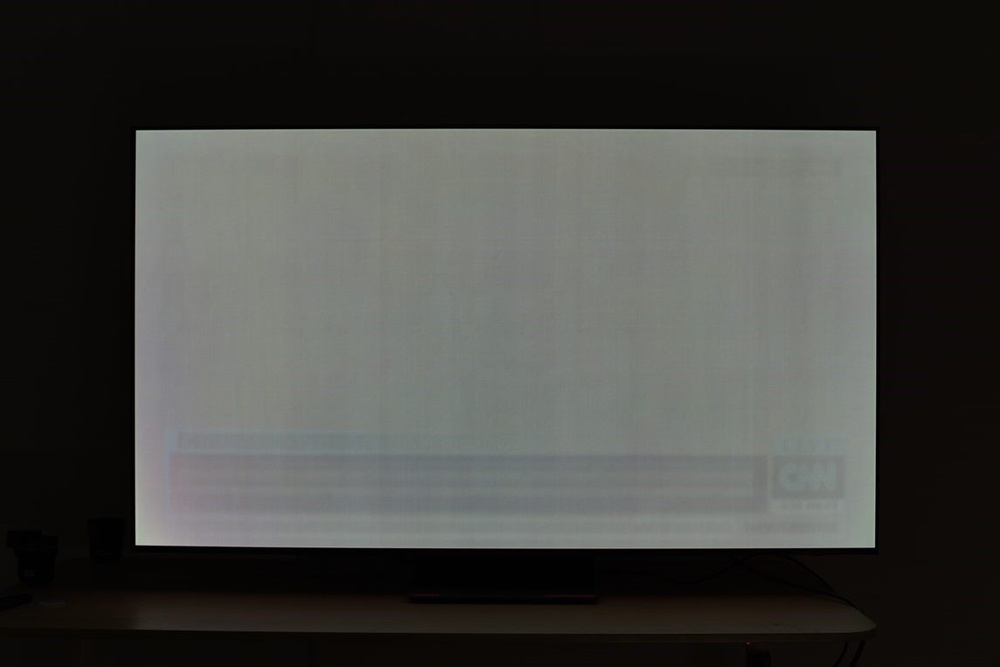
I was worried about VRR flicker, so I bought a model with decent VRR score according to the RTINGS review (they always measure VRR flicker). I must say that VRR flicker on my Gigabyte 4K 240Hz QD-OLED monitor is almost non-existent. As of now I have played over a hundred games and have only seen it in 2 games (Cyberpunk and Alan Wake) and what's more only in very specific scenario when I used FG. For some strange reason, the low base framerate of 35 fps (70 fps with FG) reveals VRR flicker. I typically have 80-100fps

at 4K, and 110-170fps at 1440p, so I dont see that flicker in Alan Wake 2 during normal gameplay. Also If I don't use FG, I can play at 30–60 fps without any flicker.
I haven't used different QD-OLED monitors, so I don't know how noticeable the issue is with different brands. However, on my Gigabyte OLED, I can literally forget about VRR flicker.
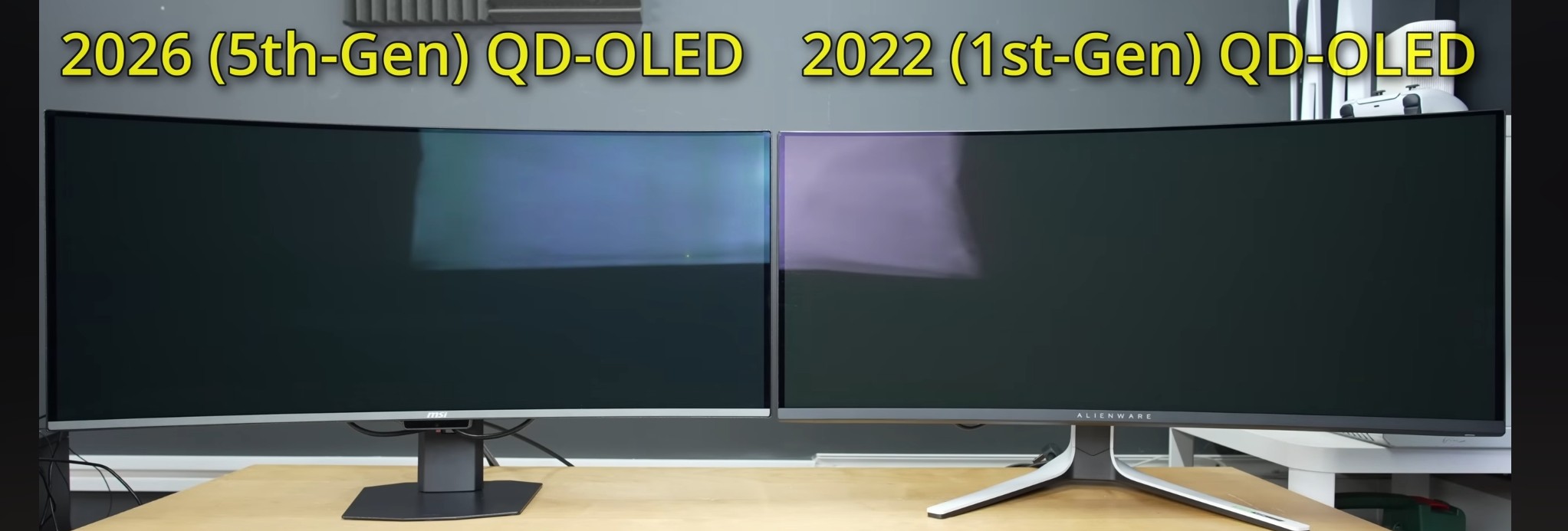
IMO the issue of purple tint and raised blacks is overblown. Listen, I have to shine a very strong light directly on the panel (or use the flash on my camera) to see the purple tint and raised blacks. In this video, Vincent placed a strong softbox next to the panel to demonstrate raised blacks, but that's not how normal people (at least not me) use their QD-OLEDs.
Phone cameras also exaggerate that issue because of high ISO.
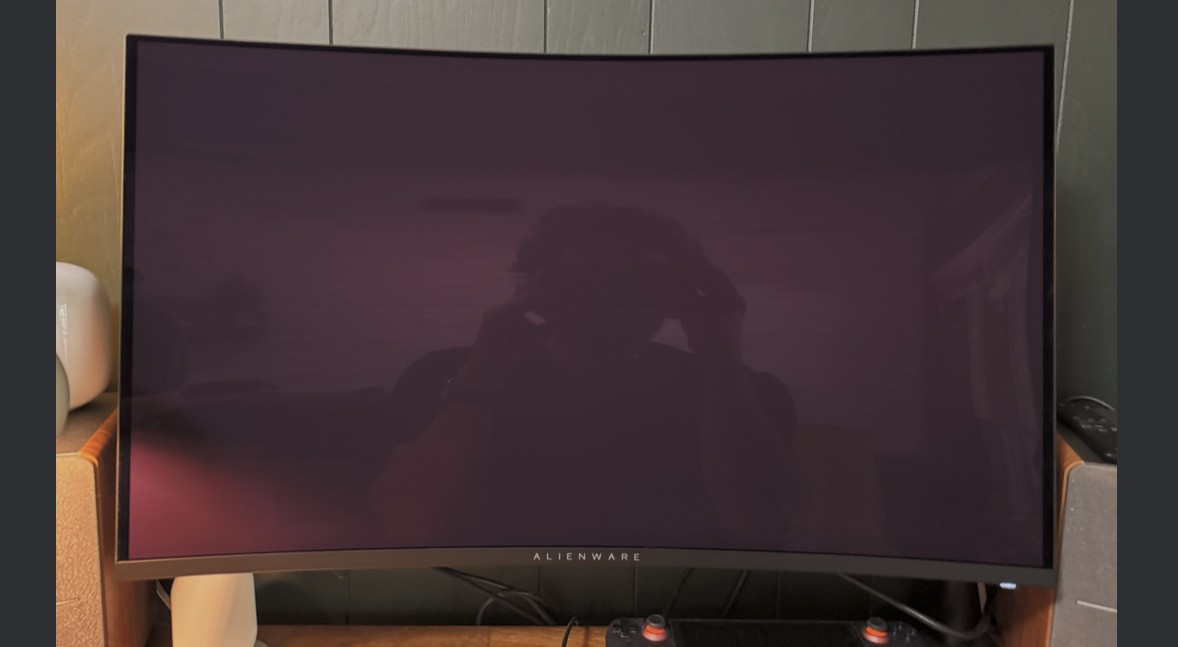
Now I will show the blacks on my QD-OLED look like on my own photo when I use a mirrorless camera with a low ISO.

This photo perfectly captures what my eyes can see in real life. Despite having 250W of light in the room, the blacks remain very good. On a calibrated screen, you can see a slight difference between the panel and the perfectly black frame in this photo, but there is definitely no purple tint, as seen in Vincent's video. Bear in mind that I don't usually use my QD-OLED with so many lights on in the room; I only turn on one light. So, in practice, I have perfect blacks 70% of the time. The only time I don't have perfect blacks is on a sunny day, but that doesn't bother me because the blacks and contrast are still very good even in such strong ambient light (blacks and colours looked more washed out during the day on my previous nano-ips LCD with matte finish). The only displays that look unwatchable to me in a well-lit room are old CRTs. Their glass literally looks grey in the presence of ambient light (even moderate), and the loss of contrast is extremely noticeable. That's not the case with my QD-OLED.

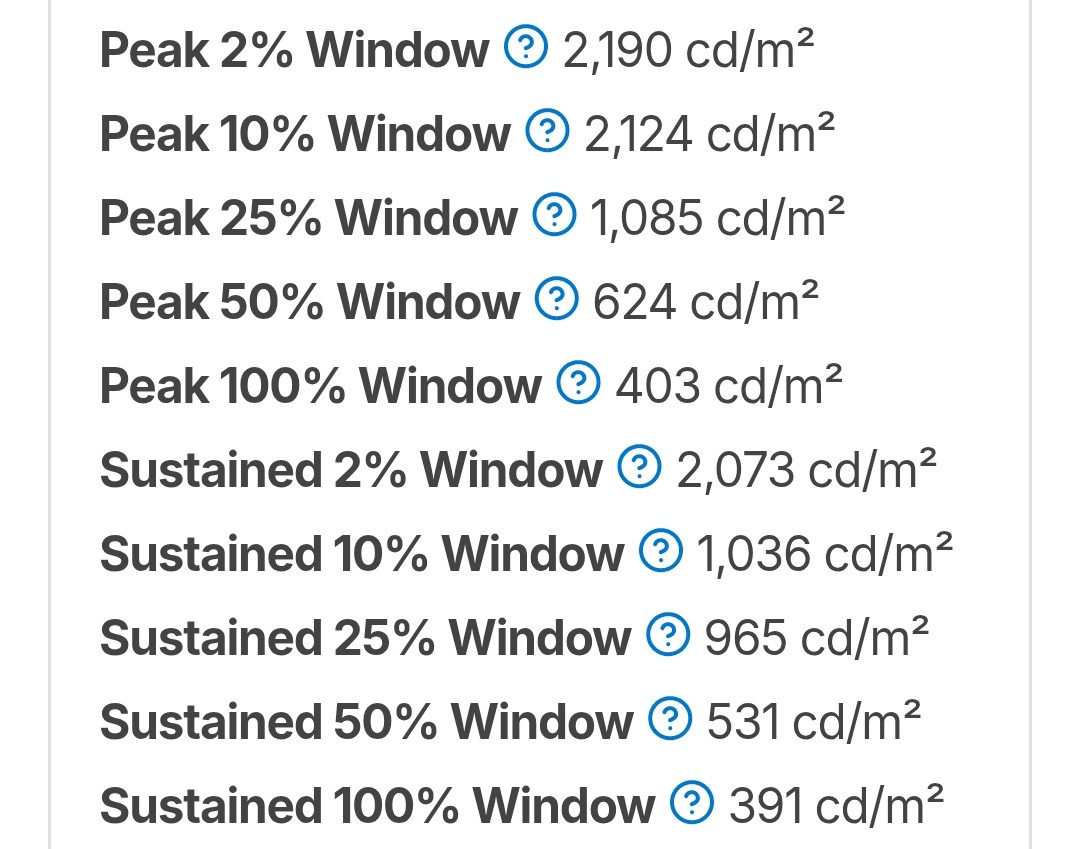
The only real issue I've noticed with my QD-OLED is the ABL in 100% windows. If I however play at 1800p (27 inch monitor equivalent), the ABL isn't nearly as aggressive and the picture looks definitely better and I dont see any dimming in HDR1000 content. If QD-OLED monitors could be made brighter, I will have nothing to complain.