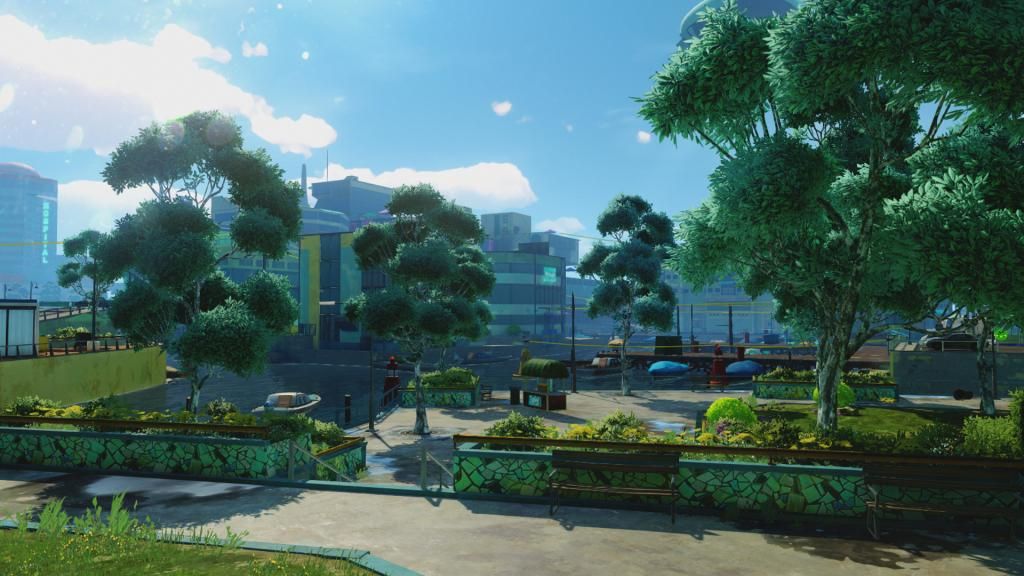
How do I get into the preview program? I want screenshots
Edit: I guess someone has to invite me......please!!! GT - georgc
Thanks in advance.

Gotcha covered
How do I get into the preview program? I want screenshots
Edit: I guess someone has to invite me......please!!! GT - georgc
Thanks in advance.
Hitman Absolution got a next gen port?

What is preview program?
Can you guide us on how to do screen shot on XBone? and who can do them?


Co-op with blind skull? (not sure if that's even a thing)How did you get that camera angle in Halo 4?
Co-op with blind skull? (not sure if that's even a thing)
Not read the entire thread, so I apologies if this has been covered.....
They are hosting on the xbox.com server?, is that correct?, is the only way of getting the xbox.com URL is by sharing the shot to twitter and copying the URL?
Are they going to remove the shots after a certain period of time?,I can imagine that the server load for hosting, and people accessing, these shots is likely to be huge, so I would imagine that alot of the overhead is being adsorbed by the cloud?
They got on xbox.com when shared by Twitter. You can copy the address. We have no idea if they will be deleted after a period.
Ok, so there is no way to get the URL without sharing to Twitter then, is the screenshot uploaded to the xbox.com server by default?, or does that part only happen once you share it?

Currently only with twitter. Screenshots are uploaded by default.
Basically, what I am getting it, is there a way to get the URL by "hacking" a link so you don't have to share with twitter first.
Might pave the way for an xboxclips style screenshot site.
I'm working on a way at the moment, when it's ready it'll be over at www.xboxscreens.com
at the moment I'm still waiting on some backend stuff to happen at Microsoft's end before it becomes available, notice that screenshots don't appear on smartglass or Xbox.com yet.
Ryse... thought id play a bit to try the screenshot feature, hours passed.
Such a cool game, love it
Currently only with twitter. Screenshots are uploaded by default.
I'm working on a way at the moment, when it's ready it'll be over at www.xboxscreens.com
at the moment I'm still waiting on some backend stuff to happen at Microsoft's end before it becomes available, notice that screenshots don't appear on smartglass or Xbox.com yet.
I wanted to set this image as my background on my xbox one. It exceeds the 3MB limit for backgrounds and therefore can't be set as a background. Microsoft needs to raise the limit.
I wanted to set this image as my background on my xbox one. It exceeds the 3MB limit for backgrounds and therefore can't be set as a background. Microsoft needs to raise the limit.
The limit may be there for performance reasons, your best bet would be just to convert it to a jpeg. I've done it for you here

That's a smaller image and worse quality!
Are you serious? I honestly can't even tell them apart, maybe my pc screen doesn't support full RGB.
bah photobucket. Didn't realise it would interfere with the image.
Let's try again
Maybe this was answered earlier, but if double tapping the home button takes the screenshot, how do you do the snap menu? Isn't that done by double tapping the home button?

 If so, thats press material quality ...
Guys, what am I missing?
I took the screenshot, went to the Upload app, pressed Start, but I don't have the Share option.
Guys, what am I missing?
I took the screenshot, went to the Upload app, pressed Start, but I don't have the Share option.
Yep, I made mine the H5 beta screen.Can you set your screenshot as background image?
Yes, they're mine. Though the first two were from cutscenes. If only I had control over the DOF and tileshot functions...Are this really screenshots you made yourself? You see me in disbelief here
Yes, they're mine. Though the first two were from cutscenes. If only I had control over the DOF and tileshot functions...
That's what I was thinking, don't see how he could've done it otherwise.
The limit may be there for performance reasons, your best bet would be just to convert it to a jpeg. I've done it for you here