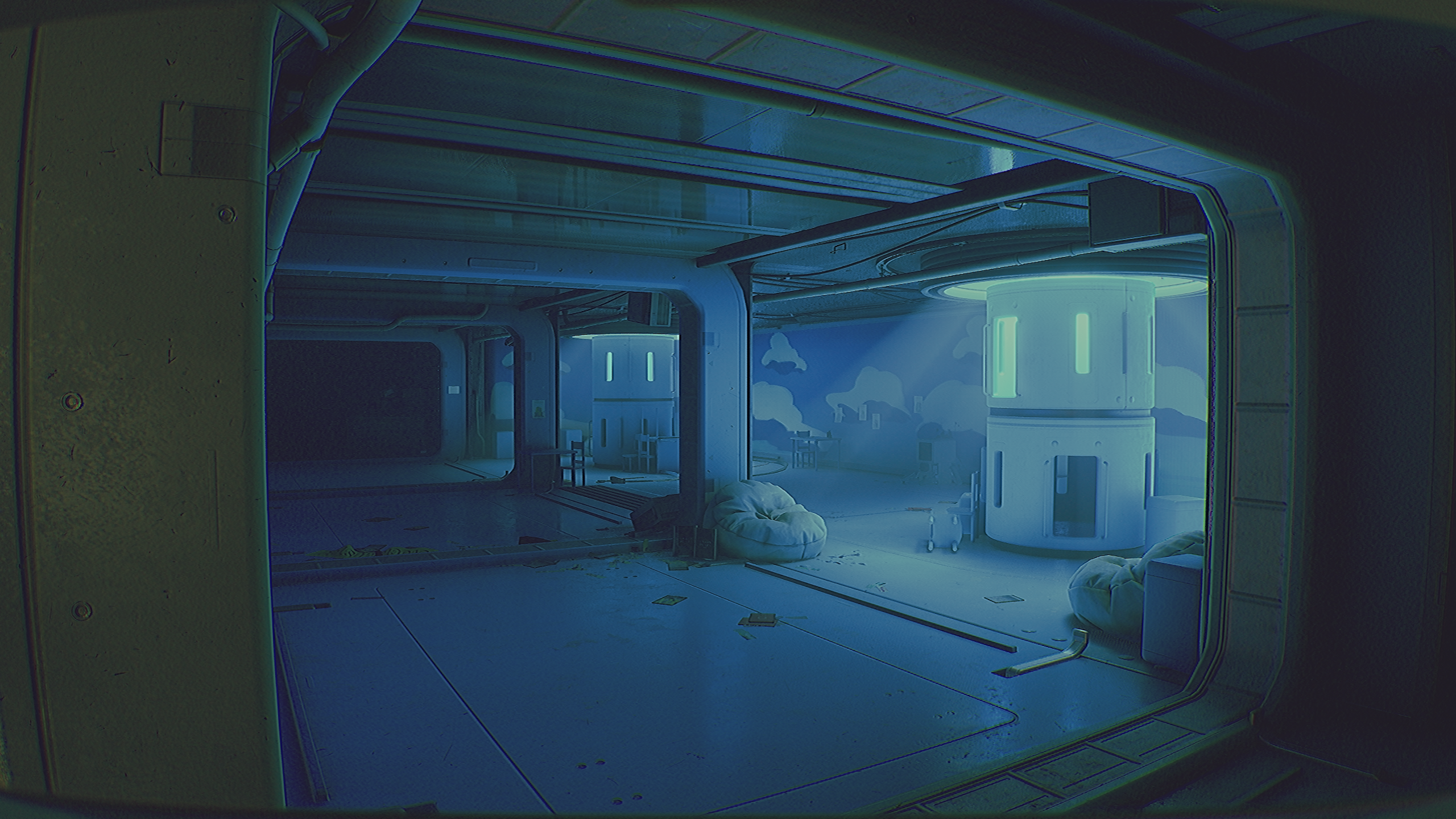
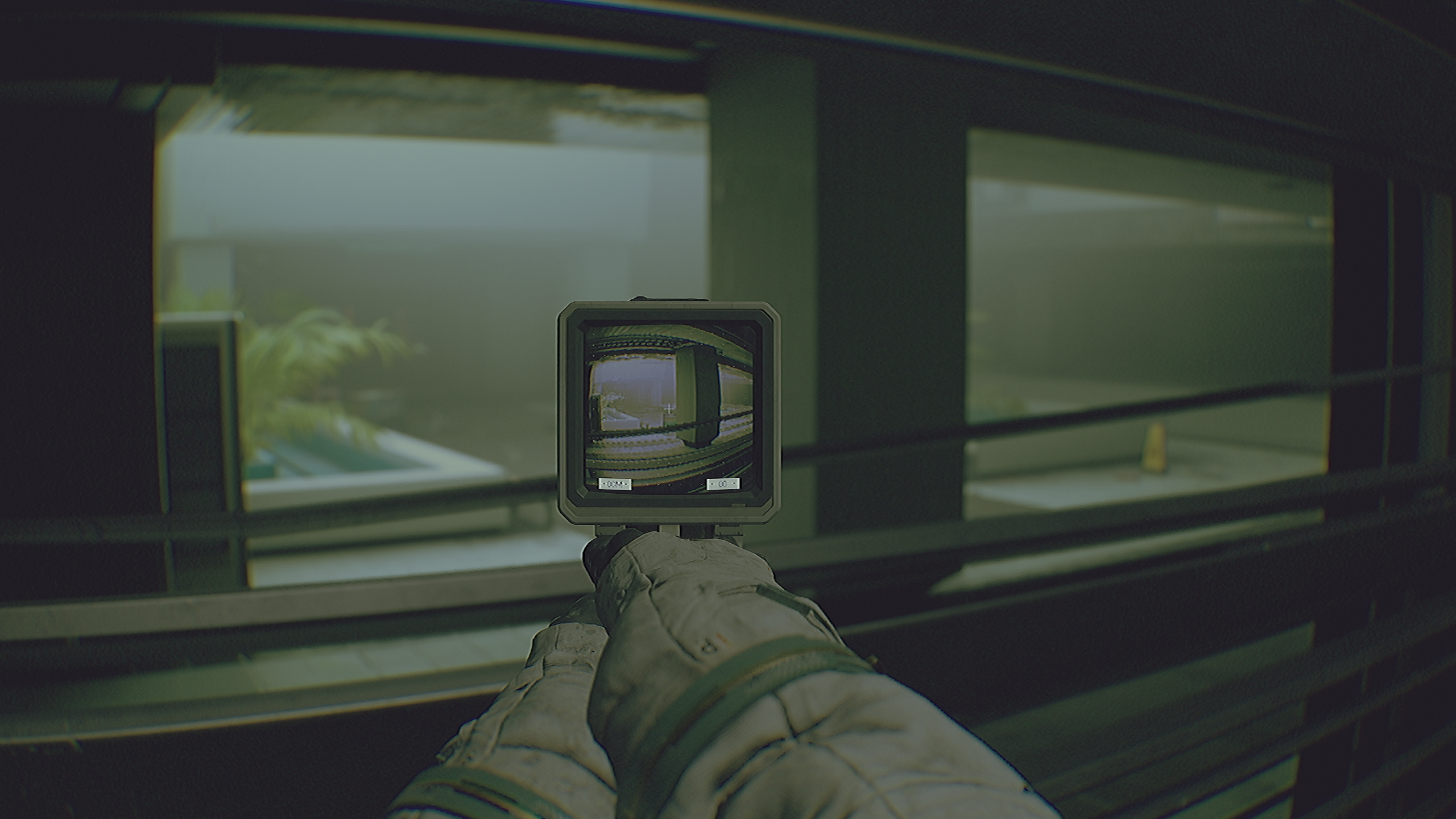
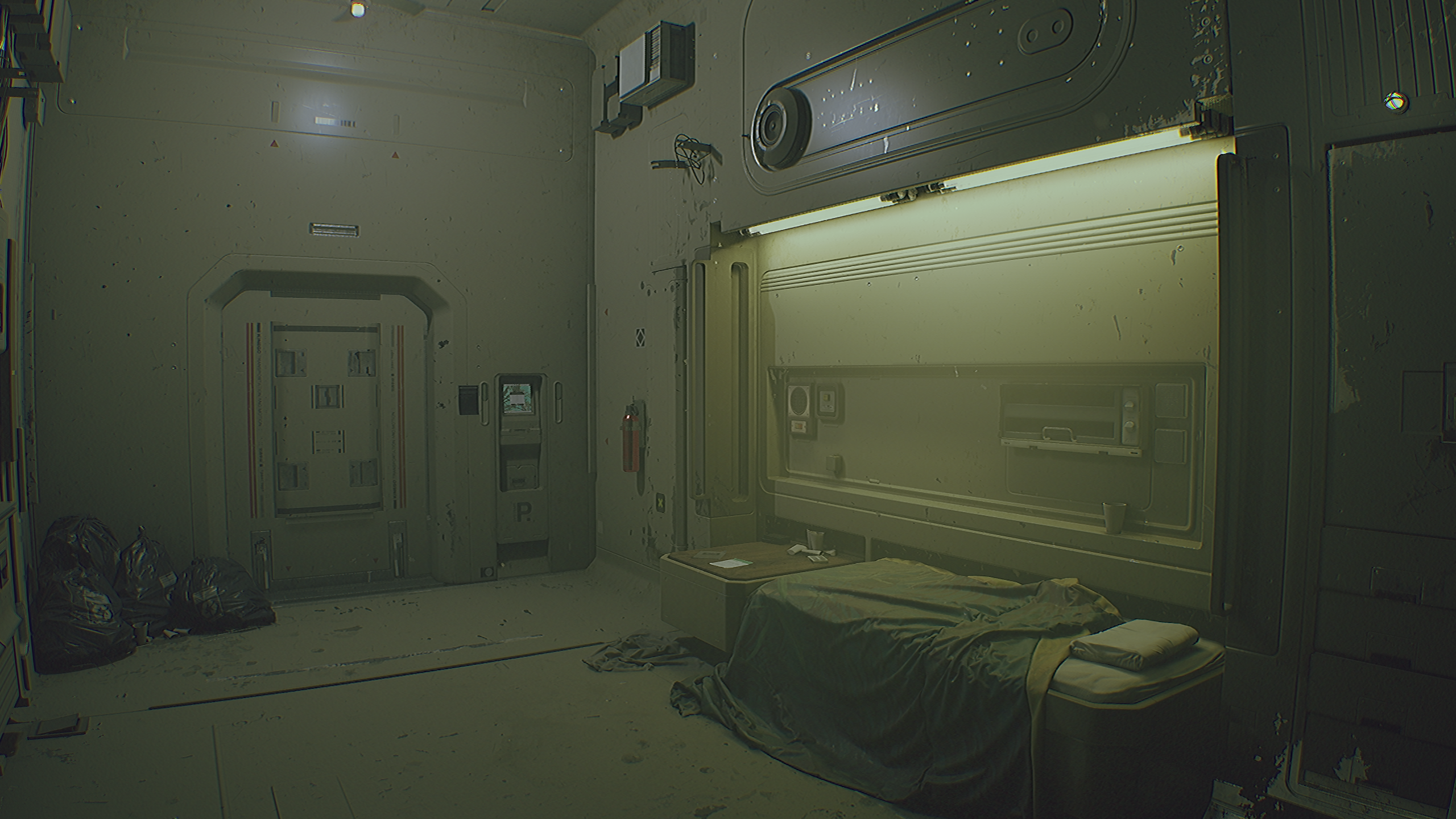
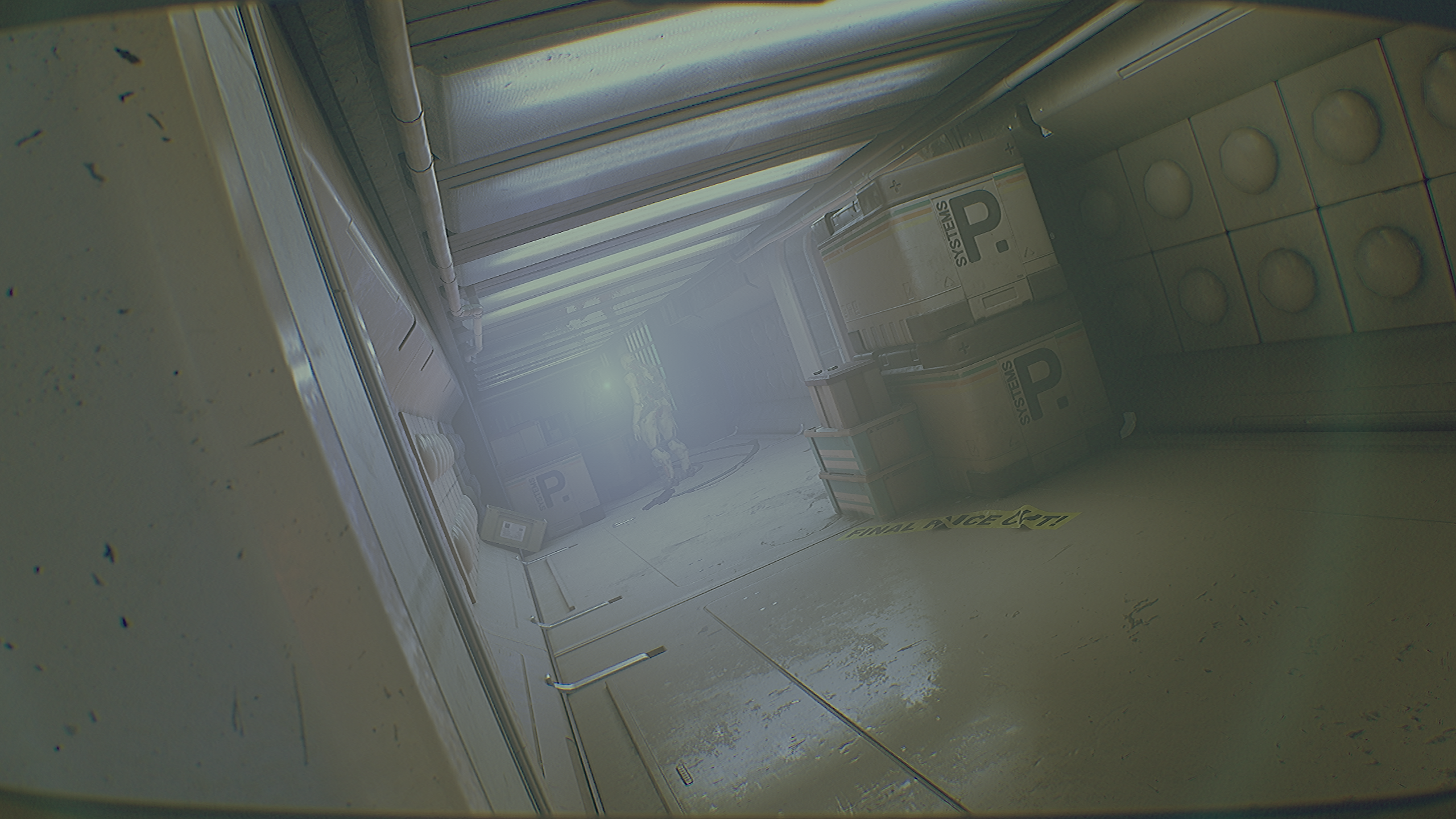
Routine can , at times, be a bit noisy and the IQ might not be up there but that's all part of its charm.
another visually interesting game that doesn't get enough credit
the art direction is all that you'd expect from a cosmic horror game
the game has a built in post processing effect that cuts the effective resolution down to ¼ of the output res.
to fix that on PC, find the file
GameUserSettings.ini, which is found in
%LOCALAPPDATA%\Routine\Saved\Config\ there's either a folder called Windows or WinGDK in there, and in that folder you'll find the file.
and modify the following variables:
sg.ResolutionQuality=
ResolutionSizeX=
ResolutionSizeY=
LastUserConfirmedResolutionSizeX=
LastUserConfirmedResolutionSizeY=
DesiredScreenWidth=
DesiredScreenHeight=
LastUserConfirmedDesiredScreenWidth=
LastUserConfirmedDesiredScreenHeight=
the blue variable is basically a resolution slider. 100 = 100% etc. this affects the orange variables.
the orange variables represent the internal resolution of the game. if you want the actual render resolution of the game to match your screen resolution, then take your screen res and double each value.
so if you play on a 1920x1080 screen, set those variables to 3840 for the X values, and 2160 for the Y values. if you play on a 2560x1440 screen then it would be 5120 for X and 2880 for Y.
the green block are your screen resolution. so set that to whatever screen you have. 1080p would be 1920 on the Width, and 1080 on the Hight values.
and again, the top blue variable is like a resolution slider. if that increased resolution doesn't run well, just lower the number of that variable from 100 to maybe 80, for an 80% resolution on each axis.
I would also highly recommend turning SSR off, because it's insanely grainy and has tons of ghosting. the game has really good cubemaps, and almost no dynamic objects. so SSR is completely nonsensical anyway. all it does is add noise, fizzle and ghosting to the image in motion.
to remove SSR create a text file, rename it to
engine.ini in the same folder as the GameUserSettings.ini file is located, and add these lines:
[SystemSettings]
r.SSR.Quality=0
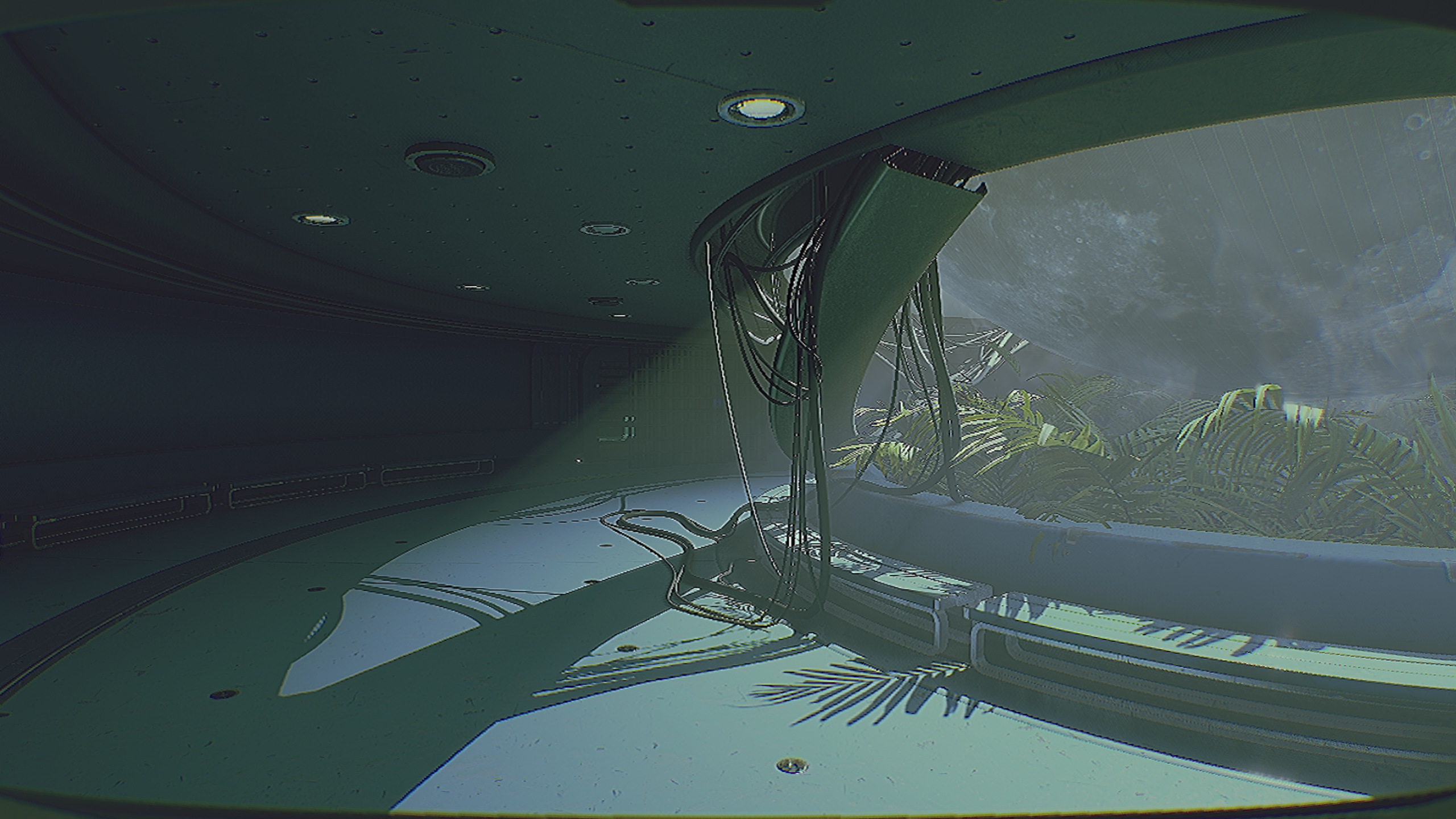
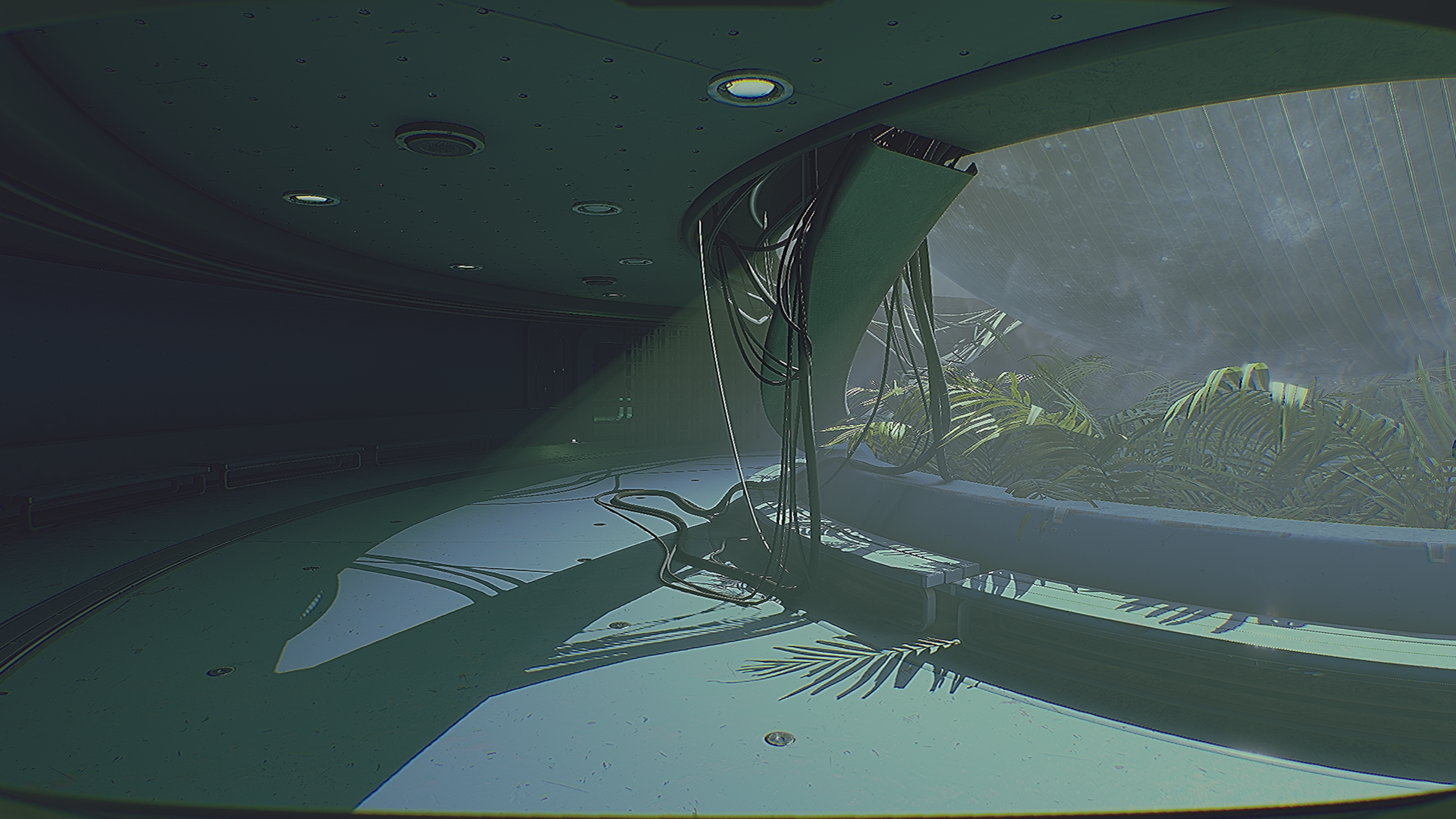
EDIT: just to show the difference it made for me on a 1440p screen (meaning by default the post processing step cut my resolution down to 720p) here is a comparison:
DEFAULT:
MODIFIED:
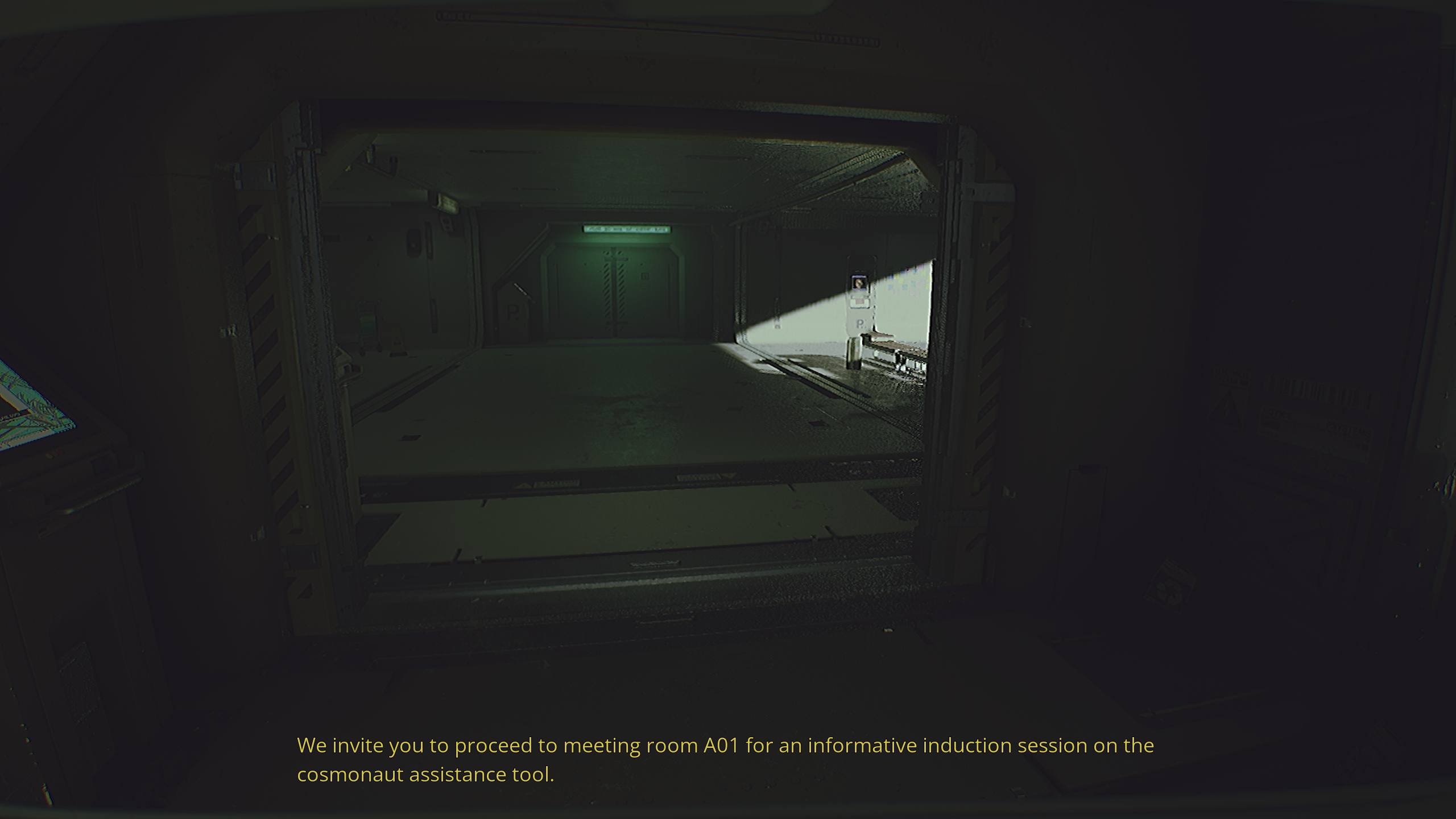
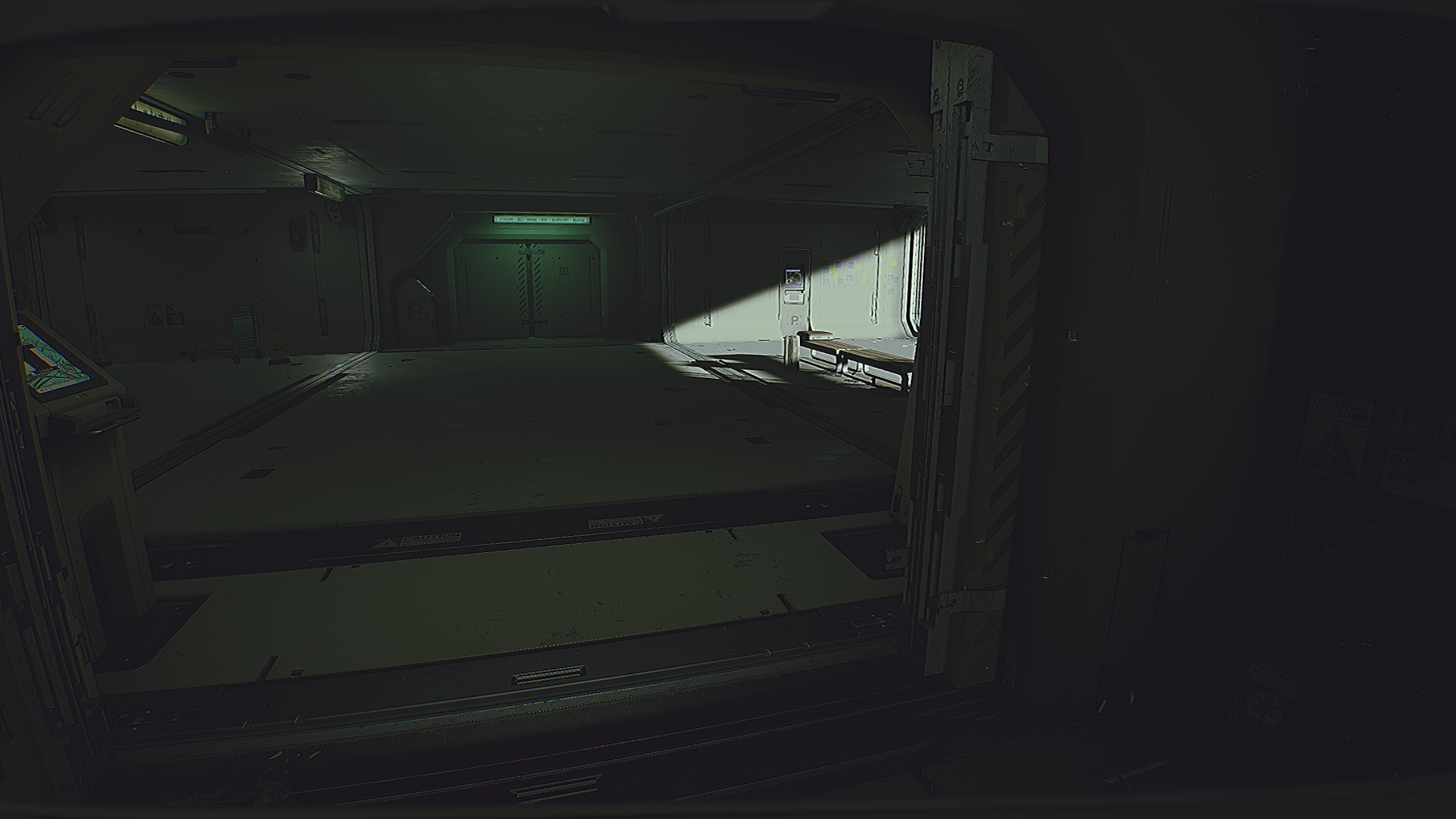
and to show the SSR difference, I am moving forwards here, and the reflections behind the doorway to the right come into view. notice how they are completely grainy and low quality. looks even worse in motion as they ghost like hell
SSR ON:
SSR OFF:
SSR ON:
SSR OFF