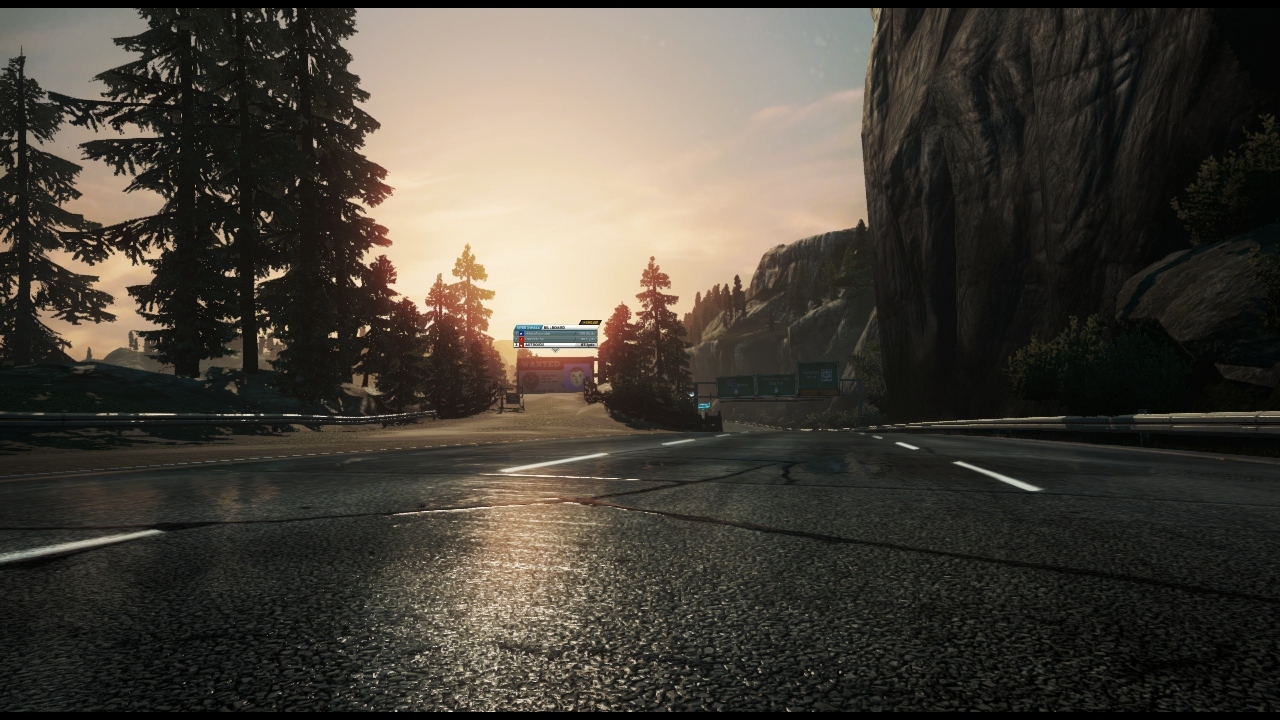
Wii U Browser Screenshot Thread

So this is a new feature? With Miiverse the images were low resolution right? Now they are higher res with this new feature? Very cool!

yes, basically you can do the same thing as before, but posting the screencap everywhere on thw web through the browser and at a higher resolution
 
Testing this out.
r4dn1zZreYLt
 
yes, basically you can do the same thing as before, but posting the screencap everywhere on thw web through the browser and at a higher resolution

Amazing. Going to abuse this to hell and back. You guys and girls better get ready for the onslaught of screens coming your way ;)
 
Not home but can someone post some screens from Lego City Undercover. The time square like area and possibly the beach area.

The lighting in a lot of Wii U games have been excellent. It really doesn't get enough credit. Loved it in ZombiU.
 
I've got a question. In NG3: RE, we have the options to remove all UI elements save for the health bar, yet when we take screenshots, it doesn't appear. Why is that?
 
Does it work to screenshot things other than games?? (Youtube/Netflix/Hulu Etc)

Amazon - no screenshots to upload
Netflix - (don't have my Wii U linked, but got the subscription splash) no screenshots to upload
Hulu - didn't try it
Youtube - Works!
Wii_U_screenshot_TV_01057.jpg
 
I really wish they'd fix the NES emulation for VC. It looks awful :(

I'm not sure what people actually want. The pixel output of an NES game isn't exactly 4:3, it's more narrow and stretched by the television. The Wii U simulates that stretch so that it looks like it would on a TV instead of displaying at its (not intended to be viewed) native pixels.

The dimness I'll give you, it'd be nice if they brightened it. But the actual output of an NES palette is pretty similar to what it's showing there.
 
Testing

Wii U Menu - no software is running, so no screenshots.
Hyrule Historia - no screenshots to upload.
Wii U Chat - no screenshots to upload.
Activity Log - Works!
Mii Maker - Works!
 
Testing

Wii U Menu - no software is running, so no screenshots.
Hyrule Historia - no screenshots to upload.
Wii U Chat - no screenshots to upload.
Activity Log - Works!
Mii Maker - Works!
New NeoGAF rule: From now on you can't bitch about a Wii U game without posting a picture of your Activity Log. :P
 
Testing

Wii U Menu - no software is running, so no screenshots.
Hyrule Historia - no screenshots to upload.
Wii U Chat - no screenshots to upload.
Activity Log - Works!
Mii Maker - Works!

They released the book as a Wii U app, or what is that? : S
 
[Lego City Undercover]
I really want to pick this up. What problems have you had with it, though? I heard there were some frame-rate issues.
I didn't have any issues with the framerate (30 fps), but I'm not that sensitive. Probably there were some seldom situations where it went down, but I don't remember any. One issue is long loading times when you start up the game and to a lesser extent when you enter/leave special missions, but when you just roam the city, there's no loading at all. It's a great game, so I'd encourage everyone on GAF to try it. Very humorous, packed with interesting routes and vistas to explore and has a very memorable finale.
 
I'm not sure what people actually want. The pixel output of an NES game isn't exactly 4:3, it's more narrow and stretched by the television. The Wii U simulates that stretch so that it looks like it would on a TV instead of displaying at its (not intended to be viewed) native pixels.

The dimness I'll give you, it'd be nice if they brightened it. But the actual output of an NES palette is pretty similar to what it's showing there.

That's exactly what I was referring to (mainly). There's no excuse for the dim, dingy looking output. I don't know what the technicalities are but the SNES stuff looks so much purer and vibrant. The NES colors we're seeing on our screens are not coming through intact. No way.
 
Top Bottom