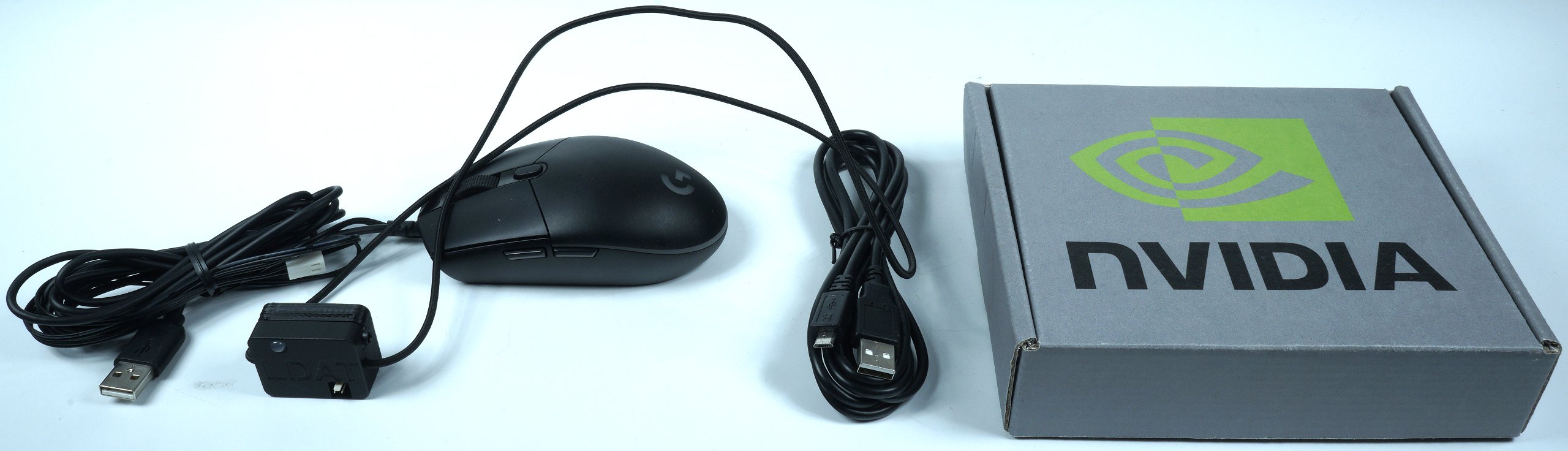
It marks all my devices as direct to CPU, I don't know if that's true or if it's just messing with my PC because it's experimental or whatever.
But anyway, I'm glad it doesn't make me feel like I need to fix a problem that I doubt I would have noticed at all.
It marks all my devices as direct to CPU, I don't know if that's true or if it's just messing with my PC because it's experimental or whatever.
But anyway, I'm glad it doesn't make me feel like I need to fix a problem that I doubt I would have noticed at all.
Would this even benefit someone with a display that has 0.03ms latency?
I really feel it's helped me in Expedition 33. I am parrying everything so easily. Placebo, maybe?
Would this even benefit someone with a display that has 0.03ms latency?
I really feel it's helped me in Expedition 33. I am parrying everything so easily. Placebo, maybe?
Also consider that usually, the manual of your motherboard will list the USB ports that are connected directly to the CPU.
For example, mine just states that the USB CPU ports are colored in red. Makes it much easier to find which ones are which.
Also consider that usually, the manual of your motherboard will list the USB ports that are connected directly to the CPU.
For example, mine just states that the USB CPU ports are colored in red. Makes it much easier to find which ones are which.
After the last article about system latency (NVIDIA Reflex & Boost vs. Radeon Boost and ZERO vs. AMD Anti-Lag), we should urgently discuss a few things about testing. So today we’re going to take a…
www.igorslab.de
Here you can see there is zero real world latency difference between using CPU and chipset USB ports
Yeah this is more of an OCD thing, it's not going to make any noticeable difference but it's nice to know you're squeezing the absolute best from the hardware.
About zero point zero seconds and something which will be completely invisible unless you're playing some Counter-Strike locked on a 500Hz monitor.
A nice tool though.