• Hey Guest. Check out your NeoGAF Wrapped 2025 results here!

Considering trading Switch for ROG Xbox ally (white one)

No, old base ally is not worth it. Too many issues even if you dont like sw2 that much

AGRacing AGRacing what did you have issue with non steam games? You can just download game repacks, unzip them while desktop mode and add .exe to steam and just enable proto compat. 99.9% will work just like that. If game needs installed(like gog, repacks wtc) its same process. Add exe to steam, launch it and select your local or sd storage to install, then just replace path and repeat first step.
 
Last edited:
No, old base ally is not worth it. Too many issues even if you dont like sw2 that much

AGRacing AGRacing what did you have issue with non steam games? You can just download game repacks, unzip them while desktop mode and add .exe to steam and just enable proto compat. 99.9% will work just like that. If game needs installed(like gog, repacks wtc) its same process. Add exe to steam, launch it and select your local or sd storage to install, then just replace path and repeat first step.
I was trying to play epic store, GOG, Ubisoft store, etc. I'm old and have a lot of owned games across many storefronts. There were solutions that would temporarily work for some games (junk store, etc) and then a steam update would break it or something else.

There are workarounds plenty… but once you get into those the argument of it being "simpler" than the Windows setup is dead IMO. You're installing dependencies, etc. A game won't boot with zero explanation. Then you're cycling through proton version and you might find one that works. It's simple - but only for steam native titles that show compatibility with Deck. That may fit what someone wants and it may not.

I haven't had a single issue installing any game from any source on my Xbox Ally X - can play anti cheat games and they all integrate very well with the Xbox interface which I like. I also installed Emudeck on this machine as well and it's been great.

So, for what I wanted, better.
 
I was trying to play epic store, GOG, Ubisoft store, etc. I'm old and have a lot of owned games across many storefronts. There were solutions that would temporarily work for some games (junk store, etc) and then a steam update would break it or something else.

There are workarounds plenty… but once you get into those the argument of it being "simpler" than the Windows setup is dead IMO. You're installing dependencies, etc. A game won't boot with zero explanation. Then you're cycling through proton version and you might find one that works. It's simple - but only for steam native titles that show compatibility with Deck.
Just trowing this out there so some people might not be mislead, but Heroic launcher does what you explained there. Sure not gonna be as straightforward as using windows what its meant for.

Also there are no steam native games, all those games are pc games and they use proton, like all of them unless you have some odd one that have native linux version(and theres not many). Protondb plugin will show you compactability for all games in your library and usually you just use latest proton version as they are just getting updated for new support all the time.

Again, not as straightforward as windows, but sd is plenty basic.
 
Just trowing this out there so some people might not be mislead, but Heroic launcher does what you explained there. Sure not gonna be as straightforward as using windows what its meant for.

Also there are no steam native games, all those games are pc games and they use proton, like all of them unless you have some odd one that have native linux version(and theres not many). Protondb plugin will show you compactability for all games in your library and usually you just use latest proton version as they are just getting updated for new support all the time.

Again, not as straightforward as windows, but sd is plenty basic.
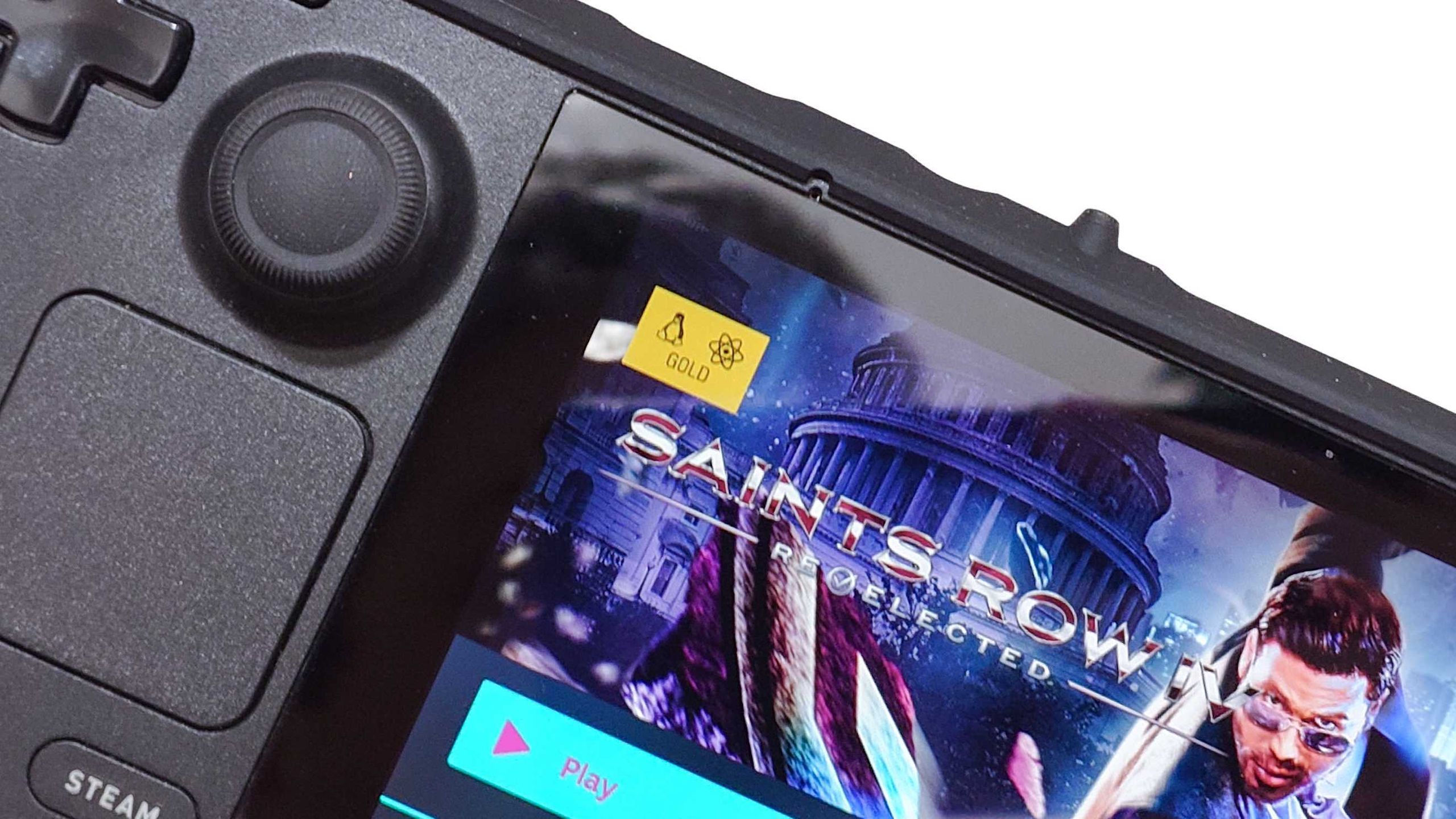
By "steam native" I mean games you own on Steam that have a compatibility profile (the green checkmark) that you just download and run.

I just don't want anyone who is claiming the Deck is easier to use (I don't think you are) in the next breath saying "oh go over to heroic launcher and do this". Heroic launcher is not difficult for someone who has been into computers for 20 years but it's certainly no picnic for someone who is a gamer first and an OS or computer expert second.
 
By "steam native" I mean games you own on Steam that have a compatibility profile (the green checkmark) that you just download and run.

I just don't want anyone who is claiming the Deck is easier to use (I don't think you are) in the next breath saying "oh go over to heroic launcher and do this". Heroic launcher is not difficult for someone who has been into computers for 20 years but it's certainly no picnic for someone who is a gamer first and an OS or computer expert second.

Oh yeh, surely. SD is enthusiast device, but theres 5min guides on yt for all, its all stuff you learn same as everything.
Also green checkmark is useless, most devs dont bother submitting games for checks and sometimes ones who does get approval while being horribly performant. It was mislead a lot by media during sd launch how theres ''unsupported games'''because of just that one small icon, but like any normal game that doesnt have kernel level anti cheat it will work 99% of time. This is why protondb plugin is recommended

Pob38gszR8y6TGj5yj6iSk-2560-80.jpg
 
Top Bottom