• Hey Guest. Check out your NeoGAF Wrapped 2025 results here!

iPhone 4S |OT|

Status
Not open for further replies.
knitoe said:
Disable fetching. Double click the home button. Remove all the apps. See if you get any battery drain. If still yes, do a restore through iTunes.

I had all apps running in the background removed already. I did disable fetching just now, will see how it goes.
 
Stumpokapow said:
This morning at 4:57, Louisville. I suspect it'll make it into Canada tonight. I'm just hoping for a Monday delivery :/
Should have gone for an in-store pickup. I doubt the 4S is selling out anywhere.
 
iRingtones is a $1.99 app in the mac app store that makes creating ringtones simple as hell. Drop any sound into there and it will convert it and put it into iTunes. If you put in a song you cans elect which part of it you want. I think it's definitely worth the purchase.
 
Stumpokapow said:
This morning at 4:57, Louisville. I suspect it'll make it into Canada tonight. I'm just hoping for a Monday delivery :/


I love how my phone went from China to Concord, On in one day (got there Friday morning) - and now has to wait in a fucking warehouse for three days.
 
layzie1989 said:
iRingtones is a $1.99 app in the mac app store that makes creating ringtones simple as hell. Drop any sound into there and it will convert it and put it into iTunes. If you put in a song you cans elect which part of it you want. I think it's definitely worth the purchase.

I'll look into that. Thanks. Still shouldn't have to pay for this though :p
 
Cloudy said:
That is still a lot of hassle compared to just letting you browse songs on your phone like I could do on my previous phone. I change ringtones often :p

-convert song of choice to aac (m4a) in itunes (make sure the songs are around 30 seconds, i personally use audacity to trim them down to exactly what i want, but you can use itunes to manually specify as well)
-drag out the newly converted aac file onto your desktop
-rename it from .m4a into .m4r
-delete the aac song in your library (itunes sometimes screws this up for me so i delete the converted m4a file in itunes first)
-re-add the m4r file and it should show up in your ringtones folder
-done.

stealth edit - iringtones for $1.99 is a good purchase as well if you want a hassle free method. :)
 
I've been enjoying the phone, but whenever it's plugged into the pc it's causing crashes and errors for my pc which is kinda a bummer.
 
Cloudy said:
This is pretty lame how I can't easily use my own songs for ringtones. I'm not paying $1 for a ringtone lol


1. Convert track to ACC
2. Open in finder
3. Rename file append to .m4r
4. Go to itunes, and remove, but do not delete from computer
5. Go back to same spot in finder, re-open the .m4r file
6. File will open in itunes as a ringtone
7. have fun
 
So.. iPhone contact syncing. Is there an easy to to get iOS5 to automatically sync Facebook contact info to my phone? The built in FB friends sync isn't pulling any of my contacts down. Coming from WebOS, this is a little confusing. All I had to do with that was add my various accounts and it pretty much did the rest and kept things up to date as people changed info.

I think I need an IOS5 newbie guide or something to read through. :P
 
samoset said:
I've been enjoying the phone, but whenever it's plugged into the pc it's causing crashes and errors for my pc which is kinda a bummer.
That shouldn't be happening. Uninstall and reinstall Itunes. Try different USB slot of the cable. Try a different cable.
 
LqBLw.png
 
Is there a way to get the delete option on gmail instead of archive (unless you go in the all mail folder?)

edit: nm found it
 
Cloudy said:
That is still a lot of hassle compared to just letting you browse songs on your phone like I could do on my previous phone. I change ringtones often :p

I guess we have different ideas about what "a lot of hassle" is.
 
I'm having strange battery issues too. How do you disable fetching?

When you double click the home button are all of your apps supposed to be in there? Are they all running in the background? O_o
 
My friend offered me a line on his phone plan and pay 40 a month for unlimited. I've been with AT&T for ages and have been using a blackberry pearl for five or so years. I am so tempted to take him up on his offer and get a 4S. I wonder if they will be sold out in sprint for a long time. Well, I should actually go up there to see.
 
I'm considering getting an iPhone 4S to replace my Droid X, but I have a few concerns because my life is pretty tied into the Google infrastructure. My biggest question is about how Google Voice for iOS works. I like that I can tie the Android Voice app into the dialer to dial through a local Voice number for international calls. Is this possible with the iOS version?
 
Chuck said:
I'm having strange battery issues too. How do you disable fetching?

When you double click the home button are all of your apps supposed to be in there? Are they all running in the background? O_o
Should be in Settings > Mail > Fetching.

Yes. Apps are suppose to be in suspended mode so they can quickly load up, but sometimes they aren't and can drain battery while sitting there. Big one is facebook. Just remove them.
 
Lambtron said:
I'm considering getting an iPhone 4S to replace my Droid X, but I have a few concerns because my life is pretty tied into the Google infrastructure. My biggest question is about how Google Voice for iOS works. I like that I can tie the Android Voice app into the dialer to dial through a local Voice number for international calls. Is this possible with the iOS version?

Sprint has GV integration so it's not an issue if you have that carrier
 
Chuck said:
I'm having strange battery issues too. How do you disable fetching?

When you double click the home button are all of your apps supposed to be in there? Are they all running in the background? O_o
No, as soon as you exit an app. It closes. The iOS just saves a little for easy resuming of the app. There is no apps that actually run in the background.
 
knitoe said:
Should be in Settings > Mail > Fetching.

Yes. Apps are suppose to be in suspended mode so they can quickly load up, but sometimes they aren't and can drain battery while sitting there. Big one is facebook. Just remove them.
Thanks for your response. How do you remove the apps from the double tap scrolling menu?

fake edit: thanks to you too, ecurbj
 
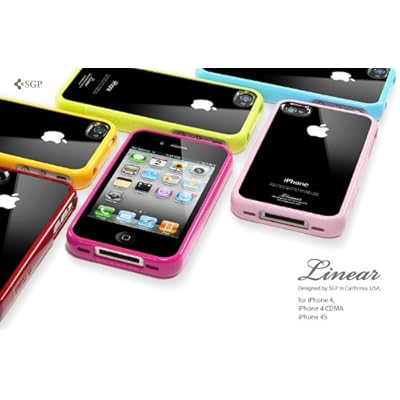
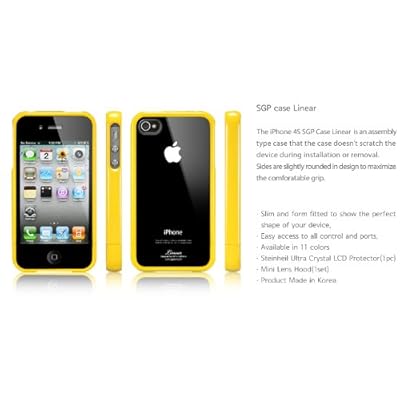
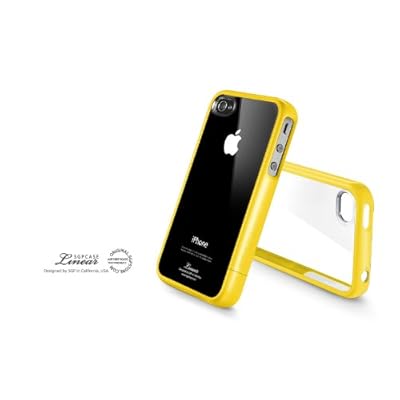
So, where are you guys getting your cases? I've typically never been one to buy a case for my phone (I figured, what's the point of preserving the look of a beautiful phone if it's going to always be covered up with a case, anyway?) but I'm toying around with the idea of one now.
 
Still annoyed by the small rattling sound when the upper back of the phone gets tapped. Does everyone else have this too?
 
Chuck said:
Thanks for your response. How do you remove the apps from the double tap scrolling menu?

fake edit: thanks to you too, ecurbj
Hold one of the apps. They will begin to wiggle with a "--" at the top of them. Just press the "--".
 
Chuck said:
Thanks for your response. How do you remove the apps from the double tap scrolling menu?

fake edit: thanks to you too, ecurbj
Press on screen until screen shocks. Then, you should see X to remove them. Like I said, if you are experiencing battery issue, remove those apps. They are suppose to be in suspended mode, but sometimes they are not and draining battery.
 
Shurs said:
Still annoyed by the small rattling sound when the upper back of the phone gets tapped. Does everyone else have this too?

I never noticed it till you mentioned that but yeah, it's there. Why would you tap the phone though?
 
starchild excalibur said:
So, where are you guys getting your cases? I've typically never been one to buy a case for my phone (I figured, what's the point of preserving the look of a beautiful phone if it's going to always be covered up with a case, anyway?) but I'm toying around with the idea of one now.
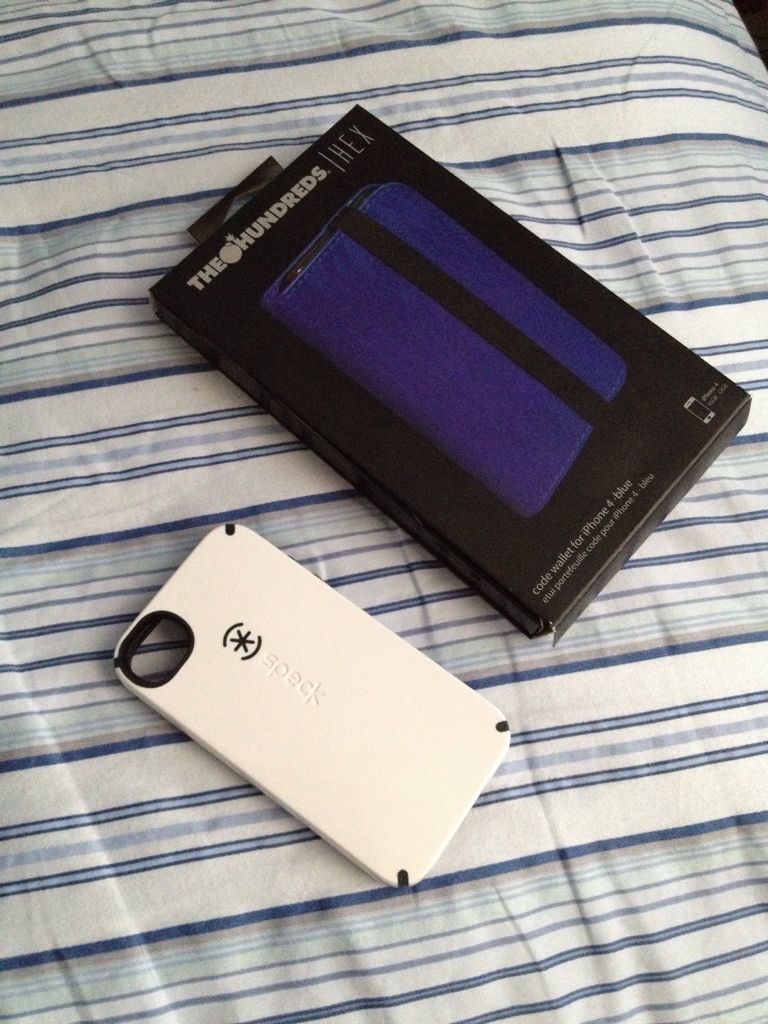
Been going back and fourth regarding cases, but I got both of these yesterday:

7de3e615.jpg


Currently going with the Speck Candyshell right now.
 
Cloudy said:
I never noticed it till you mentioned that but yeah, it's there. Why would you tap the phone though?

This is a fair question for I don't have a good answer.

I noticed it immediately yesterday when I took it out of the box. I guess I just wanted to make sure that nothing was loose, as the iPhone box was placed in the shipping box with no padding around it.

I actually took it to the Apple Store and was told that all iPhones make this noise; though this was after they took it to the back and opened it up to make sure there was nothing loose inside. That they didn't just flat out tell me that all iPhones make this noise before they expressed concern and had a look at it made me a bit dubious.
 
Any tips on battery life besides brightness? I've been playing with it a lot but I've had to charge it twice already. Seems odd since I haven't been watching videos
 
Cloudy said:
Any tips on battery life besides brightness? I've been playing with it a lot but I've had to charge it twice already. Seems odd since I haven't been watching videos

are your settings default or did you change anything?

I have a Verizon iPhone 4 with iOS5 with default settings and i can get 10+ with normal use. That's with a few videos every now and then and Safari browsing and texting. I have the brightness at default and auto on.
 
Cloudy said:
Any tips on battery life besides brightness? I've been playing with it a lot but I've had to charge it twice already. Seems odd since I haven't been watching videos

Pretty sure Bluetooth is enabled by default. Turn that off if you aren't using it.
 
Cloudy said:
Any tips on battery life besides brightness? I've been playing with it a lot but I've had to charge it twice already. Seems odd since I haven't been watching videos
Don't play with it so much ;) Also turn off location services for apps that don't really need it. Don't auto push data etc. Turn off Bluetooth and if you have a good plan stay on 3G instead of Wifi.
 
MrCompletely said:
Scribblenauts won't start up on my 4S, the app crashes/goes to desktop on the startup splash screen everytime. Worked fine on my 3GS, everything else works fine on my 4S
it's bugged out with ios 5 right now. dev said they're working on a fix.
 
Status
Not open for further replies.
Top Bottom